Denon AH-GC20 User Manual
Page 27
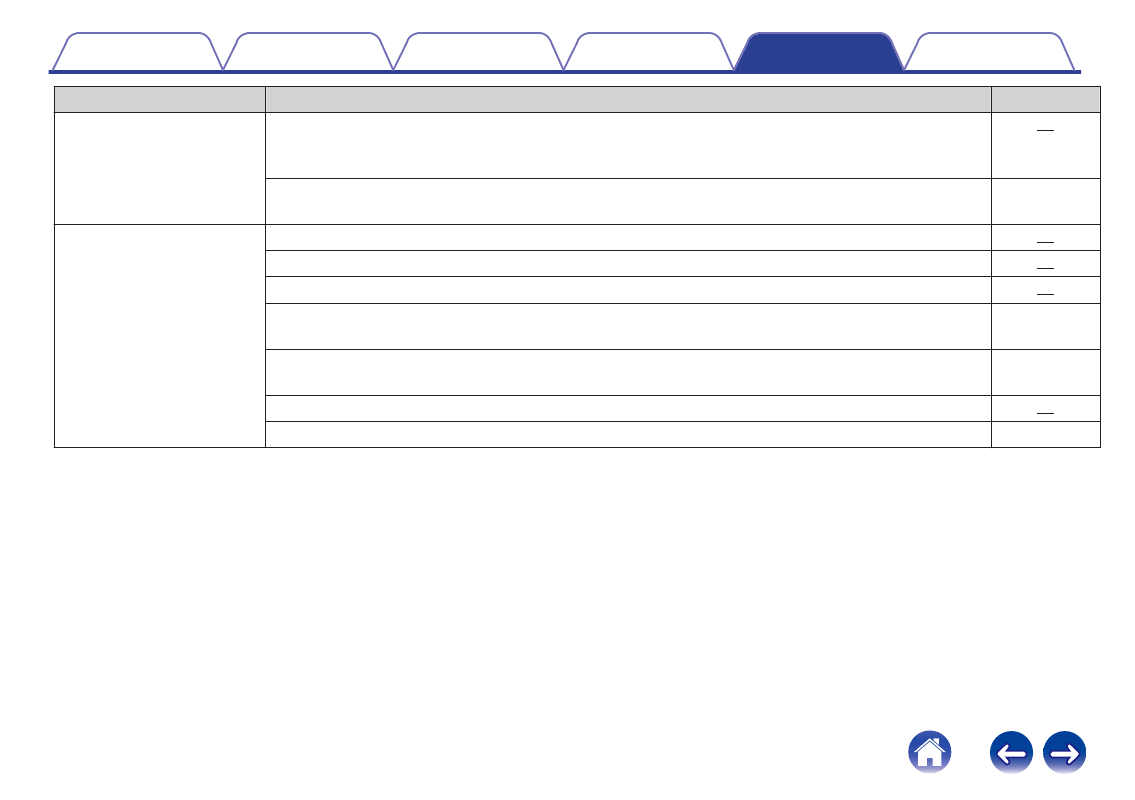
Symptom
Cause / Solution
Page
Cannot operate the Bluetooth
device using the headphones.
0
Remove the cable from the headphones if the headphones and Bluetooth device are connected using a
cable. The Bluetooth function of the headphones is automatically turned off when the headphones are
connected using a cable.
0
The headphones are reset when the supplied USB cable is connected to the headphones. Pairing
information with Bluetooth devices is not deleted even when the headphones are reset.
-
Cannot hear the caller’s voice.
0
When listening to audio through the headphones, press the call button to switch to the call.
0
Check that the power of the headphones is switched on.
0
Check that the power of the Bluetooth device is on and the Bluetooth function is enabled.
0
Select HSP or HFP as the Bluetooth connection profile on the transmitting Bluetooth device. For details,
see the Owner’s Manual of the Bluetooth device.
-
0
Check that the Bluetooth device is set to handle calls through the headphones. For details, see the
Owner’s Manual of the Bluetooth device.
-
0
Increase the incoming call volume.
0
Increase the volume on the Bluetooth compatible mobile phone.
-
27