Nikon Coolpix L31 User Manual
Page 57
E
7
Re
fe
ren
ce
S
e
ct
io
n
Effects can be applied to images during shooting.
* The icon of the last effect selected is displayed.
* Hue is not applied to movies.
• The camera focuses on the area in the center of the frame.
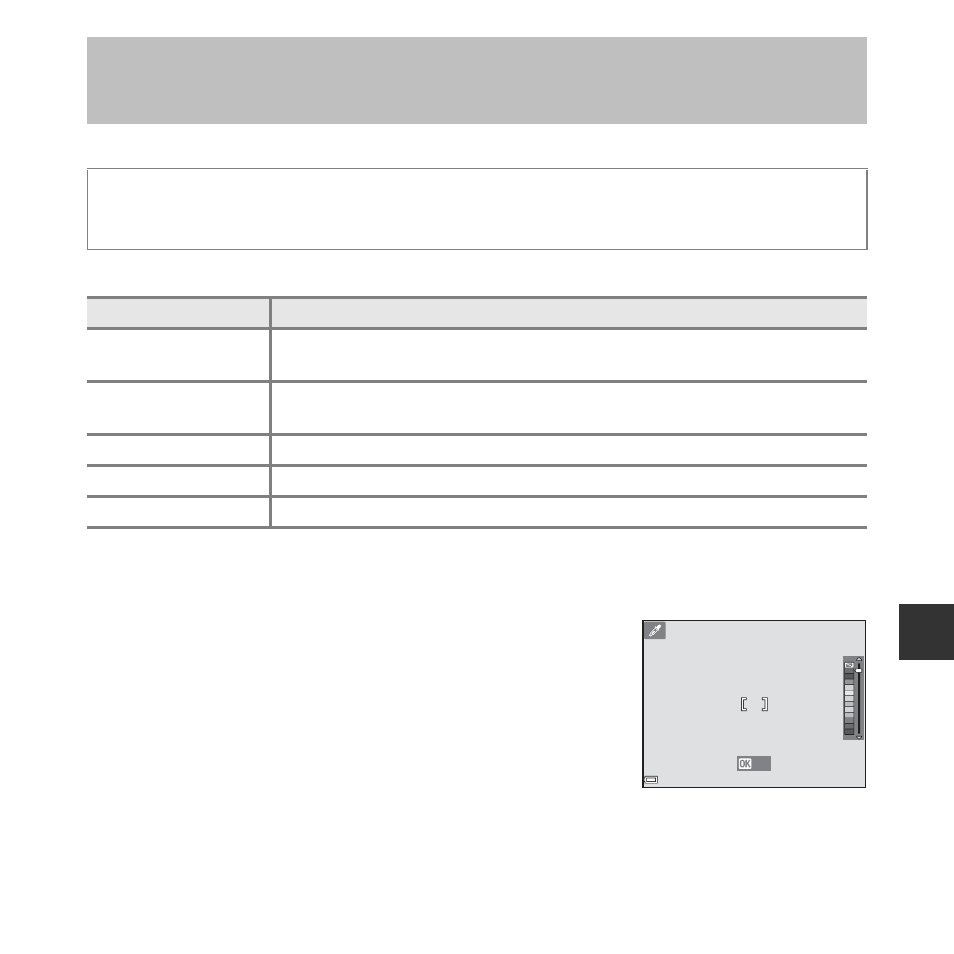
• When Selective color is selected, use the multi selector
HI to select the desired color, and press the k button to
apply the color. To change the color selection, press the
k button again.
Special Effects Mode (Applying Effects When
Shooting)
Enter shooting mode
M A (shooting mode) button M E (third icon from the top*) M
K M HI M select an effect M k button
Type
Description
E Nostalgic sepia
(default setting)
Adds a sepia tone and reduces the contrast to simulate the qualities of an
old photograph.
F High-contrast
monochrome
Changes the image to black and white and gives it sharp contrast.
I Selective color*
Creates a black and white image in which only the specified color remains.
l Pop*
Increases the color saturation of the entire image to create a bright look.
y Cyanotype
Changes the color of the entire image into blue monotone.
Save
Save