FujiFilm X-M1 User Manual
Page 109
93
Co
n
n
e
ct
io
n
s
Location Data
Recording Location Data with Pictures
Recording Location Data with Pictures
To save location data with new pictures:
1
Download data on your current location from a smartphone (
P 92).
2
Select ON for
U GEOTAGGING SET-UP > GEOTAGGING.
3
Take pictures. The location data acquired in Step 2 will be added to the new images.
The camera will display the latitude and longitude of the most recently acquired lo-
cation. In addition, a
i icon will be displayed if location data have been updated
in the last two hours; if the time elapsed since the last update is more than two
hours, the
i icon will fl ash. A
j
icon indicates that no location data are available.
R To disable geotagging, select OFF for U GEOTAGGING SET-UP > GEOTAGGING. To choose whether the
camera displays the current location, use
U GEOTAGGING SET-UP > LOCATION INFO.
Q The camera uses the most recently downloaded data; if you have changed your location since you last took
a picture, download data for the current location before shooting. Note that the camera automatically stops
recording location data three hours after the last update.
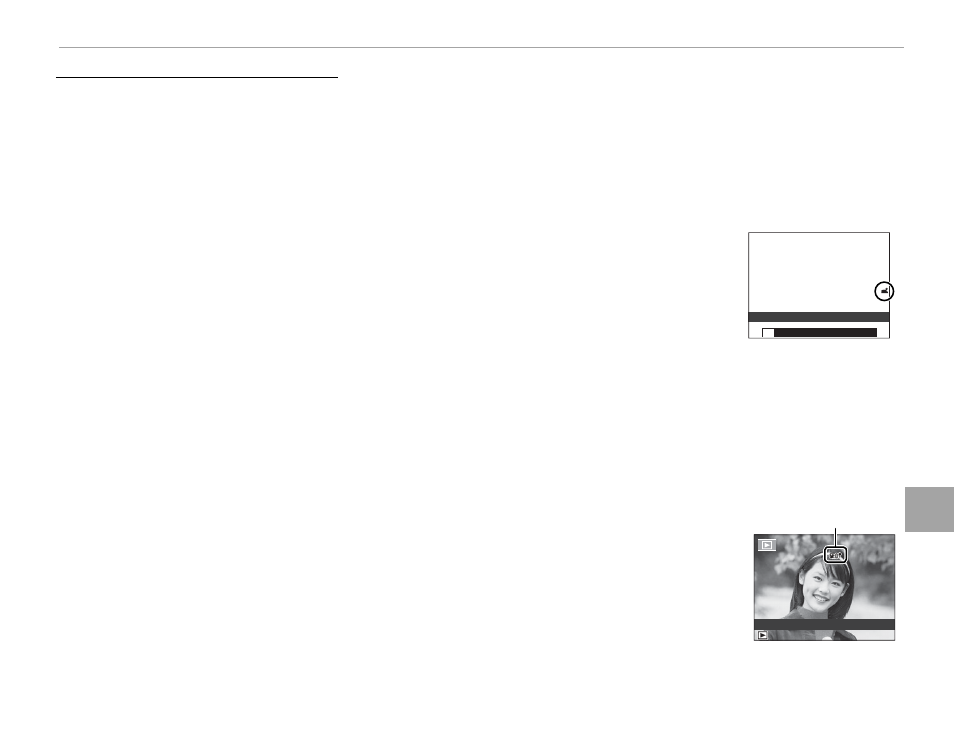
■ Viewing Location Data
During playback, pictures for which location data exist are indicated by a
k icon.
Location data are shown for a few seconds each time the picture is displayed.
k icon
100-0001
100-0001
N 35° 66’ 55”
E 139° 73’ 04”
N 35° 66’ 55”
E 139° 73’ 04”
P