Sharp PN-U423 User Manual
Page 32
32
E
Controlling the Monitor with a PC (RS-232C)
n
Commands for ID control
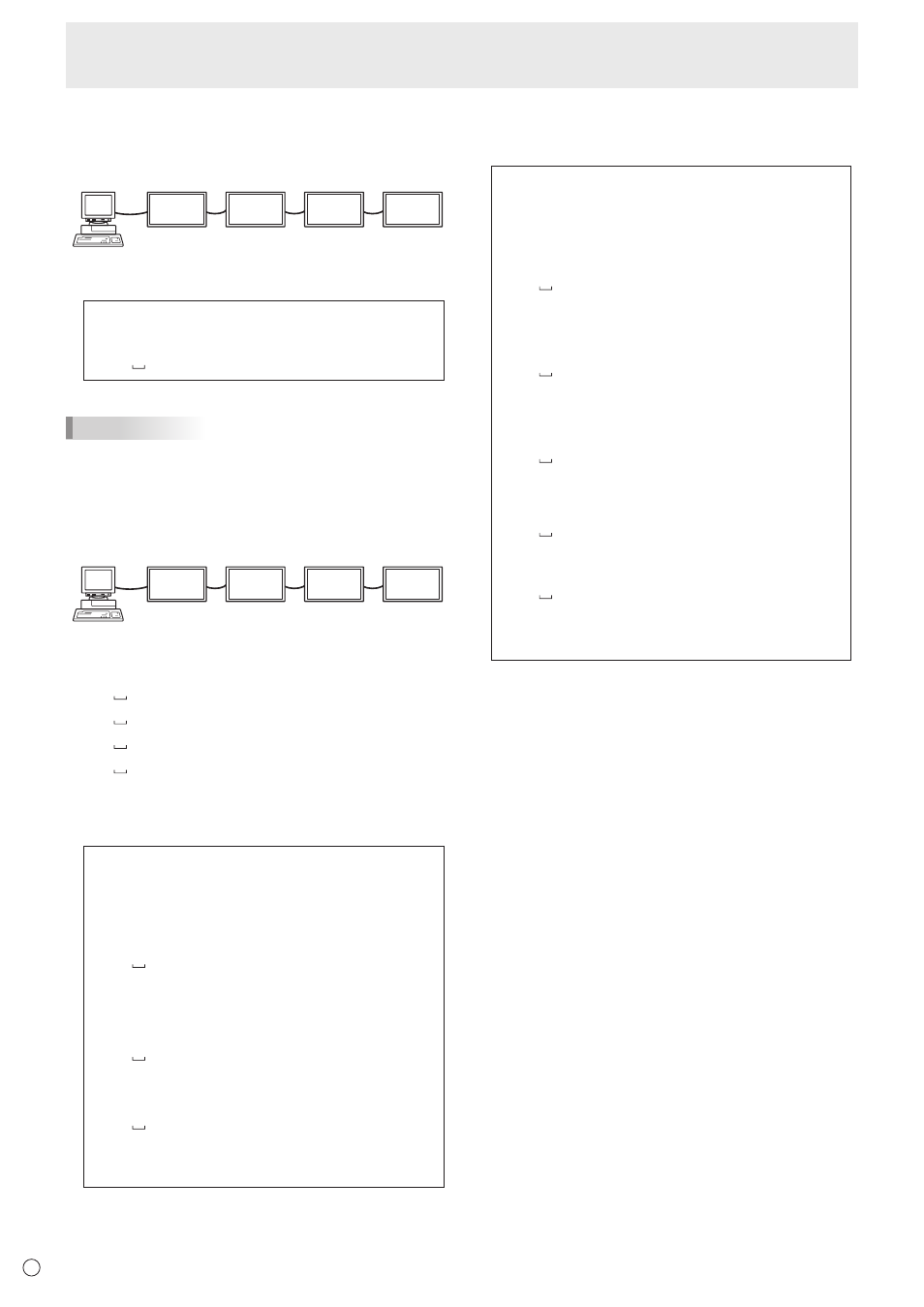
The command examples shown on this page assume the
following connection and ID number set up.
ID number: 1 ID number: 2 ID number: 3 ID number: 4
IDST ......... A monitor receiving this command sets its own ID
number in the parameter field.
Example:
IDST0001
OK 001 ←
The ID number of this monitor is set to 1.
TIPS
You can automatically assign ID numbers by using the IDST
command with the Repeater control (see “Repeater control”
on page 33).
For example, using the command “IDST001+” automatically
sets the ID numbers, as shown below.
[Example]
ID number: 1 ID number: 2 ID number: 3 ID number: 4
IDST001 +
←
ID setting command with repeater control
WAIT
OK 001
←
“OK” response from ID number: 1
OK 002
←
“OK” response from ID number: 2
OK 003
←
“OK” response from ID number: 3
OK 004
←
“OK” response from ID number: 4 (End)
IDSL ........The parameter of this command sets the ID number
of the monitor. The monitor is subject to the next
command.
Example:
IDSL0002
←
The next command is for the monitor
with ID number: 2.
WAIT
←
Searching for monitor with ID number:
2
OK 002
←
Found monitor with ID number: 2
VOLM0030
←
Sets volume of monitor with ID
number: 2 to 30.
WAIT
←
Processing
OK 002
←
OK response from monitor with ID
number: 2
VOLM0020
←
Sets volume to 20.
OK 001
←
The volume of the monitor with ID
number: 1 (the one directly connected
to the PC) is set to 20.*
* The IDSL command is effective only once, for the
immediately succeeding command.
IDLK ........The parameter of this command sets the ID
number of the monitor. The monitor is subject to all
subsequent commands.
Example:
IDLK0002
←
Following commands are for the monitor
with ID number: 2.
WAIT
←
Searching for monitor with ID number:
2
OK 002
←
Found monitor with ID number: 2
VOLM0030
←
Sets volume of monitor with ID
number: 2 to 30.*
WAIT
←
Processing
OK 002
VOLM0020
←
Sets volume of monitor with ID
number: 2 to 20.*
WAIT
OK 002
IDLK0000
←
Canceling fixed ID number setting
WAIT
←
Canceling IDLK
OK 002
←
Cancelation complete
VOLM0010
OK 001
←
The volume of the monitor with ID number:
1 (the one directly connected to the PC) is
set to 10. (IDLK is canceled.)
* The IDLK command remains effective until it is
canceled, or power is shut off.