Mt/d-702 – 7” g5 touch panels, Mt-702 (tabletop), Mt-702 specifications – AMX MT-1002 Modero G5 Tabletop 10.1" Multi-Touch Panel User Manual
Page 17
Modero G5 Touch Panels - Installation & Hardware Reference Manual
17
| TOC
MT/D-702 – 7” G5 Touch Panels
MT-702 (Tabletop)
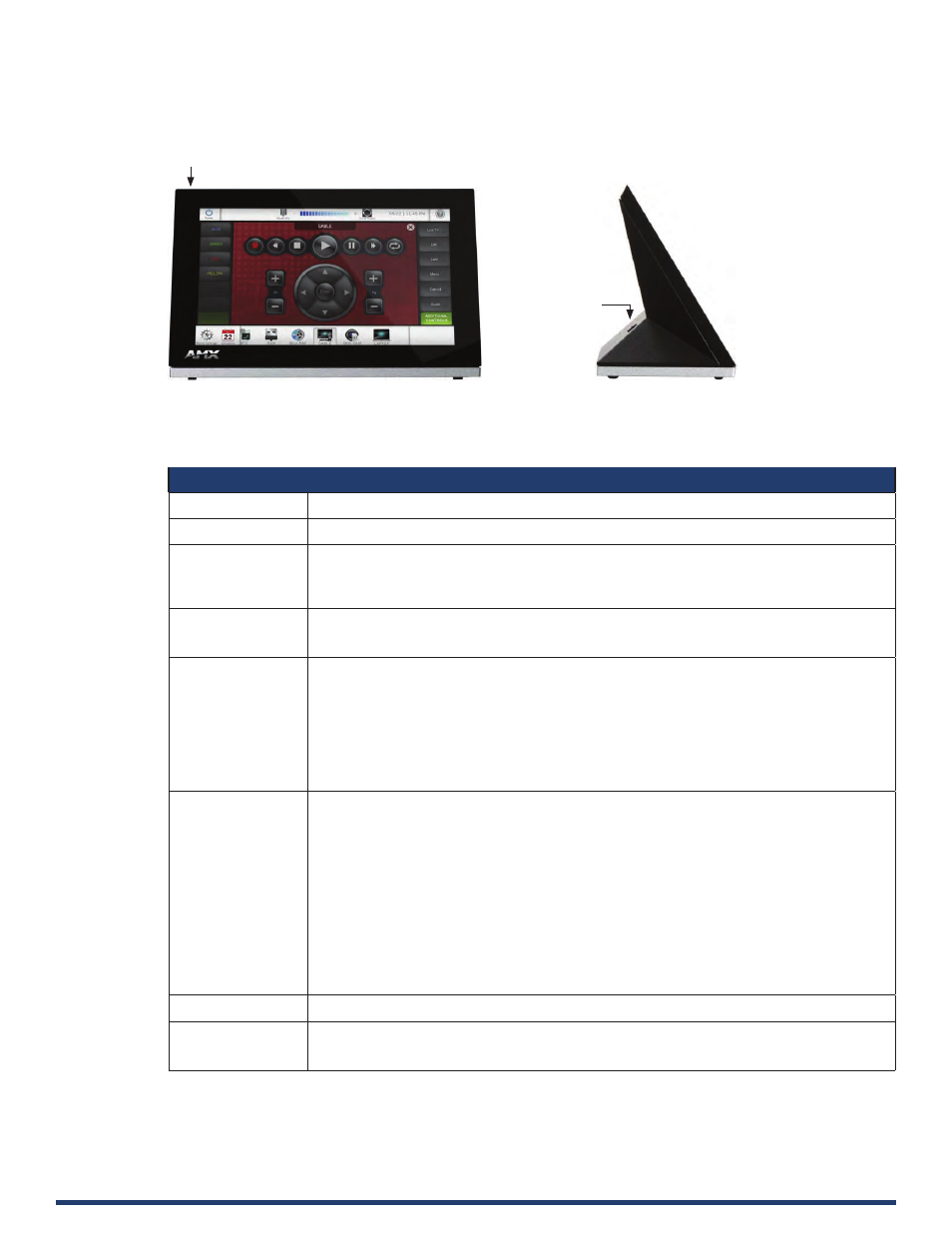
FIG. 10 MT-702
MT-702 Specifications
MT-702 Specifications
Dimensions (HWD)
4 1/2” x 7 3/8” x 3 3/16” (115mm x 188mm x 81mm)
Weight
1.4 lbs (.635 Kg)
Power Consumption
•
Full-On: 14.5 W maximum
•
Standby: 5.8 W
•
Shutdown: 1 W
•
Start-Up Inrush Current: Not applicable due to PoE standard
External Power
Supply Required
Optimal performance requires use of one of the following AMX PoE power supplies (not included):
•
PS-POE-AT-TC, PoE Injector, 802.3AT Compliant (FG423-84)
•
NXA-ENET8-POE+, Gigabit PoE Ethernet Switch (FG2178-64)
Certifications
•
FCC Part 15 Class B
•
CE EN 55032, 55035, 60950-1
•
IEC 60950-1
•
AS/NZS CISPR 32 Class B
•
IC CISPR 22 Class B
•
UL 60950-1
•
VCCI CISPR 22 Class B
•
RoHS
•
WEEE
Touch Screen Display
•
Display Type: TFT Active Matrix Color LCD with Fringe Field Switching (FFS) - Wide viewing angle
•
technology
•
Display Size (WH): Landscape: 7.3” x 4.8” (186 mm x 122 mm), 8.8” (222 mm) diagonal
•
Viewable Area (WH): Landscape: 6.05” x 3.54” (154 mm x 90 mm), 7.0” (178 mm) diagonal
•
Resolution: Landscape: 1024x600
•
Aspect Ratio: Landscape: 16:9
•
Brightness: 400 cd/m2
•
Contrast Ratio: 800:1
•
Color Depth: 16.7M colors
•
Illumination: LED
•
Touch Overlay: Projected capacitive, multi-touch support, 3 simultaneous max
Note: Touch Panel Aspect Ratio: While the touch panel screen physical dimensions fall between 16:9
and 16:10, any incoming video stream can be scaled to 16:9 if needed. This may lead to some letter
boxing around the video in some cases.
Viewing Angle
89°/89°/89°/89° (Up/Down/Left/Right)
Memory
•
SDRAM: 2 GB
•
Flash: 16 GB
•
Maximum Project Size: 12 GB flash, available for apps and touch panel files
Sleep Button
USB Port