21, “firmware version information”), Ratings system – Panasonic DMP-BD84P-K Full HD Blu-ray Disc Player User Manual
Page 21
- 21 -
The following items use the same password.
Don’t forget your password.
∫
DVD-Video Ratings
Set a ratings level to limit DVD-Video play.
∫
BD-Video Ratings
Set an age limit of BD-Video play.
∫
Easy Settings
You can execute basic settings.
∫
Display Settings
Press [OK] to show the following settings:
¾
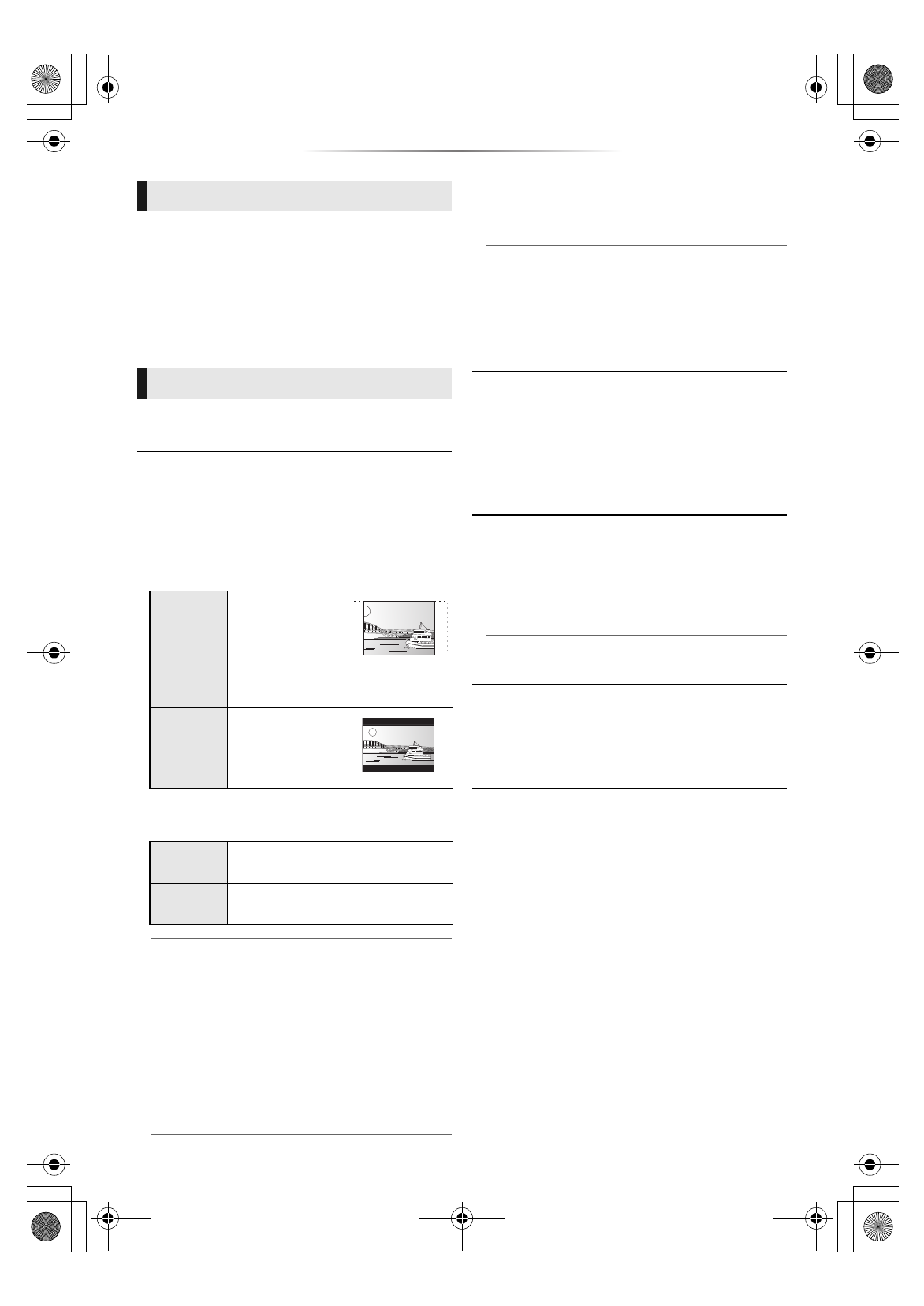
TV Aspect
Set to match the type of TV connected.
When connected to a 4:3 aspect TV and playing
16:9 ratio image:
When connected to a 16:9 widescreen TV and
playing 4:3 ratio image:
¾
Screen Saver Function
This is to prevent image retention on the
screen.
≥
When this is set to “On”:
If a list of playback content is displayed and
there is no operation for 10 minutes or more,
the screen switches to HOME menu
automatically.
≥
While playing and pausing, etc., this function
is not available.
¾
Status Messages
Choose whether to show status messages
automatically.
¾
HDMI CEC
Set to use “HDMI CEC” function when
connected to a device that supports “HDMI
CEC”.
≥
Select “Off” when you do not want to use
“HDMI CEC”.
∫
Quick Start
Speed of start-up from standby mode is
increased.
≥
When set to “On”, the internal control unit will be
powered and the idle power consumption will
increase so compared to when set to “Off”.
(Power consumption
∫
System Information
Press [OK] to show the following settings:
¾
License
Information about the software used by this unit
is displayed.
¾
Firmware Version Information
Display firmware version of this unit.
∫
Restore Default Settings
This returns all values in the Setup menu and the
Option menu to the default settings, except for
some settings, ratings, remote control code,
on-screen language, etc.
Ratings
System
4:3 Pan &
Scan
The sides are cut
off so the picture
fills the screen.
When playing
BD-Video, video is output as “4:3
Letterbox”.
4:3
Letterbox
Black bands
appear at the top
and bottom of the
picture.
16:9
Video is displayed as a 4:3 ratio
image in the center of the screen.
16:9 Full
Video is displayed as a
horizontally stretched 16:9 image.
DMP-BD90_TQBS0470_eng.book 21 ページ 2023年1月13日 金曜日 午前9時41分