Adjusting audio parameters, Adjusting analog audio input parameters, Adjusting analog audio input – Kramer 4x4 Audio and Dante Mixer User Manual
Page 24: Parameters
Kramer Electronics Ltd.
FC-404NETxl
– Using Embedded Webpages
22
Adjusting Audio Parameters
You can mute/unmute any of the inputs and outputs (as well as the monitor output) and adjust
additional audio parameters.
Adjusting Analog Audio Input Parameters
To adjust analog input parameters:
1. In the Navigation pane, click
Mixer
. The Mixer page appears.
2. Perform the following actions:
▪
Move the fader to adjust the audio input level.
▪
Toggle
/
to mute / unmute the input audio, respectively.
▪
Click
to select audio line in. (Analog inputs only).
▪
Click
to select dynamic microphone and
to select condenser microphone (the
title IN changes to MIC). (Analog inputs only).
Input parameters are adjusted.
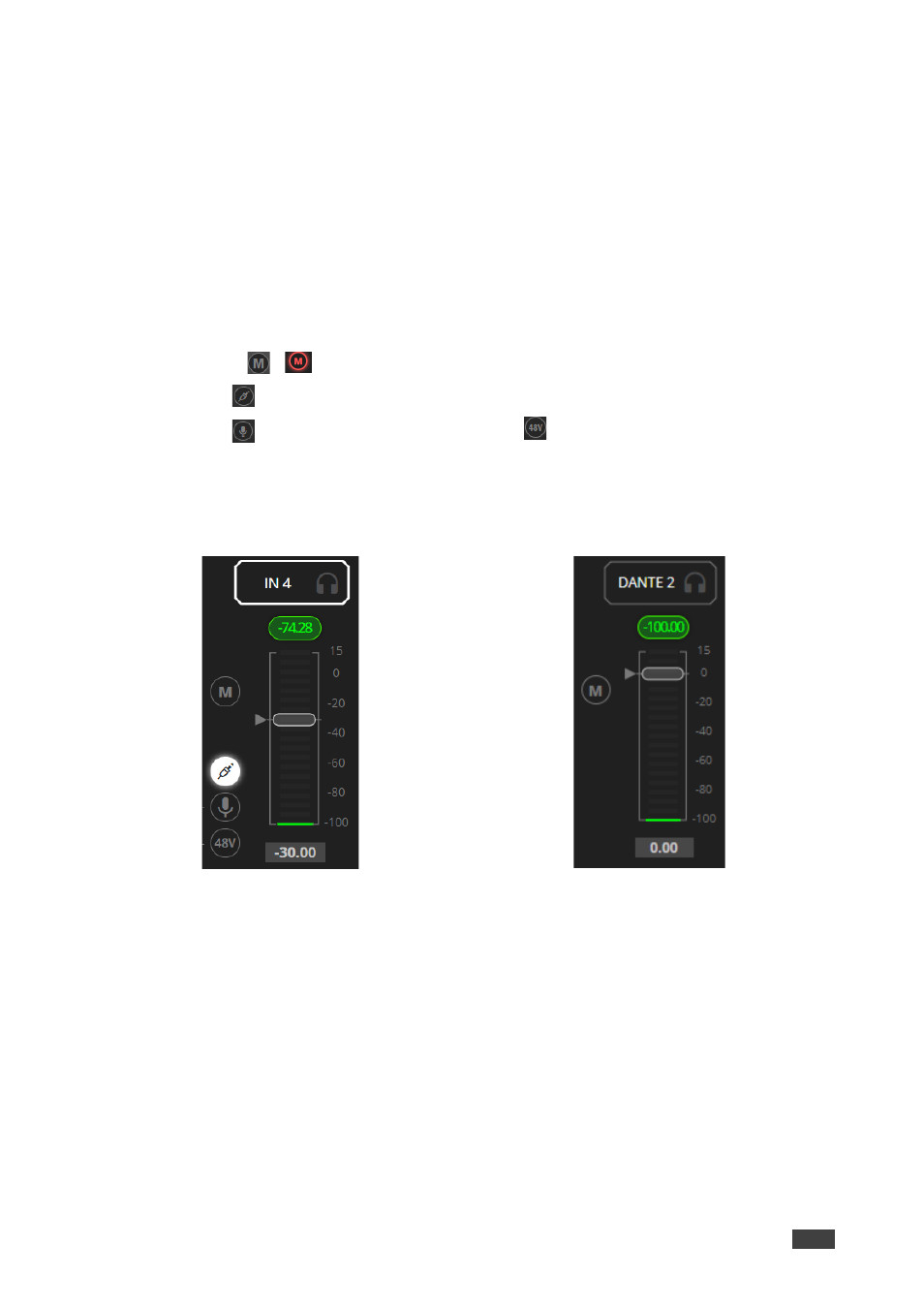
Figure 25: Mixer Page
– Processing Analog Audio Input
Figure 26: Mixer Page
– Processing Dante Input