Xbox one, Installation on xbox one – Thrustmaster T.Flight Hotas One Joystick User Manual
Page 5
4/10
XBOX ONE
INSTALLATION ON XBOX ONE
1.
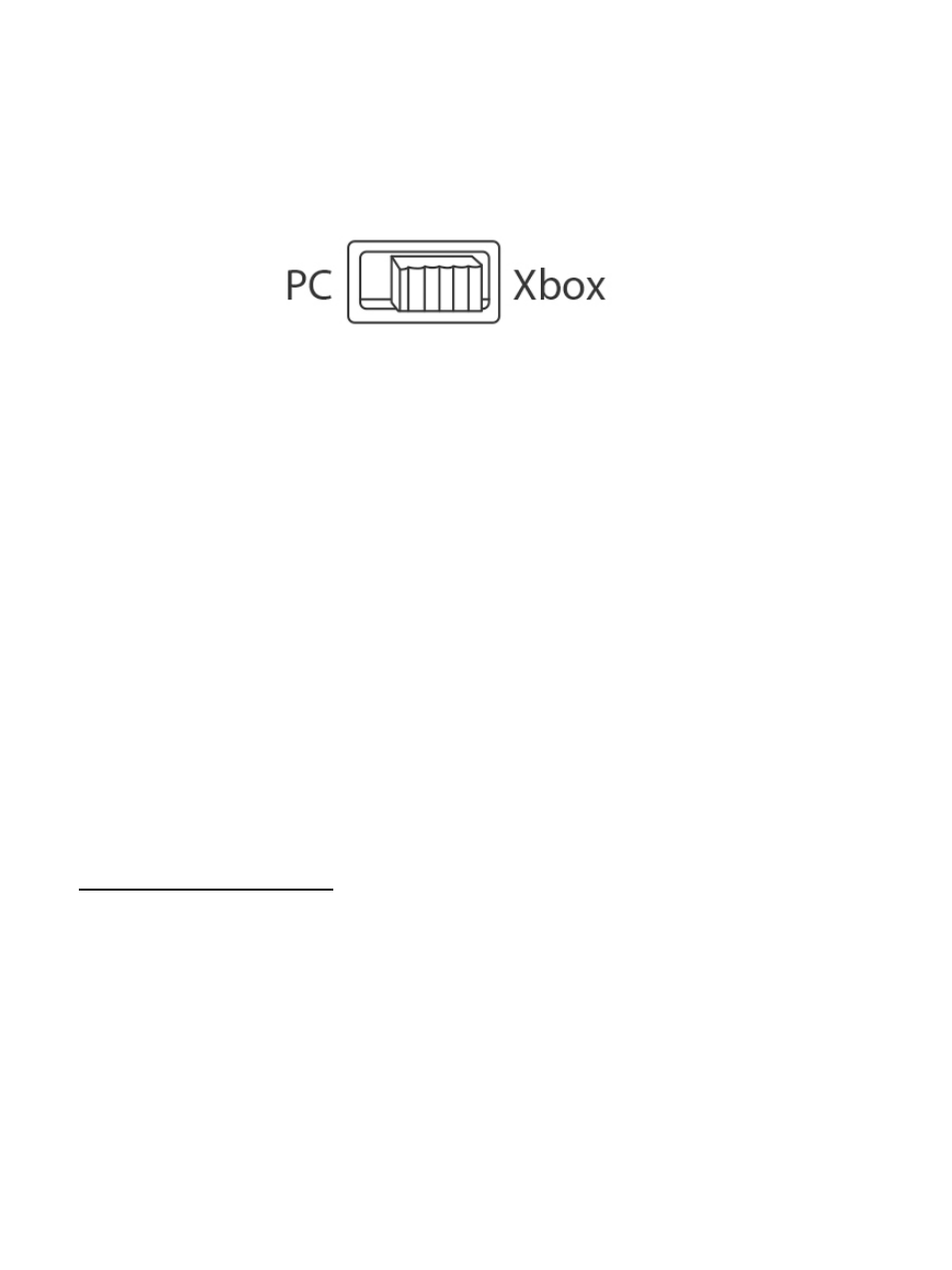
Set the selector switch
(12)
to
Xbox
before connecting the USB cable.
2.
Connect the USB connector
(2)
to one of your system’s USB ports.
3.
Switch on your console.
4.
The joystick’s LED indicator lights up in white.
5
. Launch a game that supports the Flight Stick mode.
You are now ready to play!
LIST OF COMPATIBLE XBOX ONE GAMES
On Xbox One, the T.Flight Hotas One:
- Is only compatible with the games that support the Flight Stick mode.
- Is recognized in games as a real joystick and not a gamepad, for better responsiveness
and enhanced precision, and possibility to access the joystick’s options in these games.
A list of Xbox One games compatible with the joystick is available at
http://support.thrustmaster.com. Go to Joysticks / T.Flight Hotas One, then select Games
Settings.
This list will be added to regularly, with the arrival of new Xbox One games compatible with
T.Flight Hotas One.