Installation on pc – Thrustmaster T.Flight Hotas One Joystick User Manual
Page 6
5/10
PC
INSTALLATION ON PC
1.
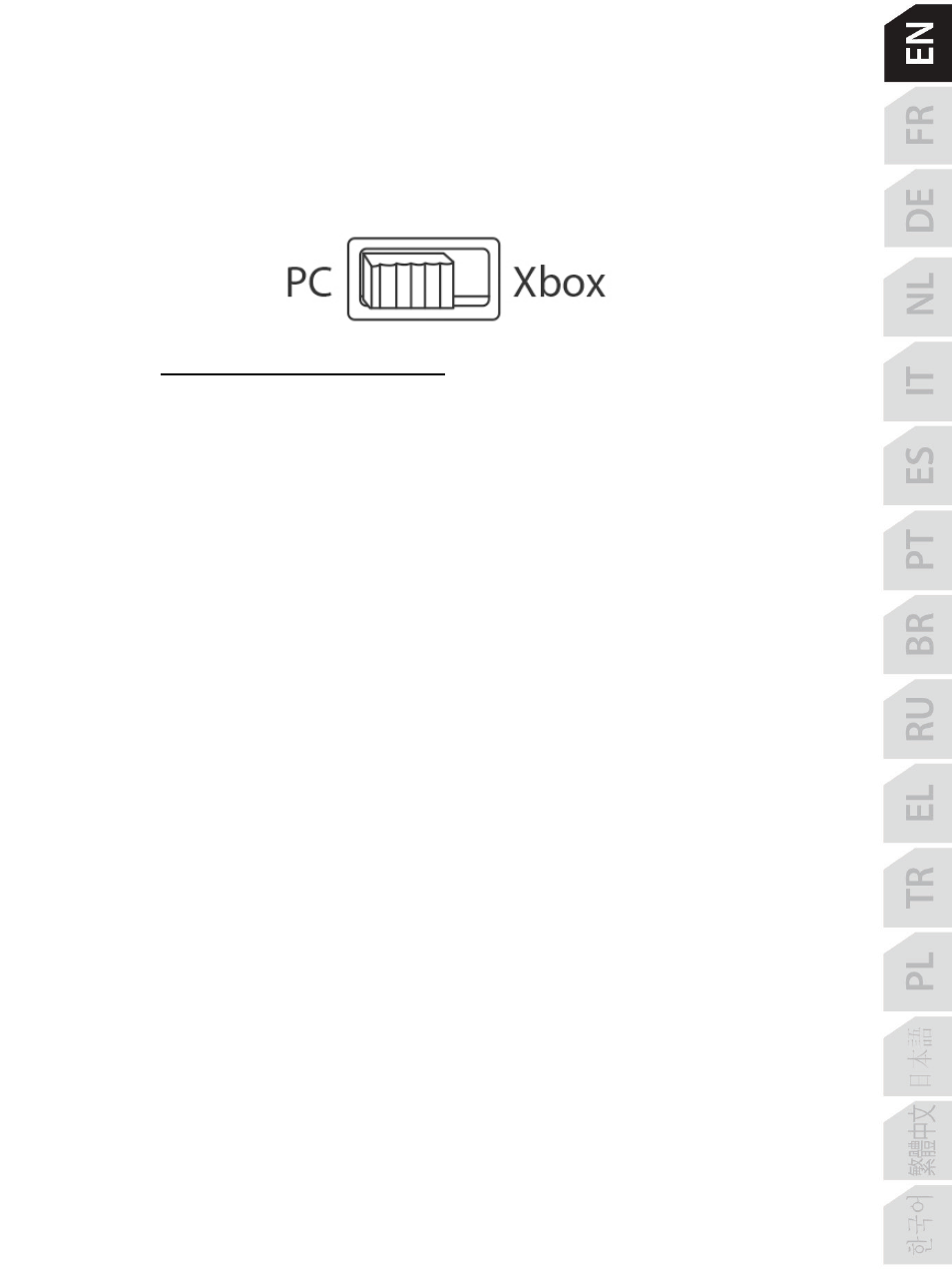
Set the selector switch
(12)
to
PC
before connecting the USB cable.
2.
Go to
http://support.thrustmaster.com/
.
Click
Joysticks
/
T.Flight Hotas One
, then
select
Drivers
. Download and install the PC driver and its customized interface for the
Windows Control Panel.
3.
Once the PC driver is installed, connect the USB connector
(2)
to one of your PC’s USB
ports.
4.
To access the Control Panel, select:
- Start / Apps / Thrustmaster / Control Panel
(in Windows® 10 / 8.1 / 8)
- Start / All Programs / Thrustmaster / Control Panel
(in Windows® 7)
The Game Controllers dialog box is displayed.
The device appears onscreen with the name T.Flight Hotas One and the status OK.
5.
In the
Game Controllers
dialog box, click
Properties
to test and view all functions.