Tracking, Start tracking – Panasonic Lumix S5 Mirrorless Camera User Manual
Page 105
5. Focus/Zoom
105
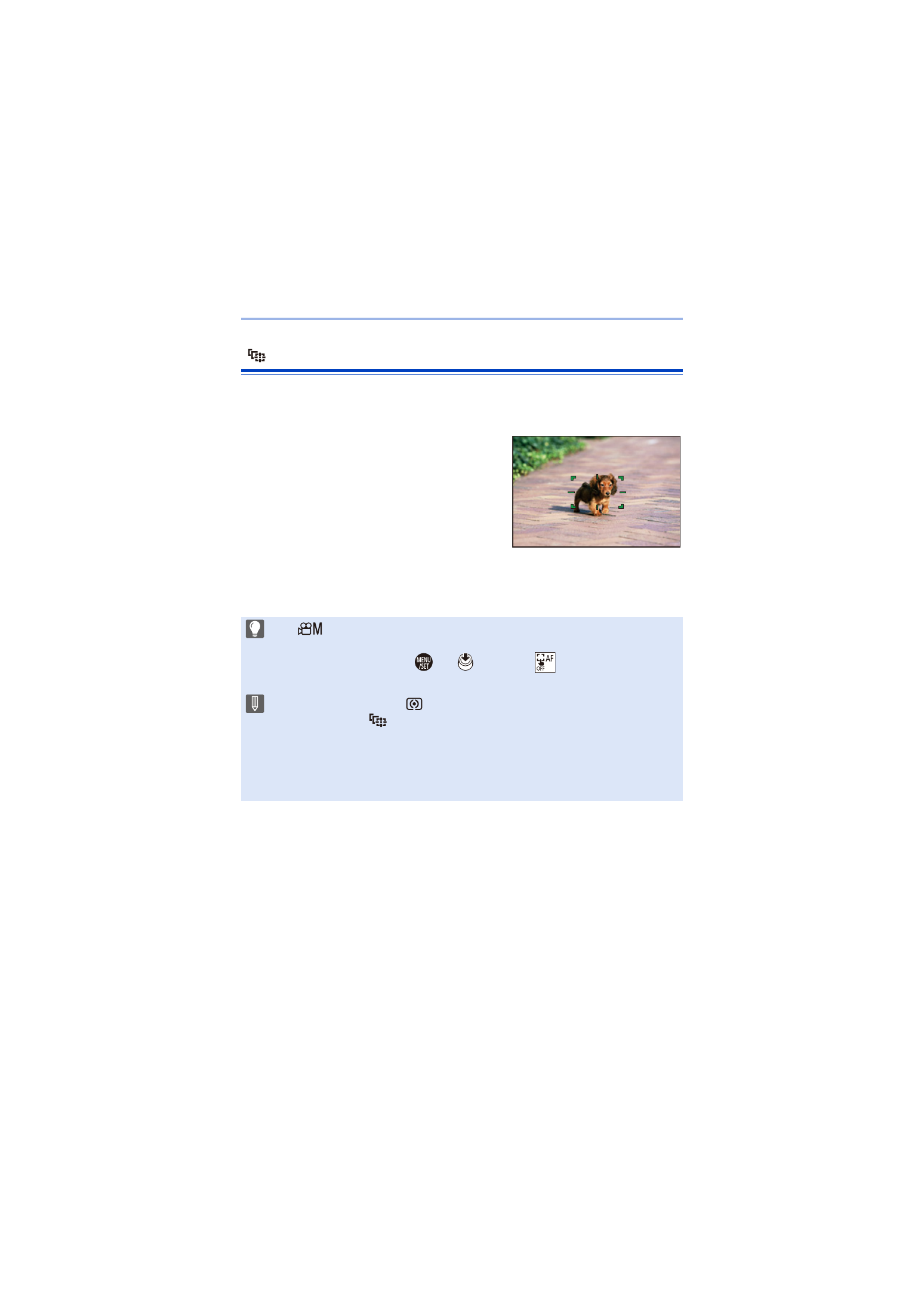
[Tracking]
When the focus mode is set to [AFC], the AF area follows the movement of
the subject, maintaining focusing.
Start tracking.
≥
Aim the AF area over the subject, and
press the shutter button halfway.
The camera will track the subject while
the shutter button is pressed halfway or
pressed fully.
0
If tracking fails, the AF area blinks red.
0
When set to [AFS], the focus will be on the AF area position. Tracking will not work.
0
In [
]/[S&Q] mode, while recording video, and while recording with [6K/4K
Burst(S/S)], tracking will continue even if the shutter button is released.
To cancel tracking, press
or
, or touch [
].
Tracking is also available with [AFS].
0
Set [Metering Mode] to [
] to continue to adjust the exposure as well.
0
In the following, [
] operates as [
Ø
]:
– [Monochrome]/[L.Monochrome]/[L.Monochrome D]/[Monochrome(HLG)]
([Photo Style])
– [Sepia]/[Monochrome]/[Dynamic Monochrome]/[Rough Monochrome]/[Silky
Monochrome]/[Soft Focus]/[Star Filter]/[Sunshine] ([Filter Settings])