Changing the zoom magnification button operation, Touch operation – Panasonic Lumix S5 Mirrorless Camera User Manual
Page 126
Advertising
5. Focus/Zoom
126
Changing the Zoom Magnification
Button operation
1
Set [Ex. Tele Conv.] to [ZOOM].
0
¨
[
]
¨
[
]
¨
[Ex. Tele Conv.]
¨
[ZOOM]
2
Set the Fn button to [Zoom Control]. (
3
Press the Fn button.
4
Press the cursor buttons to operate the
zoom.
0
Press the Fn button again, or wait a
specified time to end zoom operation.
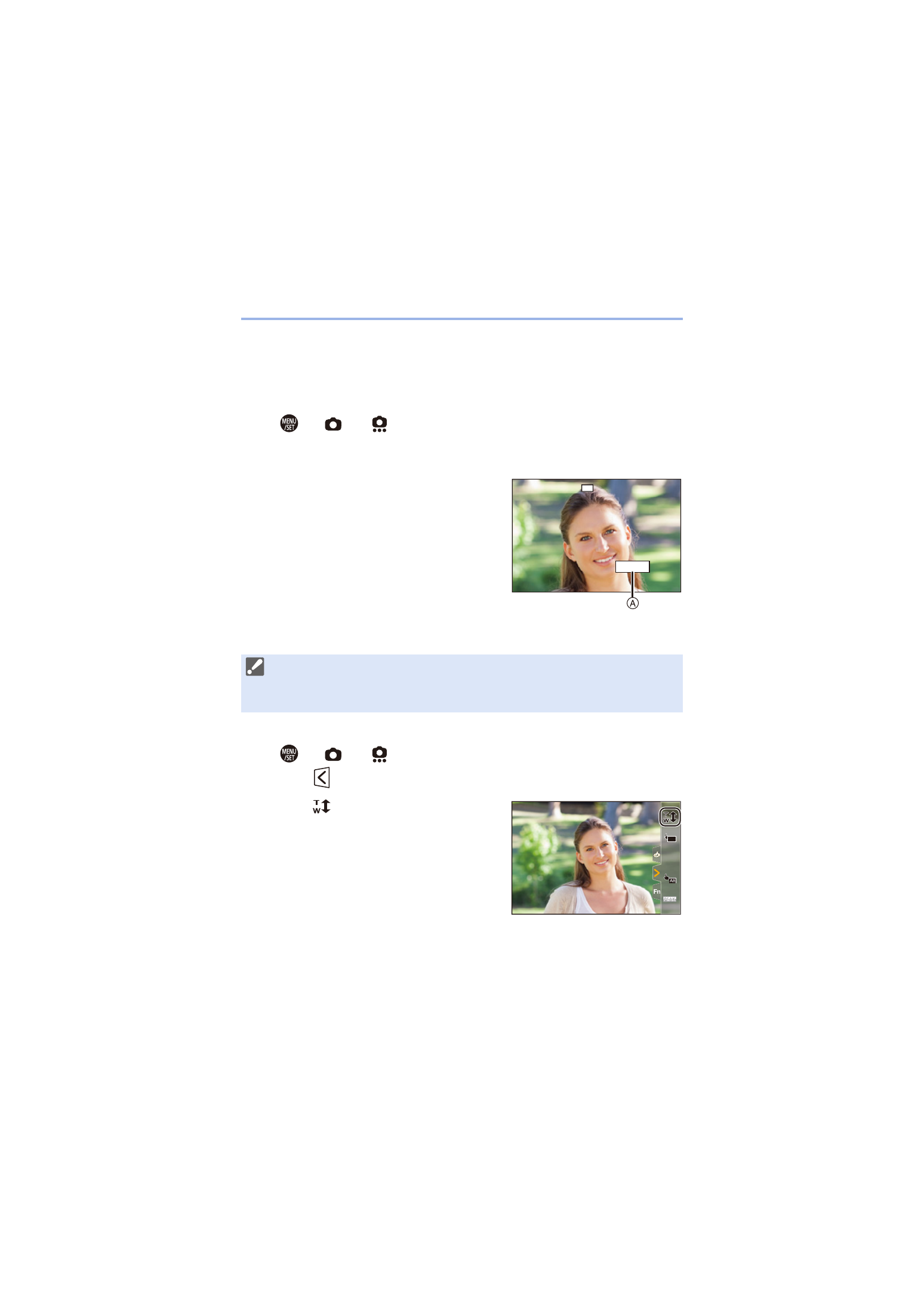
A
Zoom magnification
Touch operation
1
Set [Ex. Tele Conv.] to [ZOOM].
0
¨
[
]
¨
[
]
¨
[Ex. Tele Conv.]
¨
[ZOOM]
2
Touch [
].
3
Touch [
].
31
: T (telephoto)
24
: W (wide-angle)
0
With the default settings, the Touch Tab is not displayed.
Set [Touch Tab] to [ON] in [Touch Settings] in the [Custom] ([Operation])
menu. (
EX1.8x
S
EX
AF
Advertising