Kensington H3000 Bluetooth Over-Ear Headset User Manual
Page 5
Advertising
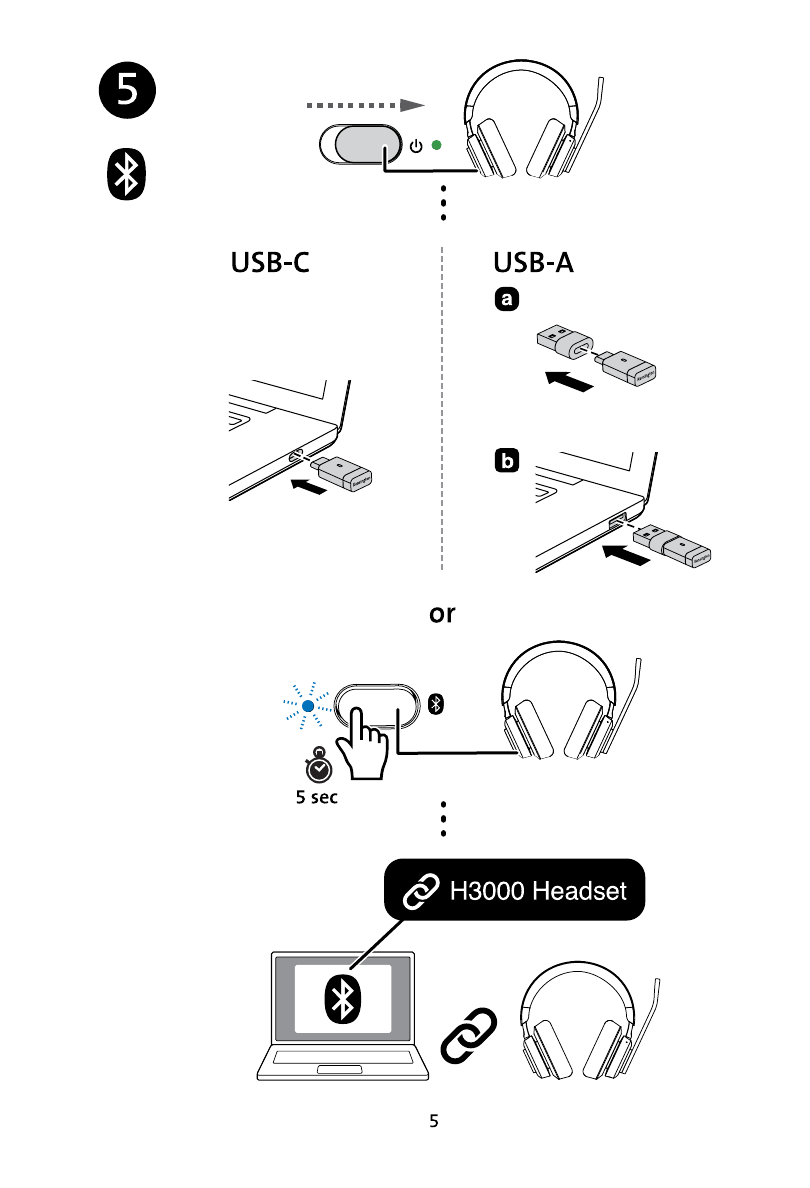
5. To pair your headset with your device, slide the headset power button to the on position. To connect using the pre-paired USB-C receiver, plug the headset's USB-C receiver into any available USB-C
port on your device or connect the USB-A adapter to the USB-C receiver and then plug the USB-A adapter into any available USB-A port.
To connect via built-in Bluetooth, press and hold the Bluetooth pairing button for 5 seconds until the blue light illuminates, then open your device's Bluetooth window and select the H3000 Headset.
Advertising