Keyboard positioning – Contour Design Wireless RollerMouse Free3 User Manual
Page 4
Advertising
RollerMouse Free3 user guide
Keyboard positioning
Before plugging in the unit, take a moment to check the height and angle of
your keyboard, and find the arrangement that’s most comfortable for you.
Use the risers to achieve the correct angle and height regardless of the type
of keyboard you are using. The spacebar on your keyboard should come just
above your rollerbar. To achieve a proper ergonomic position, the front edge
of the keyboard should be as close to the rollerbar.
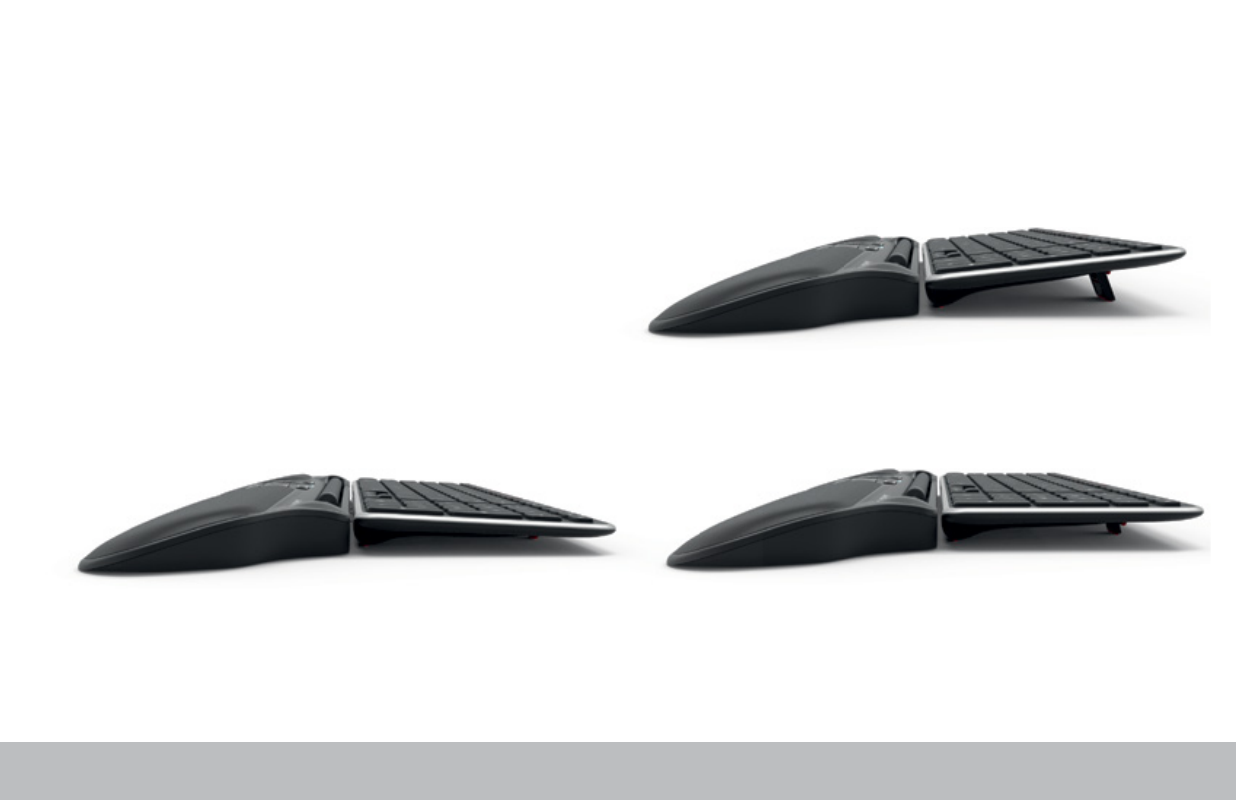
Balance Keyboard is designed specifically for the RollerMouse Free3. The
keyboard sits level with the rollerbar and can be easily adjusted to a positive,
neutral, or negative tilt.
Positive tilt
Neutral tilt
Negative tilt
/3
Advertising