LEICA Q3 Digital Camera User Manual
Page 3
1
Strap lugs
2
Main switch
Switching the camera ON/OFF
3
Shutter button
tap:
– Autofocusing
– Activating exposure metering and exposure
control
press down fully:
– Shutter release
– Video recording Start/Stop
in standby mode:
– The camera is reactivated
4
Thumbwheel
in the menu:
– Menu navigation
in shooting/recording mode:
– Depending on exposure mode
in review/playback mode:
– Zooming in/out
5
Thumbwheel button
in the menu:
– Applying menu settings
in shooting/recording mode:
– Direct access to menu functions
in review/playback mode:
– Factory setting: Magnification
6
Shutter-speed dial
–
A
: Automatic shutter speed control
–
2000
-
1+
: Fixed shutter speeds
7
Accessory shoe
8
Microphone
Sound is recorded in stereo
9
Self-timer LED/AF assist lamp
10
Viewfinder eyepiece
11
Eye sensor
12
Diopter wheel
Setting range: -4 dpt to +2 dpt
13
FN button
in shooting/recording mode:
– Direct access to menu functions
in review/playback mode:
– Factory setting:
Rate/Unrate
14
PLAY
button
Switchover between shooting/recording and
review/playback mode
15
FN button
in shooting/recording mode:
– Direct access to menu functions
in review/playback mode:
– Factory setting:
Delete single
16
MENU
button
in the menu:
– Scrolling through the menu screens
in shooting/recording mode:
– Accessing the menu
in review/playback mode:
– Accessing the review/playback menu
17
LCD panel
3” TFT LCD, 1,843,200 dots, touch panel
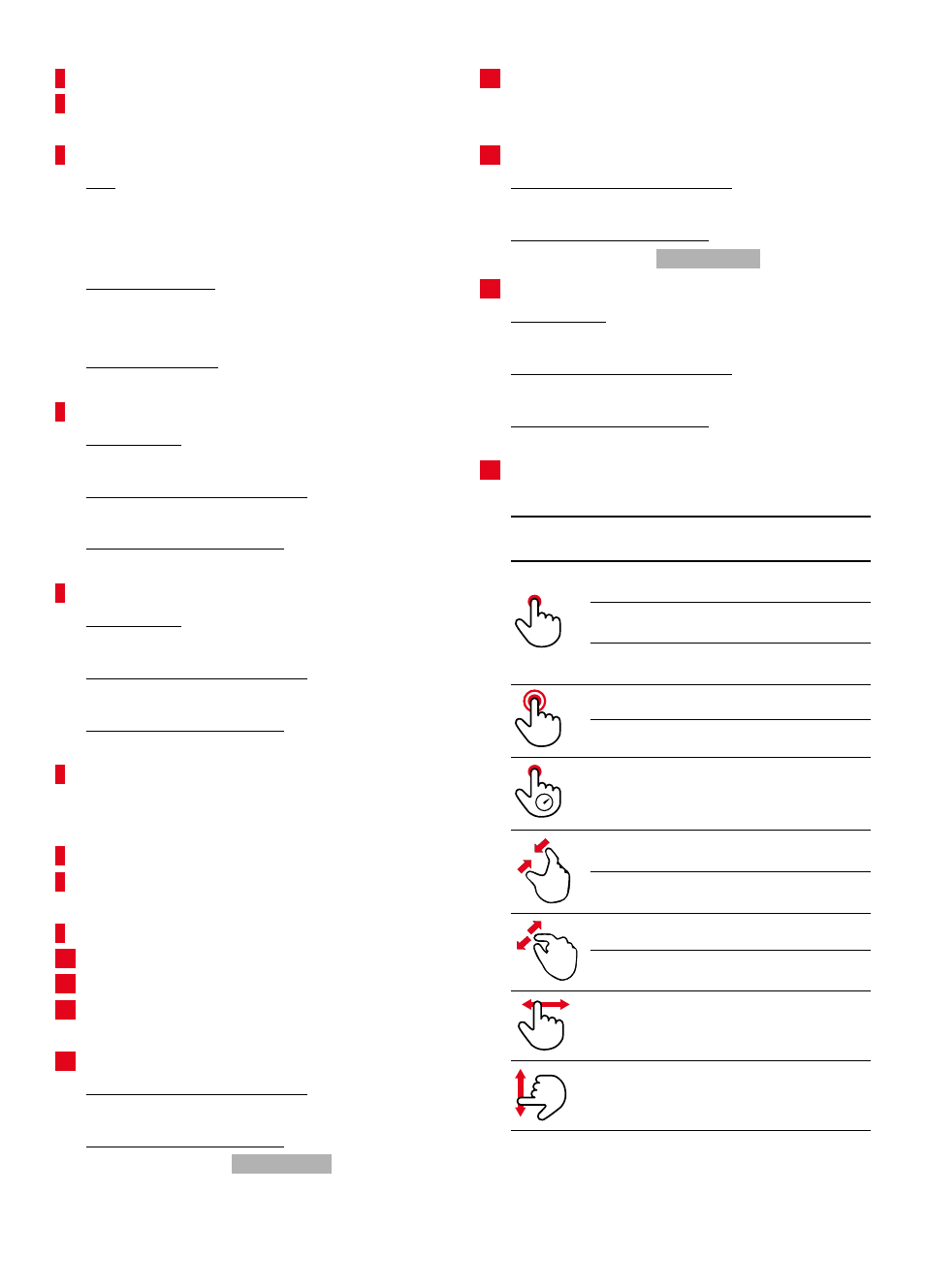
Gesture Operating
mode
Function
Shooting/Recording Shifting the AF
metering field
Review/Playback
Selecting shots/
recordings
Menu
Selecting a menu item
Shooting/Recording Centering of the AF
metering field
Review/Playback
Zooming in/out
Shooting/Recording AF Quick Setting
Shooting/Recording Reducing the Live View
display
Review/Playback
Zooming out
Shooting/Recording Increasing the Live View
display
Review/Playback
Picture magnification
Shooting/Recording Scrolling
Shooting/Record ing/
Review/Playback
Changing the operating
mode