Fujitsu Ricoh Fujitsu fi-7460 Color Duplex Document Scanner User Manual
Operator's guide
Advertising
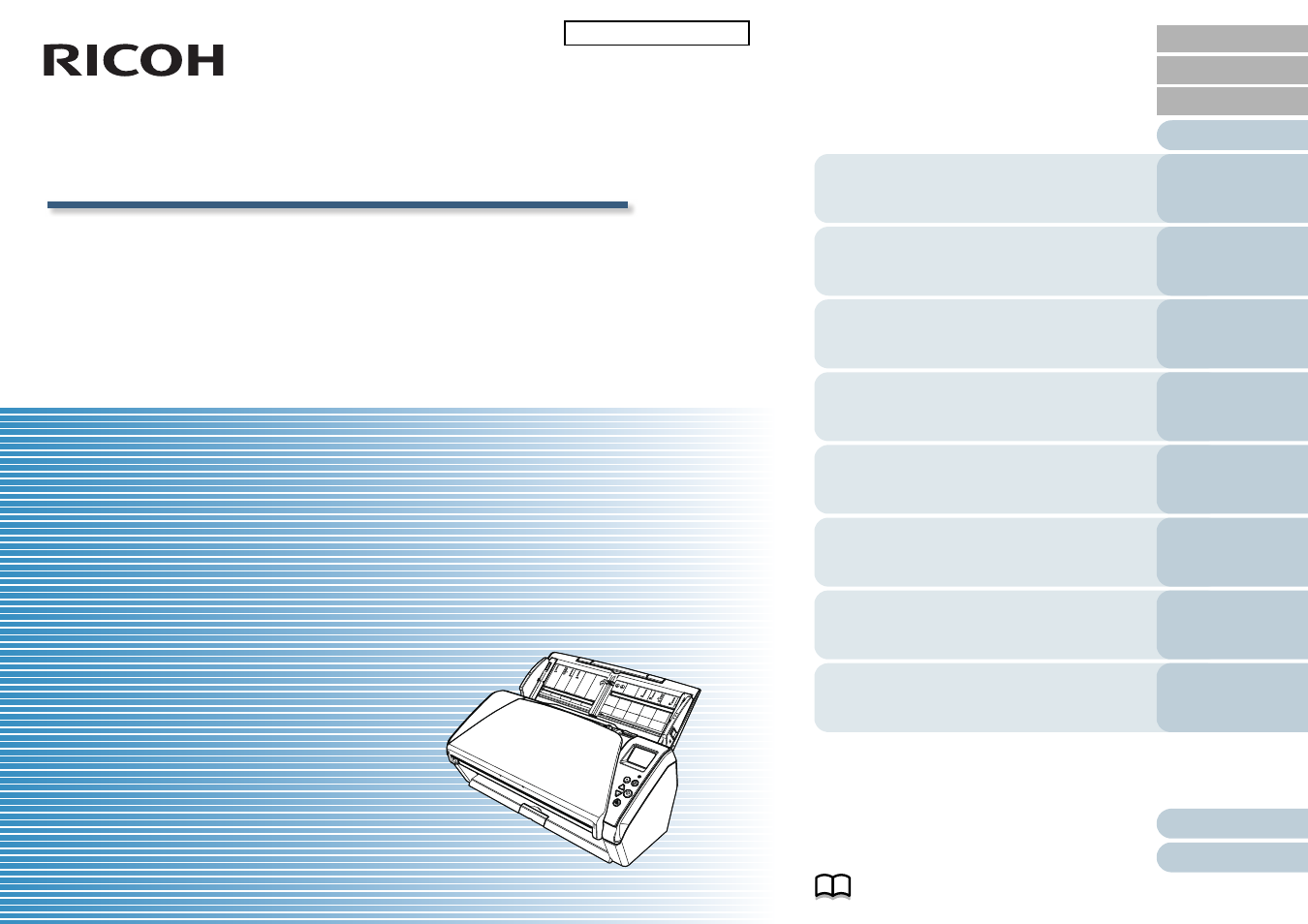
Image Scanner
fi-7460/fi-7480
P3PC-5802-06ENZ0
Operator's Guide
Thank you for purchasing our image scanner.
This manual explains about the basic operations and handling of the scanner.
For information on scanner installation and connection, refer to the Quick Installation Sheet.
Explains how to configure settings in the
Software Operation Panel.
Explains about troubleshooting.
Explains how to replace the consumables.
Explains how to clean the scanner.
Explains about various ways of scanning.
Explains how to use the operator panel.
Explains how to load documents on the
scanner.
Explains the names and functions of parts
and basic scanner operation.
Advertising
Table of contents
Document Outline
- How to Use This Manual
- Introduction
- Conventions
- Contents
- Chapter 1 Scanner Overview
- Chapter 2 How to Load Documents
- Chapter 3 How to Use the Operator Panel
- Chapter 4 Various Ways to Scan
- Chapter 5 Daily Care
- Chapter 6 Replacing the Consumables
- Chapter 7 Troubleshooting
- 7.1 Paper Jam
- 7.2 Error Indications on Operator Panel
- 7.3 Troubleshooting
- Scanner cannot be powered ON.
- The LCD or the [Power] button light or both switch OFF.
- Scanning does not start.
- Scanning takes a long time.
- Image quality is poor.
- Quality of scanned text or lines is unsatisfactory.
- Images are distorted or not clear.
- Vertical streaks appear on the scanned image.
- An error (error code "U4:40" or "U5:4A") is already displayed in the LCD after power-on.
- Multifeed error occurs frequently.
- Situation in which the document is not fed into the ADF occurs frequently.
- Paper protection is set off frequently.
- Paper jams/pick errors occur frequently.
- Scanned images turn out elongated.
- A shadow appears at the top or the bottom of the scanned image.
- There are black traces on the document.
- Cannot connect the scanner and a computer via a USB cable.
- 7.4 Before You Contact the Scanner Service Provider
- 7.5 Checking the Product Labels
- Chapter 8 Operational Settings
- 8.1 Starting Up the Software Operation Panel
- 8.2 Password Setting for the Software Operation Panel
- 8.3 Configuration Items
- 8.4 Settings Related to Sheet Counters
- 8.5 Settings Related to Scanning
- Adjusting the Position to Start the Scan [Offset/Vertical magnification Adjustment]
- Removing Shadows/Streaks that Appear around the Scanned Image [Page Edge Filler (ADF)]
- Removing a Color from the Scanned Image [Dropout color]
- Shortening the Scanning Intervals [Pre-Pick]
- Number of Paper Feeding Retries
- Document Feed Speed [Pick Speed]
- Cropping the Image Boundary [AutoCrop Boundary]
- Protecting the Documents from Being Damaged [Paper Protection]
- Specifying the Sensitivity Level for Paper Protection [Paper Protection Sensitivity]
- Low-speed Scan at Lower Resolution (Low-speed Feed Mode)
- Adjusting the Output Result for Overscan [Overscan Control]
- Scanning at High Altitude [High Altitude Mode]
- Setting the Image Quality for Scanning [Image Quality Mode]
- 8.6 Settings Related to Multifeed Detection
- 8.7 Settings Related to Waiting Time
- 8.8 Settings Related to Power ON/OFF
- 8.9 Settings Related to Scanner Maintenance
- Appendix
- Contact for Inquiries
- Glossary
- Index