Setup, Load software – Poly Blackwire 5220 USB Type-A Stereo On-Ear Headset User Manual
Page 4
Advertising
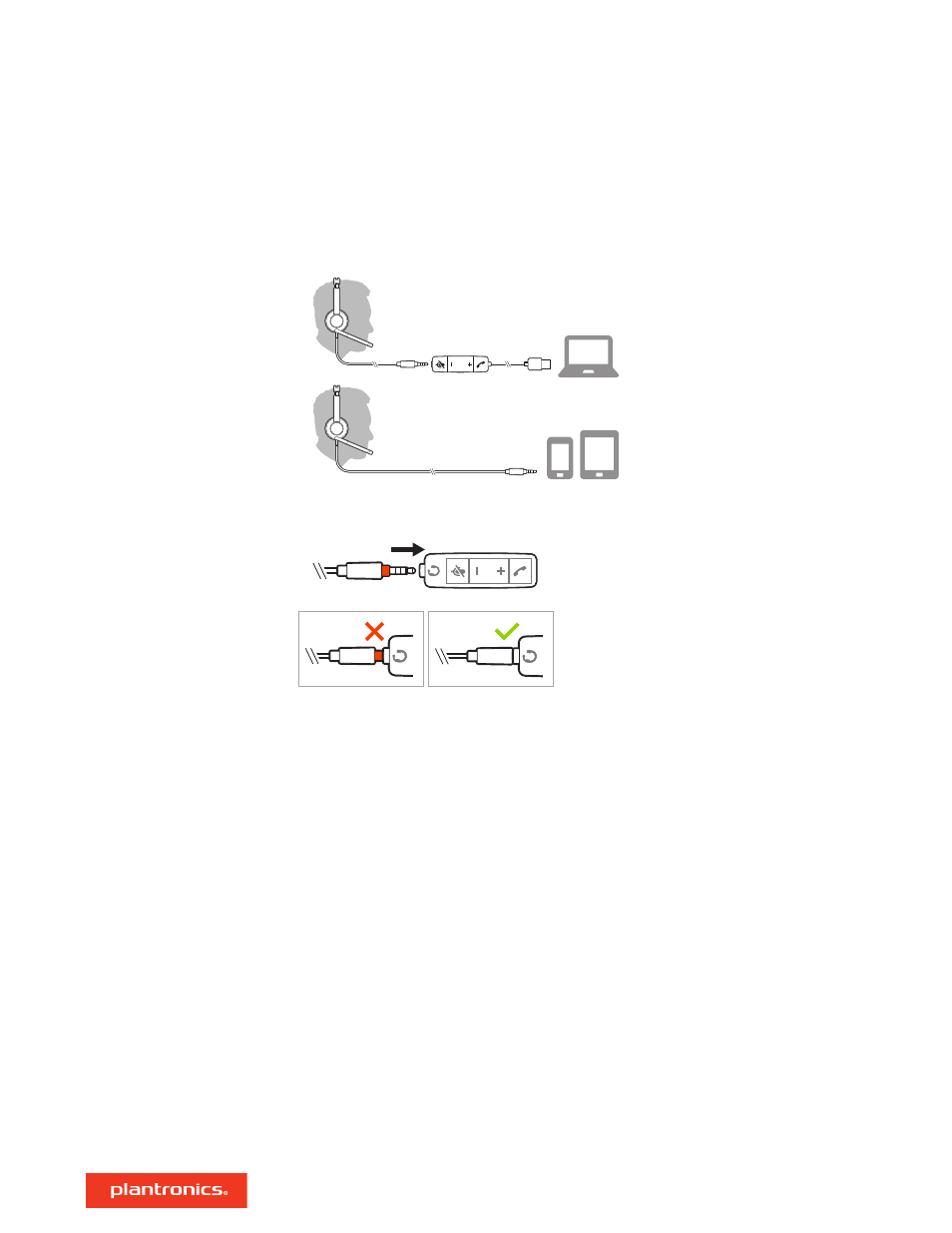
Power on your headset by connecting to your computer or mobile device via USB or 3.5 mm
connector.
IMPORTANT
Ensure that your 3.5 mm connector is fully connected to the headset controller.
IMPORTANT
Some softphones require the installation of Plantronics Hub for Windows/Mac to
enable headset call control (answer/end and mute) functionality.
Download Plantronics Hub for Windows/Mac by visiting
.
Manage your headset settings on your computer with Plantronics Hub:
• Call control for softphones
• Change headset language
• Update firmware
• Turn features on/off
• View user guide
Setup
Load software
4
Advertising