Network configuration – Milan Technology MIL-S8000G User Manual
Page 12
Advertising
10
5. Network Configuration
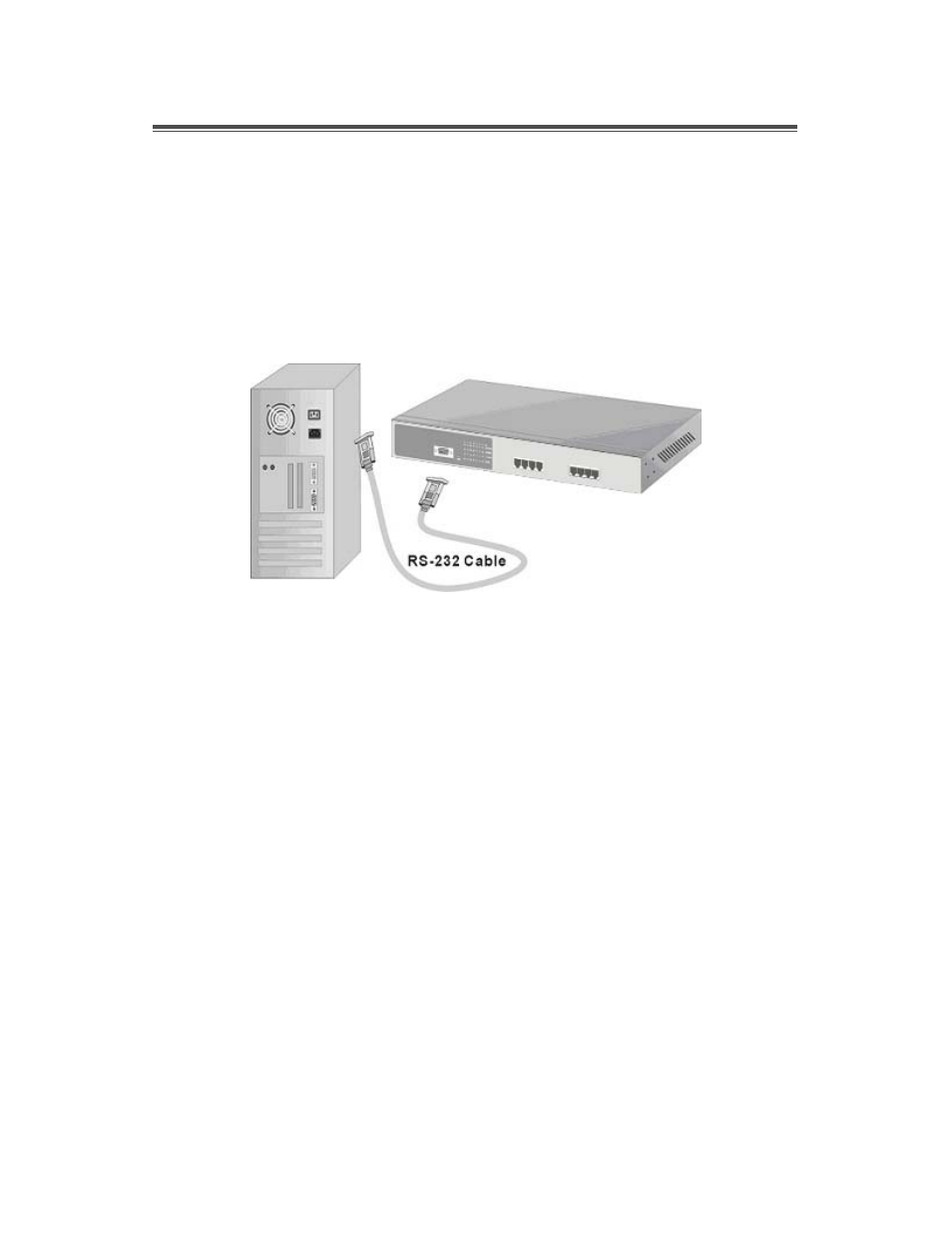
The Console port is a female DB-9 connector that enables a connection
to a PC or terminal for monitoring and configuring the MIL-S8000G
Switch. Use the supplied RS-232 cable with a male DB-9 connector to
connect a terminal or PC to the Console port.
The Console configuration allows the switch to be set to enable a user at
a remote console terminal to communicate with the MIL-S8000G Switch
as if the console terminal were directly connected to it.
Figure 5-1. Connecting the MIL-S8000G Switch to a terminal via RS-
232 cable.
Advertising