5 vlan setup, 6 trunk configuration, 5 vlan setup 5.6 trunk configuration – Milan Technology MIL-S8000G User Manual
Page 17
Advertising
15
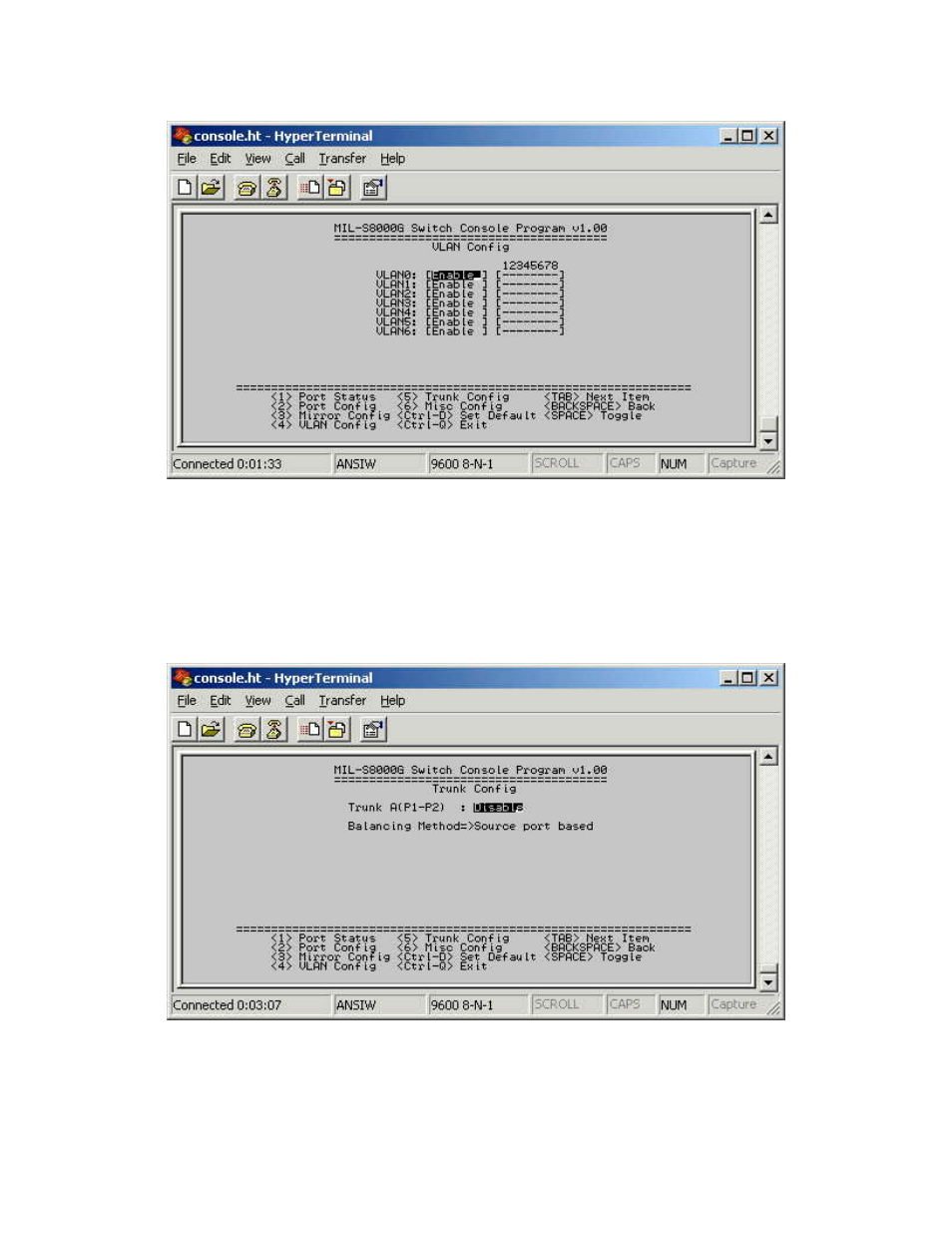
5.5 VLAN Setup
Figure 5-8. The VLAN Setup menu
Select the VLAN entry to Enable or Disable the VLAN group. Use the
<Backspace> key to Enable (add) or Disable (remove) ports in the VLAN
group.
5.6 Trunk Configuration
Figure 5-9. The Trunk Configuration menu
Multiple links between switches can be grouped or trunked to work as
one virtual, aggregate link. Each trunk can hold up to 2 ports
.
Only ports
of the same speed can belong to a single trunk.
Advertising