Login to the console interface, 1 port status – Milan Technology MIL-S8000G User Manual
Page 13
Advertising
11
Login to the Console Interface
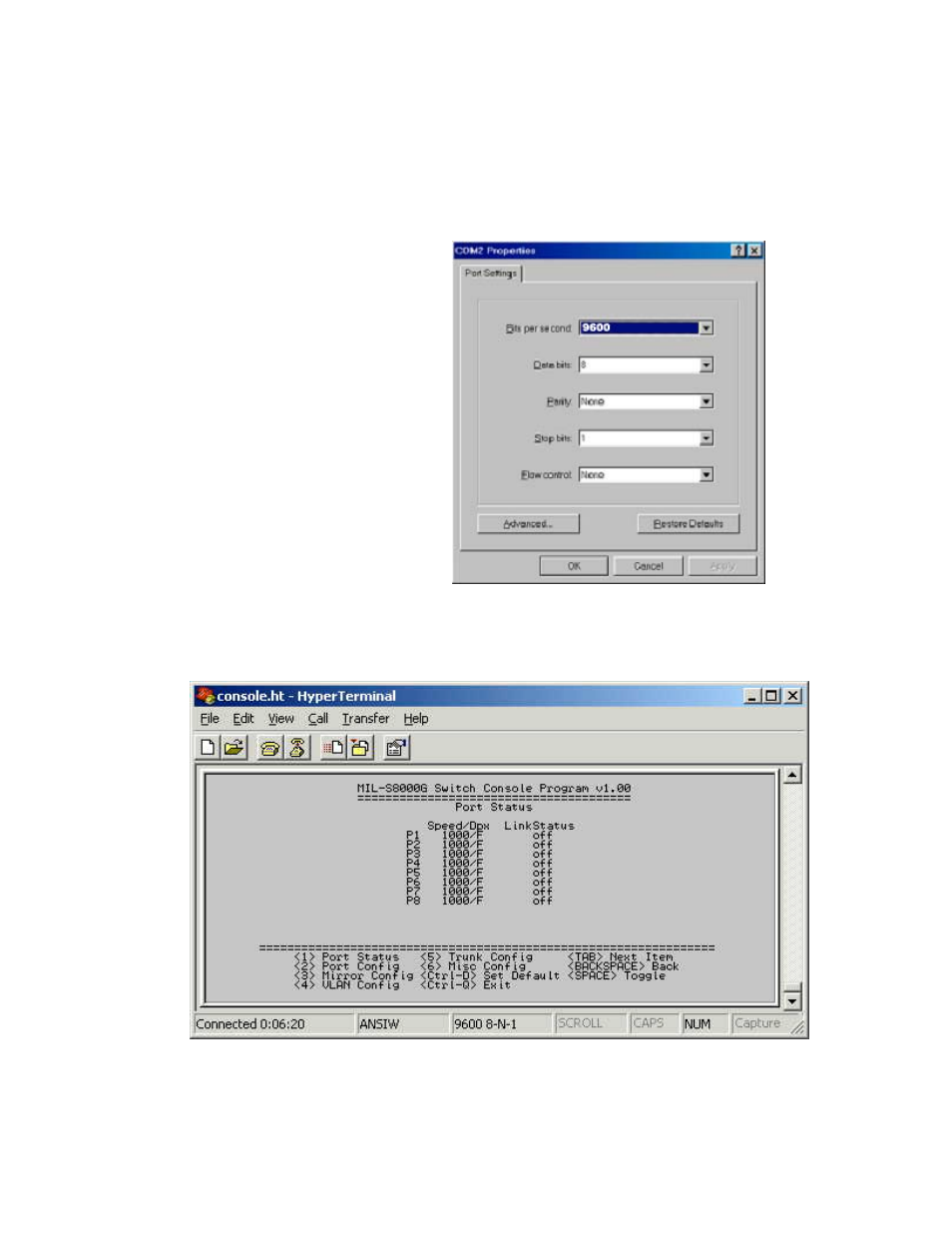
When the connection between Switch and PC is finished, turn on the PC
and run a terminal emulation program or Hyper Terminal. Configure the
communication parameters to match the following default characteristics
of the console port:
Figure 5-2. The settings of communication parameters
5.1 Port Status
Figure 5-3. The screen of Port Status
View the statistics information displayed in this screen regarding a
specific port by entering the port number. Refresh or reset the counter as
necessary.
Baud Rate: 9600 bps
Data Bits: 8
Parity: none
Stop Bit: 1
Control flow: None
Advertising