The sdi/bull’s eye tab, Status, The sdi/bull’s eye tab –18 – Altera Arria V GT FPGA User Manual
Page 40: Status –18
Advertising
6–18
Chapter 6: Board Test System
Using the Board Test System
Arria V GT FPGA Development Kit
November 2012
Altera Corporation
User Guide
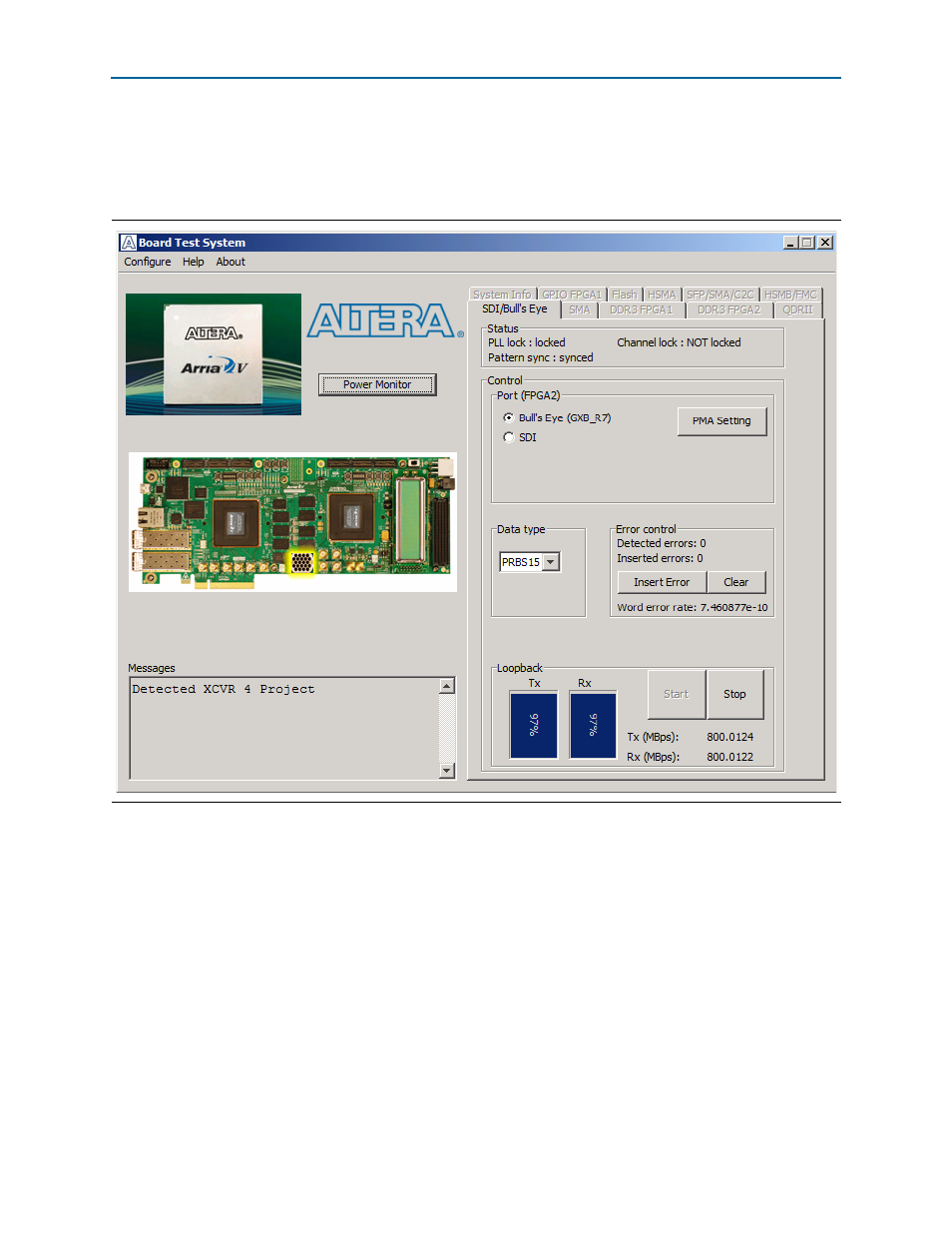
The SDI/Bull’s Eye Tab
The SDI/Bull’s Eye tab (
) allows you perform loopback tests on the Bull’s
Eye and SDI ports
.
The following sections describe the controls on the SDI/Bull’s Eye tab.
Status
The Status control displays the following status information during the loopback test:
■
PLL lock
—Shows the PLL locked or unlocked state.
■
Channel lock
—Shows the channel locked or unlocked state. When locked, all
lanes are word aligned and channel bonded.
■
Pattern sync
—Shows the pattern synced or not synced state. The pattern is
considered synced when the start of the data sequence is detected.
Figure 6–8. The SDI/Bull’s Eye Tab
Advertising
This manual is related to the following products: