CONTA-CLIP SMS-MULTI I/O User Manual
Page 8
Advertising
SMS-MULTI-IO
- 7 -
NOTE:
NOTE:
NOTE:
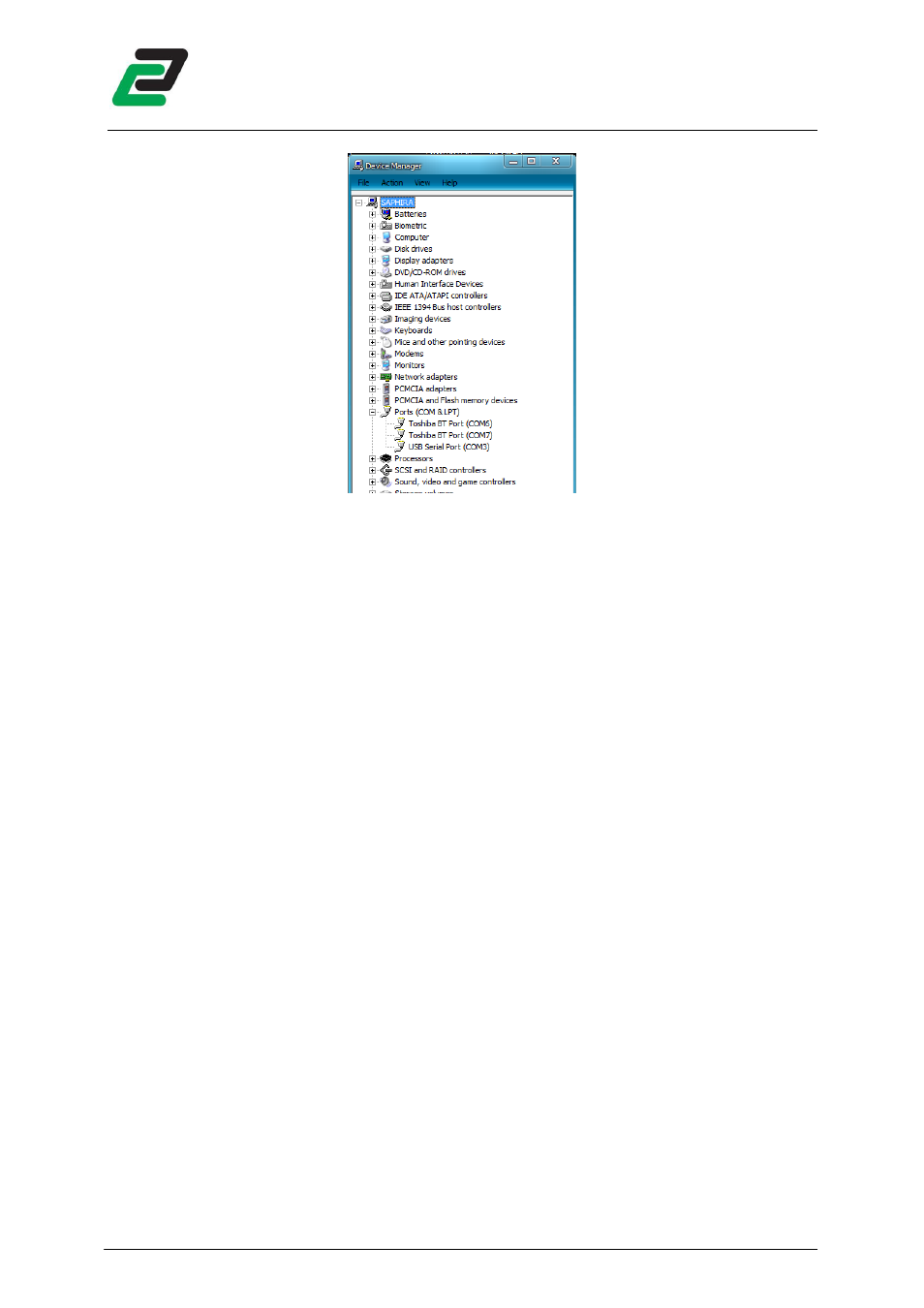
NOTE: The COM port number should be less than 9 to guarantee proper function of the
communication. If the Com port number is greater than 8:
•
Right click on "USB Serial Port" and click on Properties.
•
Click on the "Port Settings" tab. Click the "Advanced" button.
•
Pull down the scrollbar on the bottom, left side and select a free port.
Advertising
This manual is related to the following products: