H. position, Phase – NEXCOM IPPD 1600P User Manual
Page 39
Advertising
Copyright © 2015 NEXCOM International Co., Ltd. All Rights Reserved.
24
Chapter 4: Adjusting the Display
IPPD 1600P/1800P/2100P User Manual
OSD
Image Setup
14
50
Clock
Phase
H.Position
V.Position
Image Ratio
50
Wide
50
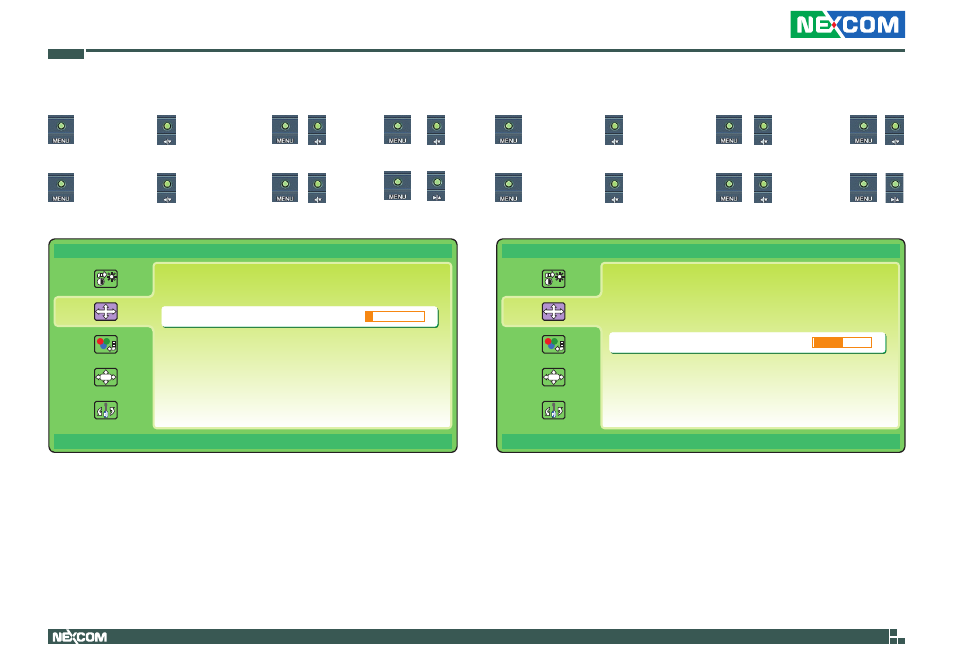
H. Position
►
luminance
►
►
Image Setup
►
►
►
H.Position
►
►
to move the screen towards right.
►
luminance
►
►
Image Setup
►
►
►
H.Position
►
►
to move the screen towards left.
OSD
Image Setup
14
50
Clock
Phase
H.Position
V.Position
Image Ratio
50
Wide
50
Phase
►
luminance
►
►
Image Setup
►
►
►
Phase
►
►
to increase the phase value.
►
luminance
►
►
Image Setup
►
►
►
Phase
►
►
to decrease the phase value.
Advertising
This manual is related to the following products: