Color temperature – NEXCOM IPPD 1600P User Manual
Page 41
Advertising
Copyright © 2015 NEXCOM International Co., Ltd. All Rights Reserved.
26
Chapter 4: Adjusting the Display
IPPD 1600P/1800P/2100P User Manual
OSD
Color Temp.
51
◄ Warm ►
Color Temp.
Red
Green
Blue
49
50
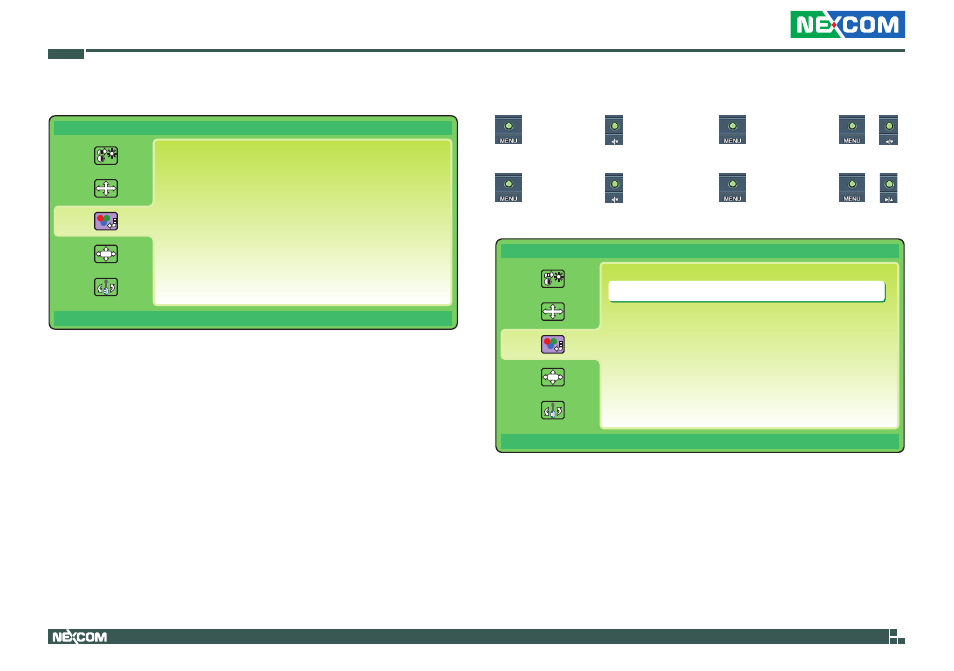
3. Color Temperature
OSD
Color Temp
51
Warm
Color Temp.
Red
Green
Blue
49
50
Color Temperature
►
luminance
►
►
Color Temp.
►
►
Color Temp.
►
►
to scroll right to change between the Color Temp. settings.
►
luminance
►
►
Color Temp.
►
►
Color Temp.
►
►
to scroll left to change between the Color Temp. settings.
The following color temperature options are available: Warm, Normal, Cool,
User and sRGB. To configure the RGB values manually, select User from the
Color Temp. options.
Advertising
This manual is related to the following products: