Signamax 10/100BaseT/TX To 100BaseFX Mini Converters User Manual
1000 series mini converter
065-1000 series Mini Converter
1
Preface
This manual describes how to install and use the Ethernet media converter. The Converter introduced here provides one channel
media conversion between 10/100BaseTX and 100BaseFX.
The Converter fully complies with IEEE 802.3 10BaseT and IEEE 802.3u 100BaseTX/FX standards.
In this manual, you will find:
•
Product overview
•
Features of the media converter
•
Illustrative LED functions
•
Installation instructions
•
Specifications
Introduction
The media converter provides one channel for media conversion between 10/100BaseTX and 100BaseFX. It can be used as a stand-
alone device.
Product Overview
Product Features
•
One-channel media conversion between 10/100BaseTX and 100BaseFX
•
Fiber media allows:
o
Multimode fiber using SC or ST connector
o
Singlemode fiber using SC connector
•
Auto negotiation of speed and duplex mode on TX port
•
Auto-MDIX on TX port
•
Supports Link Fault Signaling
•
Store-and-forward mechanism
•
Non-blocking full wire-speed forwarding rate
•
Supports broadcast storm filtering
•
Back-pressure & IEEE 802.3x compliant flow control
•
P
ORT STATUS
LED
S
•
External AC to DC power adapter
•
Used as a stand-alone device
Packing List
When you unpack this product package, you will find the items listed below. Please inspect the contents, and report any apparent
damage or missing items immediately to our authorized reseller.
•
The Media Converter
•
User’s Manual
•
AC to DC Power Adaptor
Ports
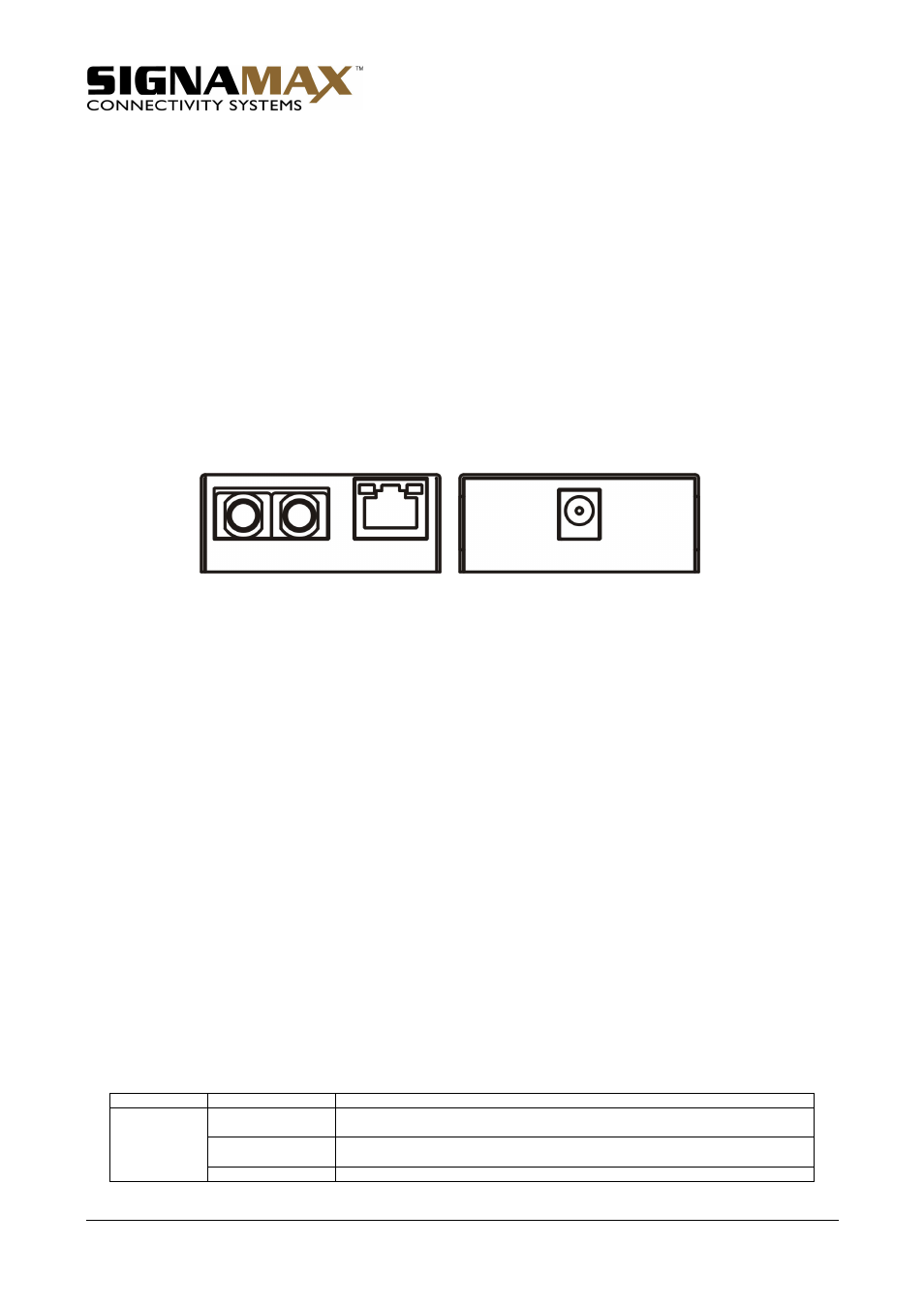
The Converter provides one TX port and one FX port. For the FX port, it provides options of multimode fiber using SC or ST
connectors or singlemode fiber using SC connectors. For the TX port, it uses an RJ-45 connector and auto-senses the speed of
10/100 Mbps.
Front Panel & LEDs
LED Indicators:
The LED indicators give you instant feedback on status of the converter:
LEDs
State
Indication
Steady
A valid network connection established
LNK stands for LINK
Flashing
Transmitting (TX) or receiving (RX) data
ACT stands for ACTIVITY
TX LNK/ACT
FX LNK/ACT
Off
Neither valid network connection established nor transmitting (TX)/receiving (RX) data