Nutea-551 front panel functions – basic controls – Xtramus NuTEA-551 V1.2 User Manual
Page 15
Advertising
15
3.3. NuTEA-551 Front Panel Functions – Basic Controls
The following section lists some basic setting controls for making configurations with NuTEA-551’s front
panel buttons.
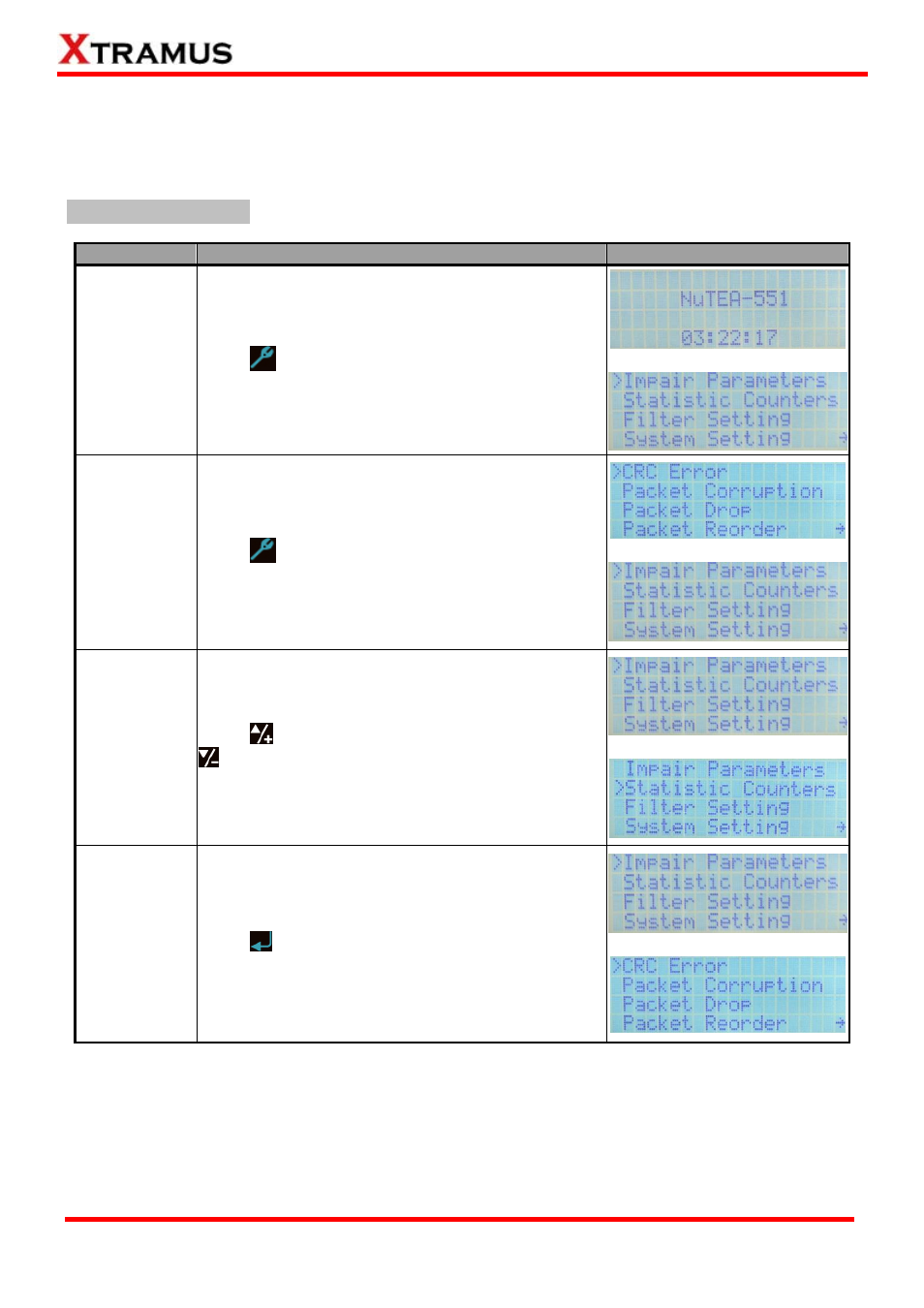
Basic Setting Controls
Function
Control Button Action
LCD Display
Entering Main
Menu
Press
button to enter NuTEA-551’s main menu.
↓
Back to
Previous
Menu
Press
button to go back to the previous menu.
↓
Moving
Selection
Cursor
Press
to move the selection cursor up, or press
to move the selection cursor down.
↓
Entering
Selected
Option
Press
button to enter the menu option you chose.
↓
E-mail: [email protected]
Website: www.Xtramus.com
XTRAMUS TECHNOLOGIES
®
Advertising