Understanding the ocd menu functions, File menu, Figure 9 – Zilog Z51F0811 User Manual
Page 20: The ocd’s file menu
UM024002-0512
The Z8051 On-Chip Debugger
Z8051 On-Chip Debugger and In-System Programmer
User Manual
12
Understanding the OCD Menu Functions
This section describes the operation of the File, Emulation, Break/Configure, View, Win-
dow menus.
File Menu
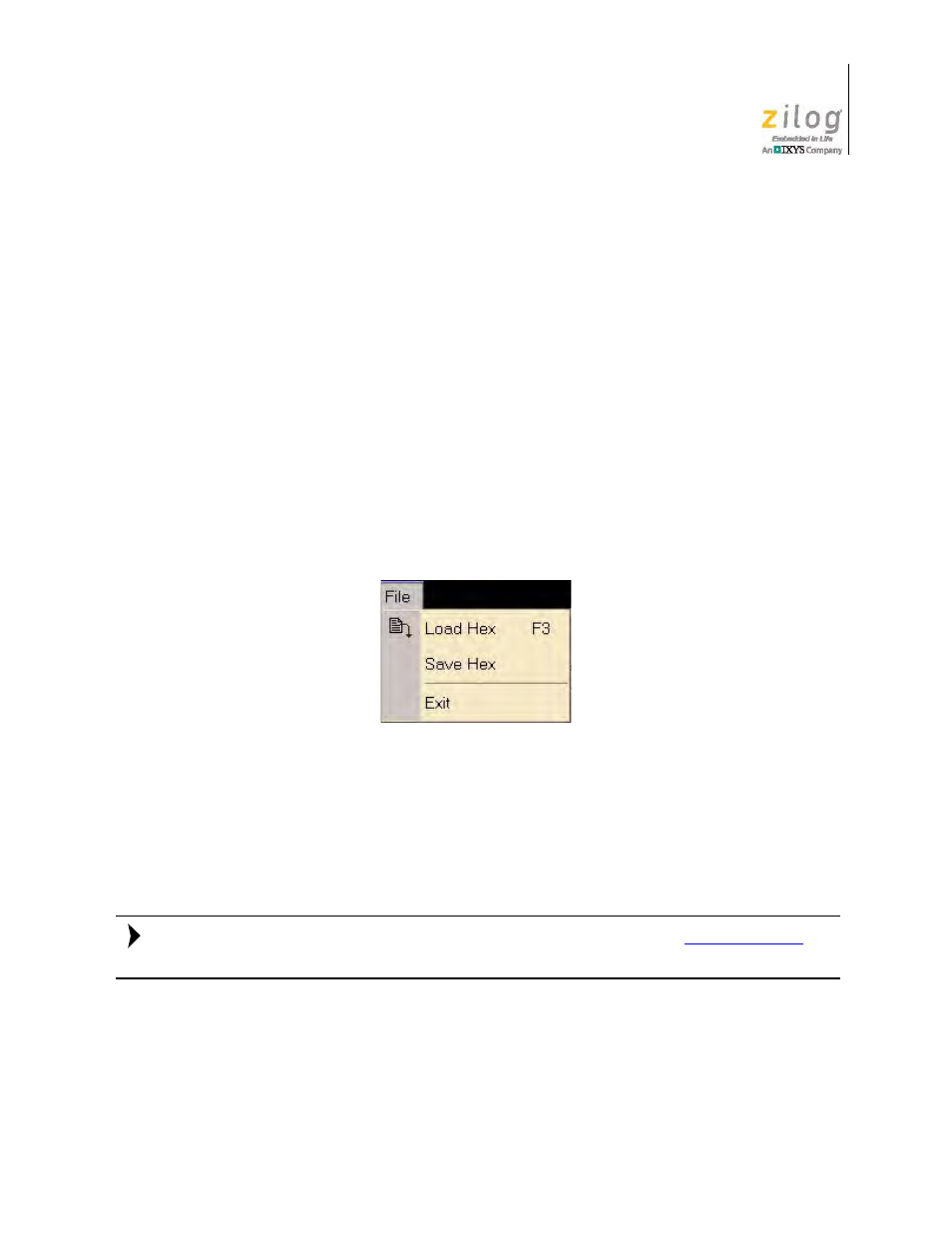
The File menu enables you to perform basic commands in the debugger environment. Its
two commands, Load Hex and Save Hex, are described in this section.
•
The Load Hex command is used to load user code to the target MCU’s code space.
•
The Save Hex command is used to save the contents of the target MCU’s code space
to a file on your computer.
The OCD’s File menu is shown in Figure 9.
Observe the following procedure to load a user hex code file to the target MCU’s code
space.
1. Run the Z8051 OCD software. From the
Start
menu, navigate to
All Programs
→
Zilog Z8051 Software and Documentation <version_number>
→
Zilog Z8051
OCD <version_number>
.
For a free download of the latest version
d
navigate via the
Tools and Software
menu to
Software Downloads
.
2. From the
File
menu of the Debugger, select
Load Hex
. The Object File dialog box
appears, as shown in Figure 10.
Figure 9. The OCD’s File Menu
Note: