9 nvr42v-8p series, 4 cd-rom installation, Nvr42v-8p series – AGI Security SYS-16HN44P User Manual
Page 99: Cd-rom installation
Advertising
87
3.3.9 NVR42V-8P Series
3.4 CD-ROM Installation
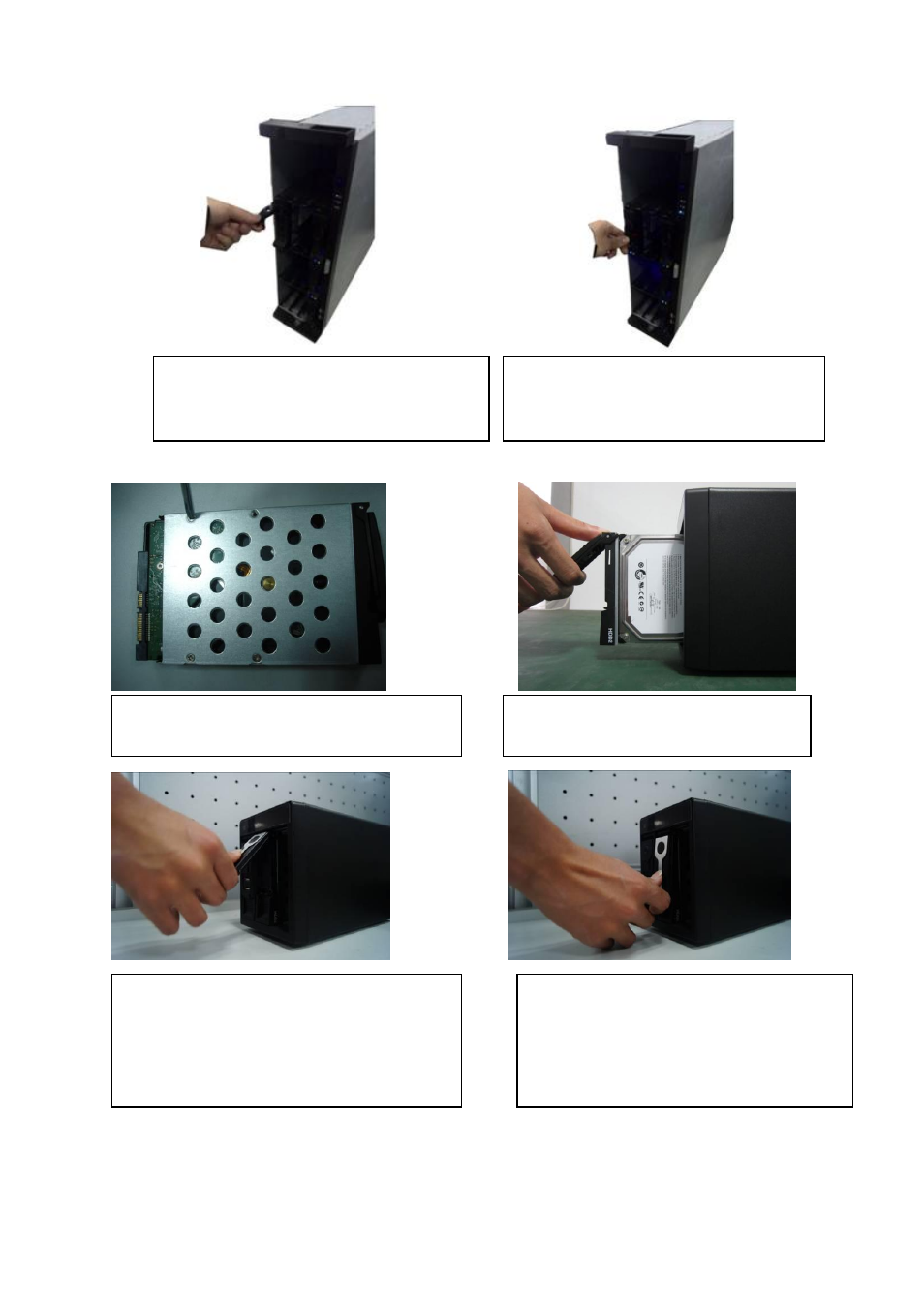
Please follow the steps listed below.
③
Please pull the handle up when you are
inputing the HDD box in case the the
handle collides with the front panel
④
After put the HDD box to the SATA
board, put the handle back..
①Use 4 screws to secure the HDD
②Put the HDD to the HDD box at the front.
③Pull the HDD knob up when you put the HDD
into the box in case the knob buckle may strike
the front panel.
④Put the knob back after you insert the HDD
to the SATA board.
Advertising
This manual is related to the following products: