ARRIS DCT6208 TVGuide DVR Manual User Manual
Page 38
34
TV Guide Interactive
®
. We Make TV Better
SM
REV3-16.11.19.03
Watching Video On Demand Programs
Use your remote to pause, fast-forward, rewind and stop the program.
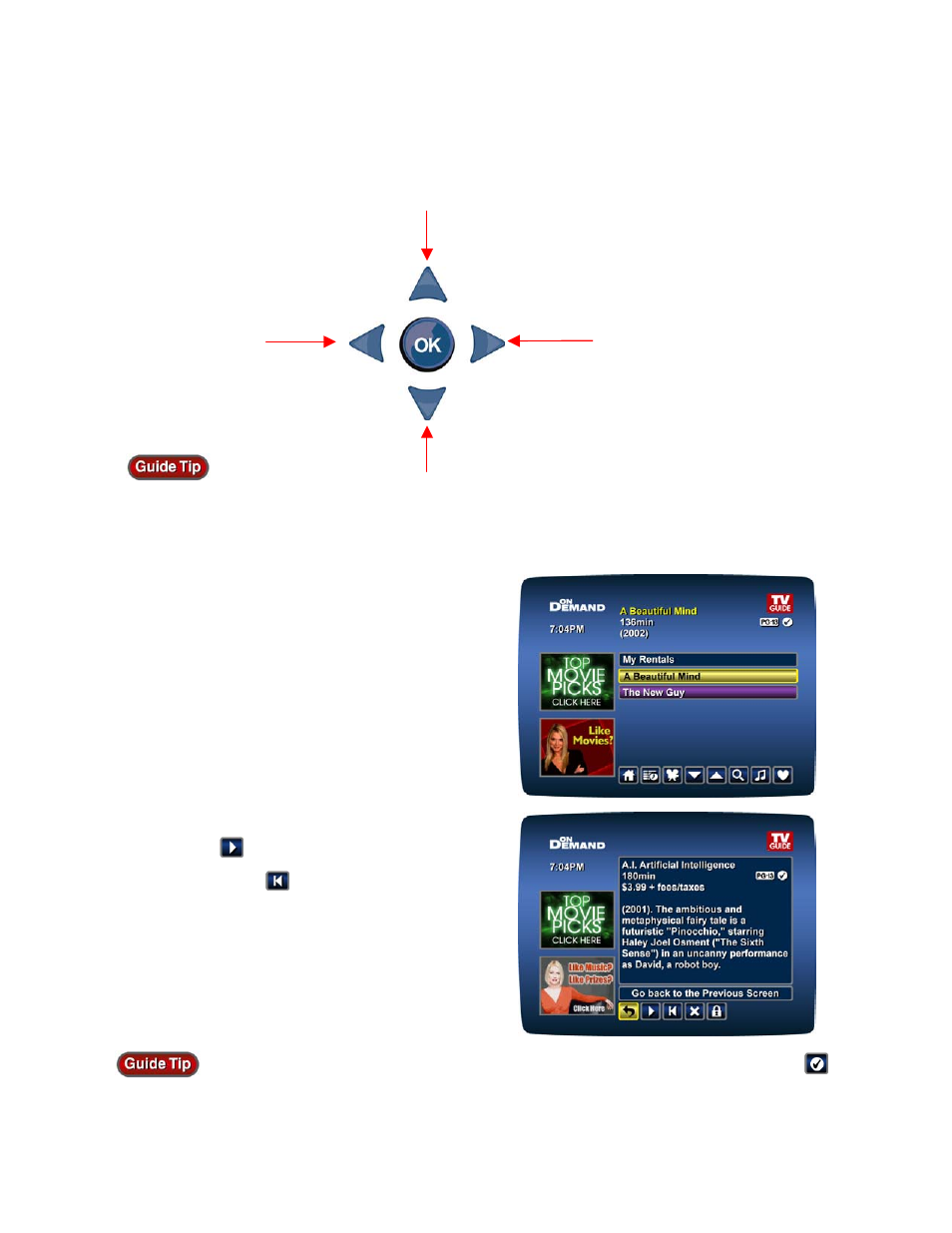
If you have stopped a program and want to come
back to it later, select My Rentals* from the Video
On Demand Menu.
•
Highlight and select a title and see an
information screen that displays your
remaining rental time and other program
details.
•
Select
to start watching where you left
off, or select
to start the program from
the beginning.
•
Watch as many times as you want within
the rental period.
You can also find rented titles in other Video On Demand listing screens. A checkmark
appears in the Instant Information to identify it as a rented program.
Stop
Play/Pause
Rewind
Fast Forward
*Menu label varies by cable system.
You may also be able to use the
VCR control buttons available on
some digital cable remote controls.
Remote control features vary.