Starting a microphone call – ATEIS CD16 User Manual
Page 13
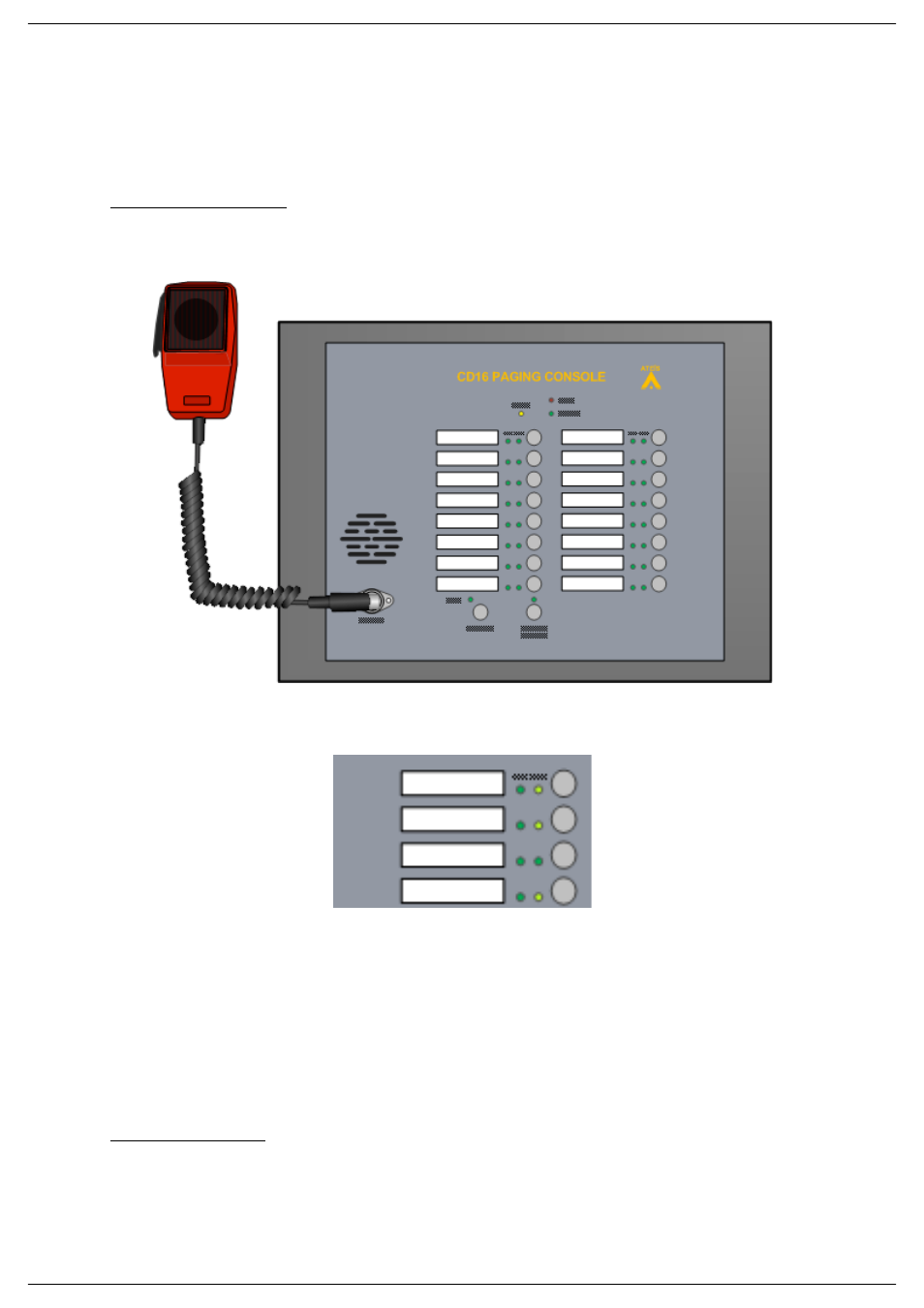
CD-16, CD-8
Page 13 of 22
6.2. Starting a microphone call
In order to start a call in a zone or group of zone, follow the next steps.
Start a call without chime:
•
Open the CD-16,CD-8 door.
•
Grab the handheld fireman microphone.
•
Select the call broadcasting zone by pressing the zone(s) button(s). The corresponding
LED(s) should light up.
•
Press the fist microphone switch. When the Talk LED is permanently lit, you can talk in the
microphone.
o In Press To Talk Mode: press and keep your finger on the fist microphone
switch.
o In Lock To Talk Mode: press once on the Fist microphone switch.
•
To stop the call:
o In Press To Talk Mode: release your finger from fist microphone switch.
o In Lock To Talk Mode: press once on the Fist microphone switch.
Start a call with chime:
•
Open the CD-16,CD-8 door.
•
Grab the handheld fireman microphone.