All call/release button – ATEIS CD16 User Manual
Page 14
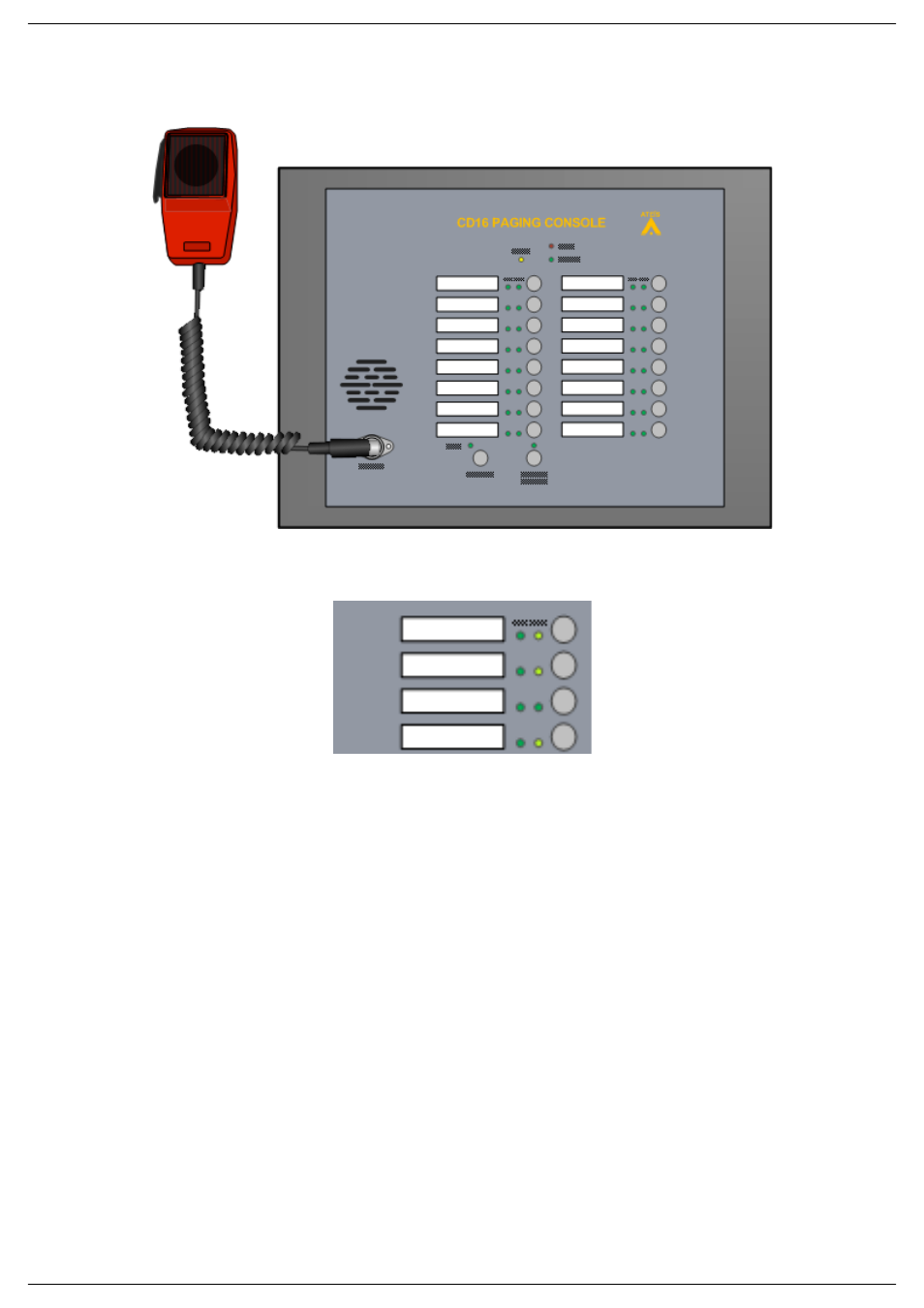
CD-16, CD-8
Page 14 of 22
•
Select the call broadcasting zone by pressing the zone(s) button(s). The corresponding
LED(s) should light up.
•
Press the fist microphone switch. During the broadcasting of the pre-chime, the TALK LED will
blink. When the Talk LED is permanently lit, you can talk in the microphone.
o In Press To Talk Mode: press and keep your finger on the fist microphone
switch.
o In Lock To Talk Mode: press once on the Fist microphone switch.
•
To stop the call:
o In Press To Talk Mode: release your finger from fist microphone switch.
o In Lock To Talk Mode: press once on the Fist microphone switch.
6.3. All Call/Release button
You can instantaneously select all the zones by pressing the ALL CALL/RELEASE button.
•
Prior to a call, press the ALL CALL/RELEASE button.
If a zone(s) selection is active (HOLD LED are lit), pressing the ALL CALL/RELEASE button will
instantaneously deactivate the zone selection.
•
To deactivate a zone selection, press the ALL CALL/RELEASE button.