Chapter 4. device management via user interfaces, 1 introduction, 2 web interface – Comtech EF Data CMR-5970 Manual User Manual
Page 27
Chapter 4. DEVICE MANAGEMENT
VIA USER INTERFACES
4.1 Introduction
Management of the MR-S2 is simple and intuitive. There are a variety of ways to
configure and manage the MR-S2:
•
Web Interface via a LAN-based Desktop Browser
•
Terminal Interface via direct connection to a PC’s asynchronous serial port
•
Telnet Interface via a LAN
•
TFTP for remote terminal upgrades
•
SNMP Private MIB and MIB II (Future)
4.2 Web
Interface
The Web Interface, operating under standard HyperText Transport Protocol (HTTP), is
used to communicate with and command the MR-S2 via a HyperText Markup Language-
based Graphical User Interface (GUI). To utilize the Web Interface, a LAN connection
must exist between the PC with a browser and the MR-S2.
Once a valid IP Address, Subnet Mask and Default Gateway have been entered into the
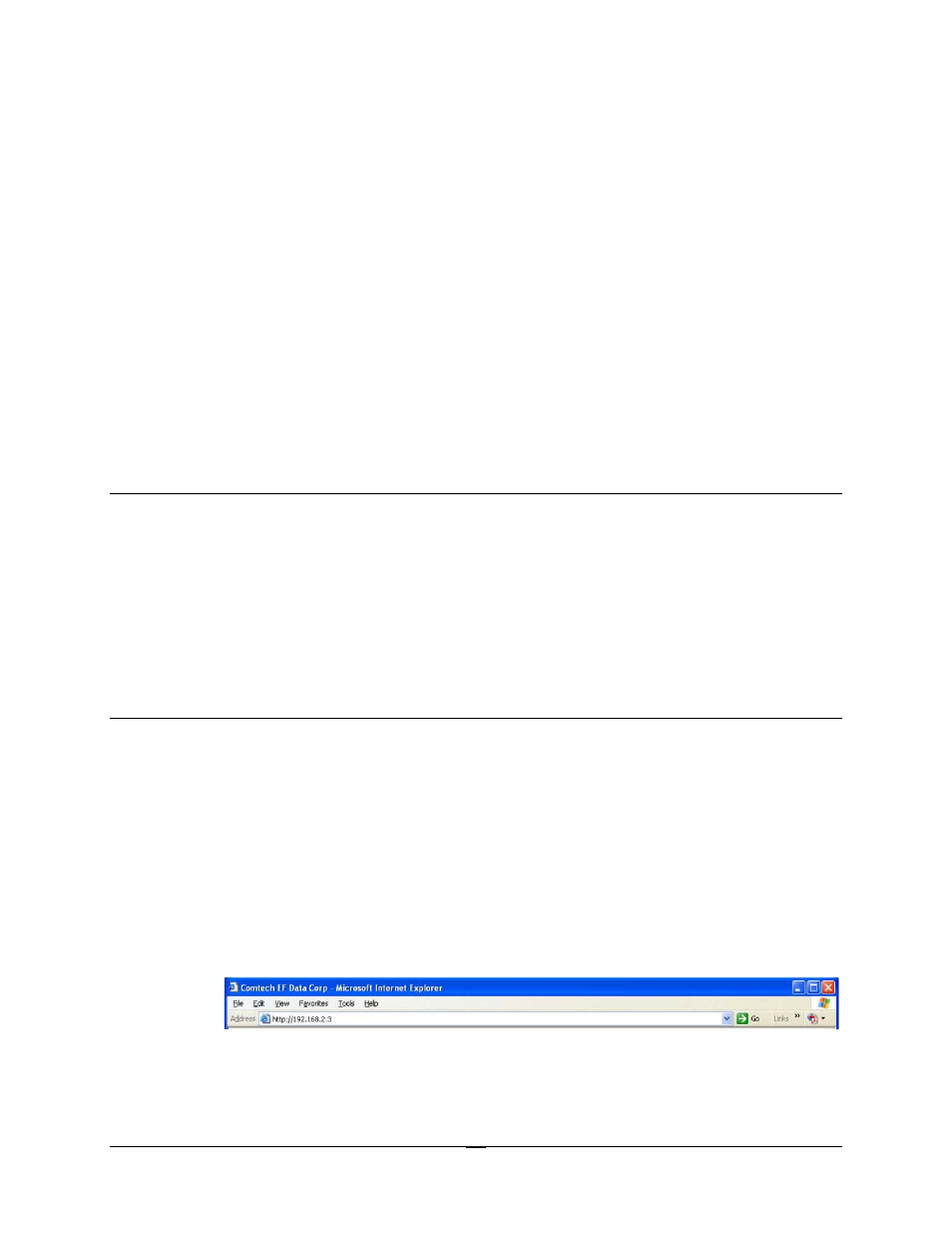
MR-S2, activate a browser on the desktop. Enter the IP address for the MR-S2 into the
URL field as shown in Figure 4-1. If the port number has been modified from the
standard 80 via the Terminal Interface, then the port number must be appended with a
colon to the IP address.
Figure 4-1. Connecting to the MR-S2
A successful connection between the PC and the MR-S2 will result in the display of the
“splash page” shown in Figure 4-2.
4-1