Chapter 4 – DFI CD102 Series User Manual
Page 52
Advertising
www.dfi .com
52
Chapter 4 Supported Software
Chapter 4
Intel Graphics Drivers (For Windows XP)
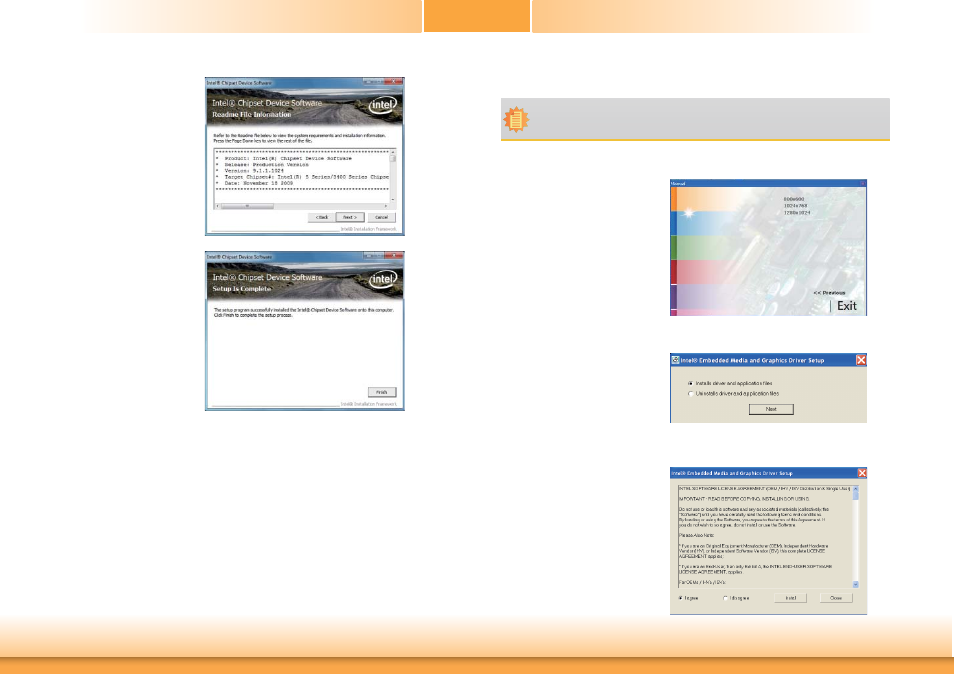
1. Select the resolution manually
.
2. Select “Installs driver and
applicaiotn files“ to start the
setup. Then, click “Next.“
To install the driver, click “Intel Graphics Drivers” on the main menu.
Note:
Before installing Intel Graphics Drivers, make sure you have installed Microsoft .NET
Framework 3.5 SP1.
3. Go through the readme
document for system re-
quirements and installation
tips then click Next.
4. After completing installation,
click Finish to exit setup.
3. Read the license aggrement and
click “Install.“
Advertising