Lcd display – HiTi P520L User Manual
Page 12
Advertising
12
◎
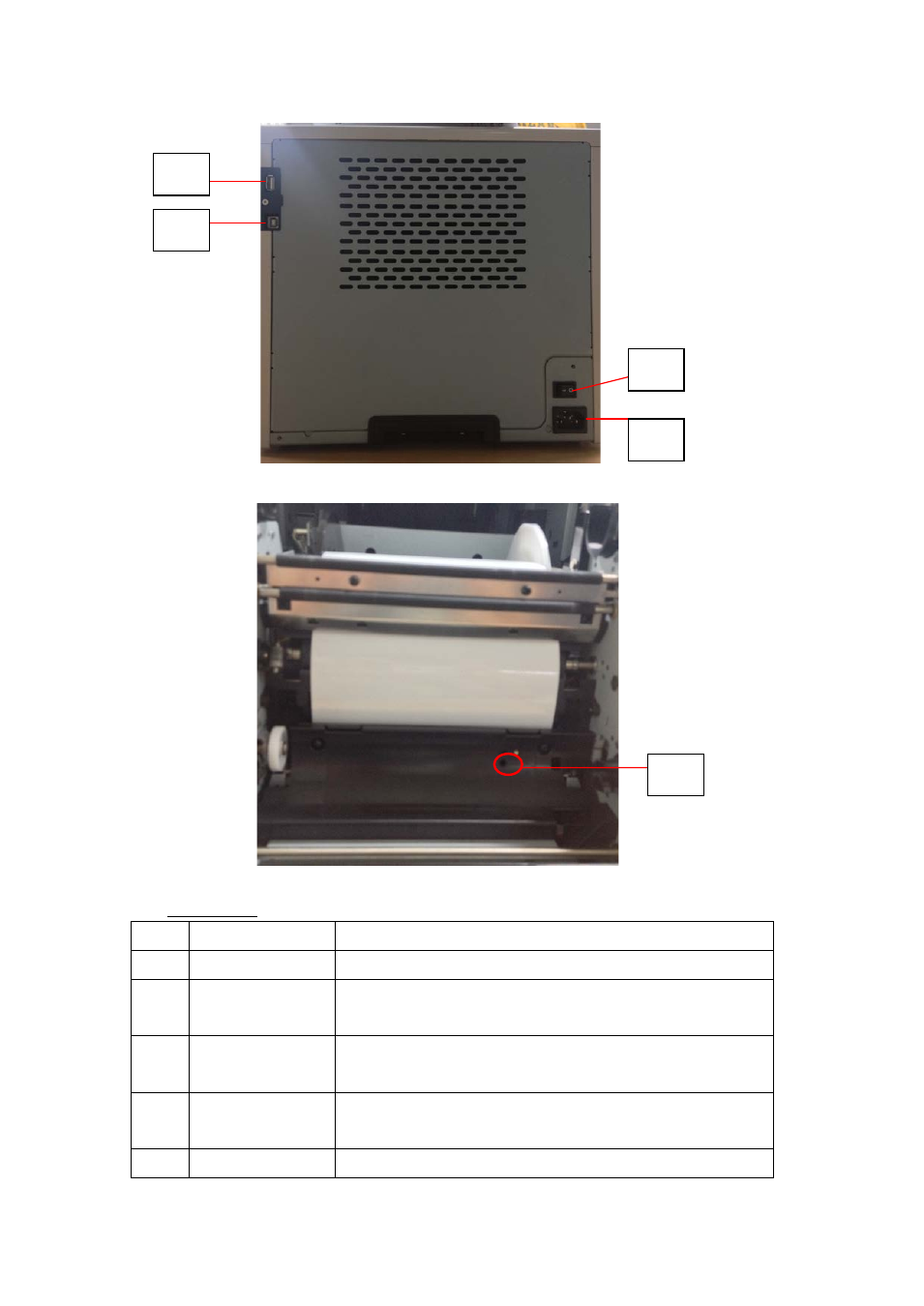
LCD Display
No.
Name
Function
❶
Door
Press the button to open the front door
❷
Control panel
Four hard-key and one mono LCM to control and
monitor the condition of the printer
❸
Scrap receptacle Clean it up periodically before full of scraps in the
receptacle
❹
USB slot
(Type A)
Connect with designated device of HiTi products. Do
not charge with hand-held devices.
❺
USB Slot
To be connected with PC/laptop for transferring data
❽
❹
❺
❼
❻
Advertising