Operation process – HiTi P520L User Manual
Page 15
Advertising
15
: Please avoid piling up which may cause the fire and electric shock.
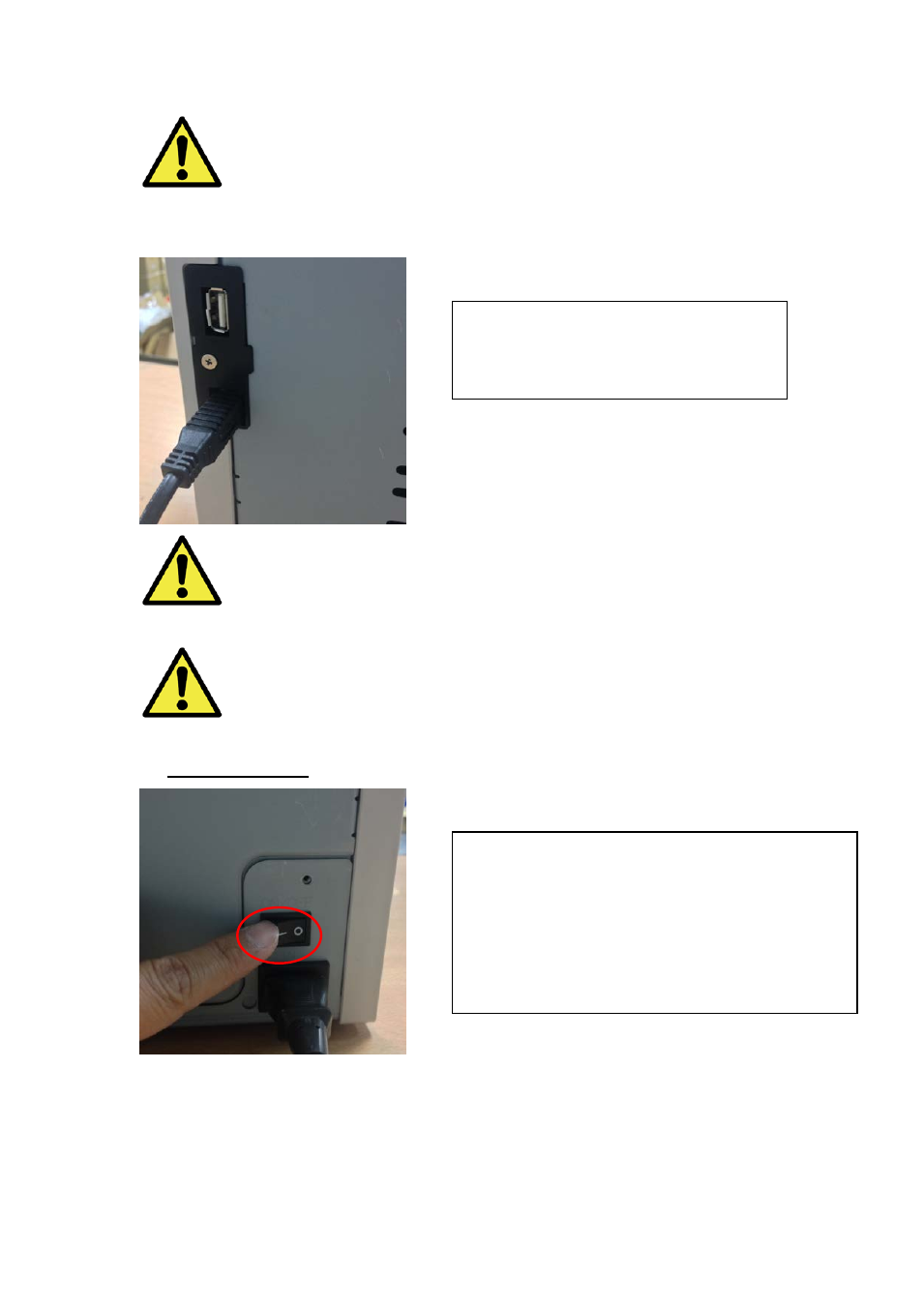
Connect the USB cable with printer and PC/laptop for further operation.
: Before removing the USB cable, please make sure the printer is finished
its internal operations.
: Removing the USB cable while data transferring printer may not be able
to print data correctly and it may cause waste.
◎
Operation Process
4.2 Connect USB cable with printer and
PC/laptop. USB A type for PC/laptop ;
USB B type for printer.
4.3 Power button:
Switch to “On” for starting on the printer.
*
Attention: Do not switch to “Off” while the
printing is still running
Advertising