Step three – organize – Honestech FOTOBOX Plus User Manual
Page 69
Advertising
69.
FOTOBOX™ PLUS
Step Three
– Organize
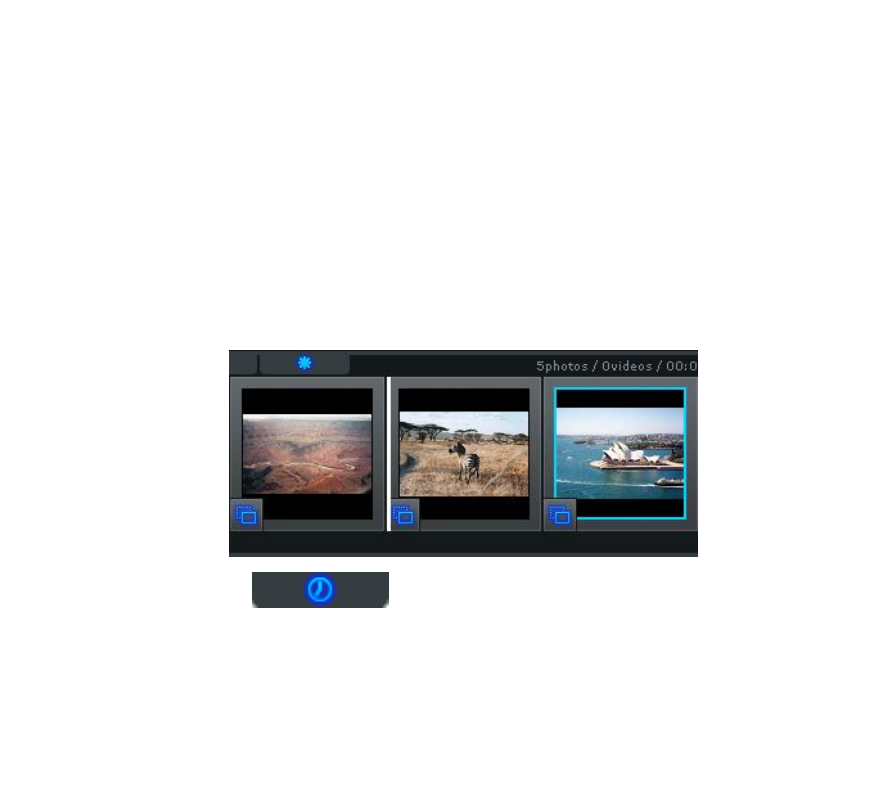
Once you have added all necessary photos and video clips to the
Storyboard, you can arrange them by dragging and dropping them to
the left or right.
A white highlight bar will appear between two slides indicating where
the moved slide will be placed.
Time
– Use the Time button to adjust the Photo Time
(slide duration), and Transition Time (duration between slides) for all
photo slides in the Storyboard.
Note: Video Clips will not be affected by any Photo or Transition Time
adjustments.
Advertising