Work frame window – Honestech Easy Video Editor 2.0 User Manual
Page 26
Advertising
26. honestech
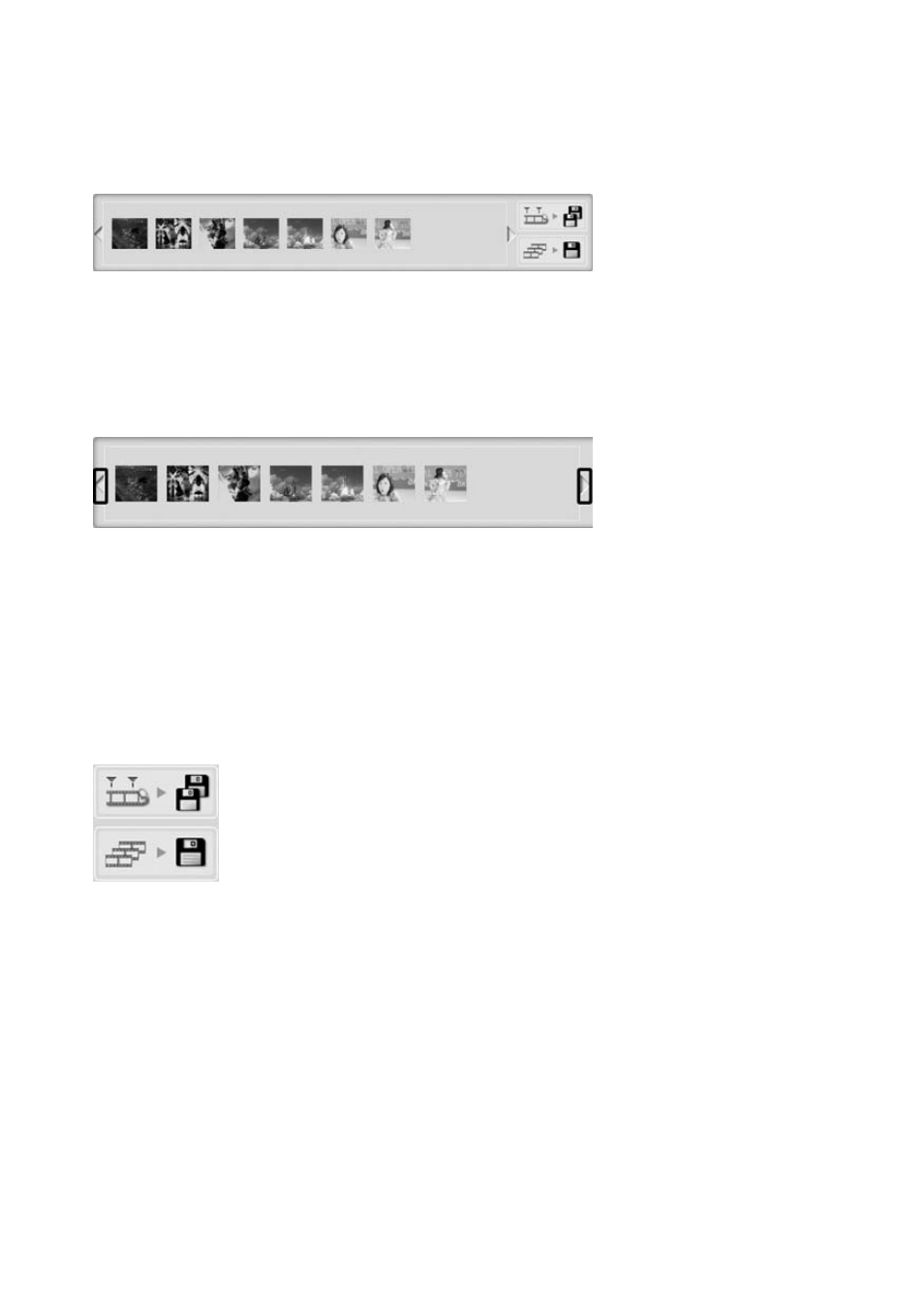
6.5. Work Frame Window
• Display
work
frames
•
Work Frame List window
• Recording
button
6.5.1. Work Frame List Window
1. Display Work Frame
•
Displays the frames you are currently working on
2. Move Frame Button
•
Move to the left side of the frame window
•
Move to the right side of the frame window
6.5.2. Recording Button
1. Split Save
•
Split the frame in the Working Frame window into separate files
2. Join Save
•
Merge all frames in the Working Frame window into one file
Advertising