Honestech Easy Video Editor 2.0 User Manual
Page 27
27. Easy Video Editor 2.0
6.5.2.1. Split Save
•
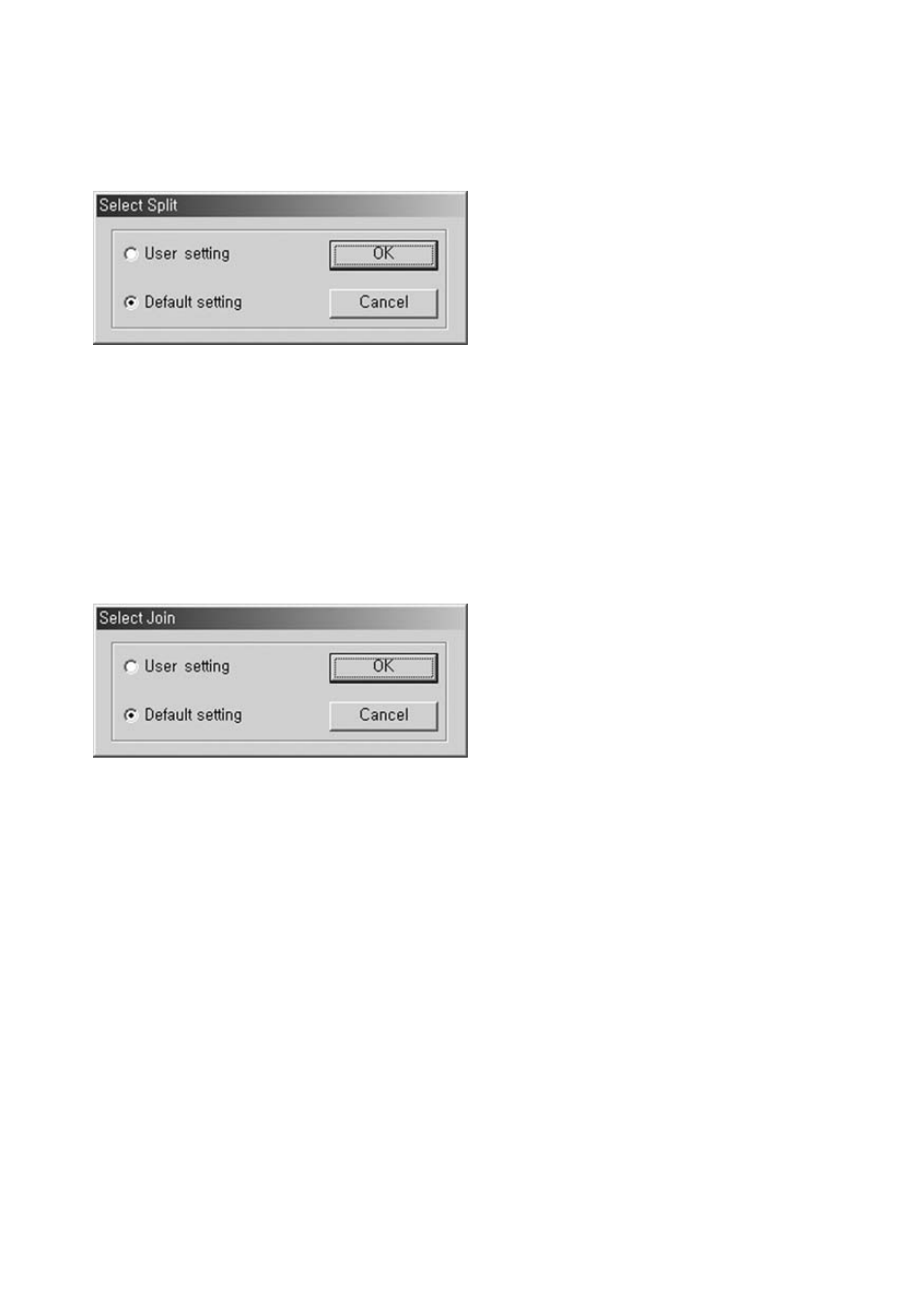
Select Split Save to save frames from the Working Frame window.
•
User setting: Manually configure output file format, audio/video setting, file location, and
file name. You have to make a selection whenever each file is saved with a desired
configuration.
•
Default setting: Split Save the output file information into separate files by applying the
input file or the frame information registered in the Current Frame window. This method
achieves a fast split-save without the need for constant user interaction.
6.5.2.2. Join Save
•
Select Join Save to create a single file of frames registered in the Working Frame window.
•
User setting: Manually configure output file format, audio/video setting, file location, and
file name.
•
Default setting: Join save on output file as one file. Use the first entered file or piece of
frame information. This method achieves a fast join-save without the need for constant
user interaction.
6.6. Output Format
1.
MPEG format
2.
DV-AVI format
3.
AVI format
4.
WMV format
6.6.1. MPEG Format
1.
Fast Rendering (GOP boundary)
2. Smart
Rendering
3. Rendering