Kip print pro user guide – KIP PrintPro User Manual
Page 10
Advertising
KIP Print Pro User Guide
No part of this publication may be copied, reproduced or distributed in any form without express written permission
from KIP. 2015 KIP. v1
- 10 -
Component
Function
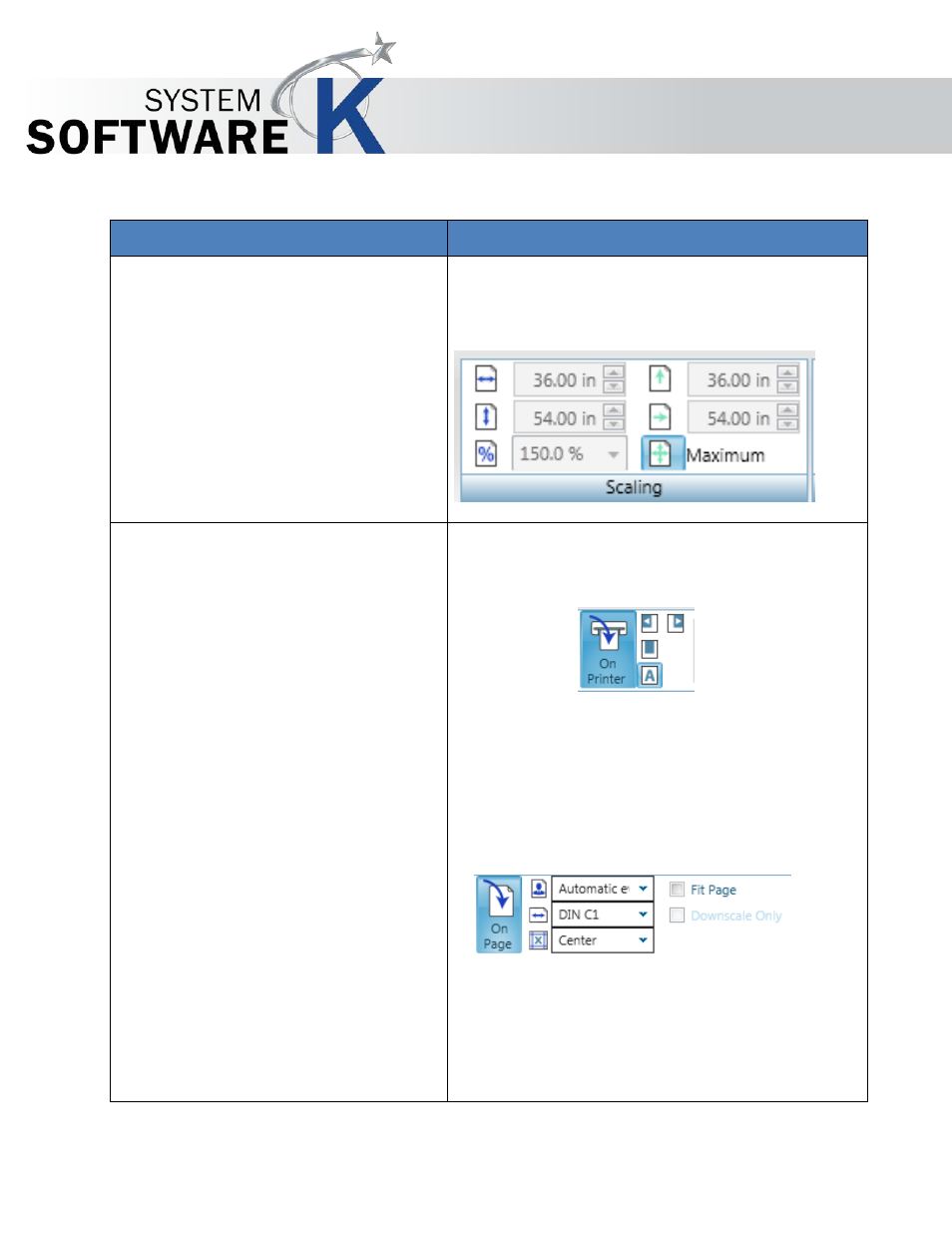
1. Scaling
•
Scale by Width
•
Scale by Height
•
Scale by Percentage
•
Scale by Short Edge
•
Scale by Long Edge
•
Scale by Maximum Size
Set Scaling parameters in English or metric mode.
Including:
2. Placement
•
On Printer
o
Automatic Mode
o
Align Left
o
Align Right
o
Center
•
On Page
o
Automatic Odd/Even
o
Preset Sizes
o
Multiple Preset
Locations
o
Fit To Page
o
Downscale Only
Select from
Advertising