O ipod cannot be played back – Marantz NR1605 User Manual
Page 224
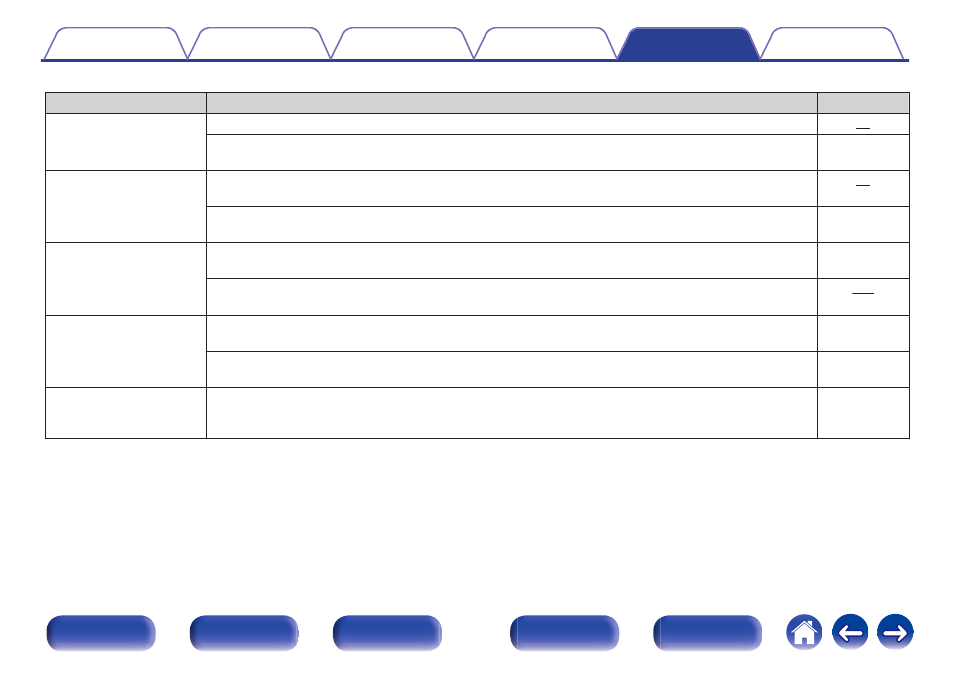
o iPod cannot be played back
Symptom
Cause / Solution
Page
iPod cannot be connected.
0
When using iPod by connecting it to the USB port, some iPod variations are not supported.
0
When iPod is connected by using a USB cable other than the genuine cable, iPod may not be
recognized. Use a genuine USB cable.
-
The AirPlay icon ' is not
displayed on iTunes /
iPhone / iPod touch / iPad.
0
This unit and PC / iPhone / iPod touch / iPad are not connected to the same network (LAN). Connect it to
the same LAN as this unit.
0
The firmware on iTunes / iPhone / iPod touch / iPad is not compatible with AirPlay. Update the firmware to
the latest version.
-
Audio is not output.
0
The volume on iTunes / iPhone / iPod touch / iPad is set to the minimum level. The volume on iTunes /
iPhone / iPod touch / iPad is linked with the volume on this unit. Set a proper volume level.
-
0
The AirPlay playback is not performed, or this unit is not selected. Click the AirPlay icon ' on the
iTunes / iPhone / iPod touch / iPad screen and select this unit.
Audio is interrupted during
the AirPlay playback on
iPhone / iPod touch / iPad.
0
Quit the application running in the background of the iPhone/iPod touch/iPad, and then play using
AirPlay.
-
0
Some external factors may be affecting the wireless connection. Modify the network environment by
taking measures such as shortening the distance from the wireless LAN access point.
-
iTunes cannot be played
back through the remote
control unit.
0
Enable the “Allow iTunes audio control from remote speakers” setting on iTunes. Then, you can perform
playback, pause, and skip operations through the remote control unit.
-
224