Programming, English, Programmed play – Marantz DR6000N User Manual
Page 18
15
ENGLISH
Clearing a program
1
11
1
1
Press
9
9
9
9
9
STOP (17, 68) if necessary to stop programmed
play.
2
22
2
2
Press
9
9
9
9
9
STOP (17, 68) again to clear the program.
➔
PROGRAM disappears from the display.
•
The program is also cleared if you open the disc tray.
Erasing a track from a program
1
11
1
1
In Stop mode press
PROG (72) on the remote control to
enter Program mode.
2
22
2
2
Use
Q
Q
Q
Q
Q
(19, 62) or
R
R
R
R
R
(18, 67) to select the track from
which to delete.
➔
The track number and program step will be shown on
the display.
3
33
3
3
Press
CANCEL/DELETE (10, 66) to erase the track from
the program.
➔
The remaining program steps and the remaining playing
time of the program will be displayed.
PROGRAMMING
The numbers between parentheses refer to the fold-out.
Programmed play
•
You can program up to 99 tracks to play in any desired se-
quence.
•
Tracks can be programmed more than once, but each time
counts as a track. (step)
Programming for playback
1
11
1
1
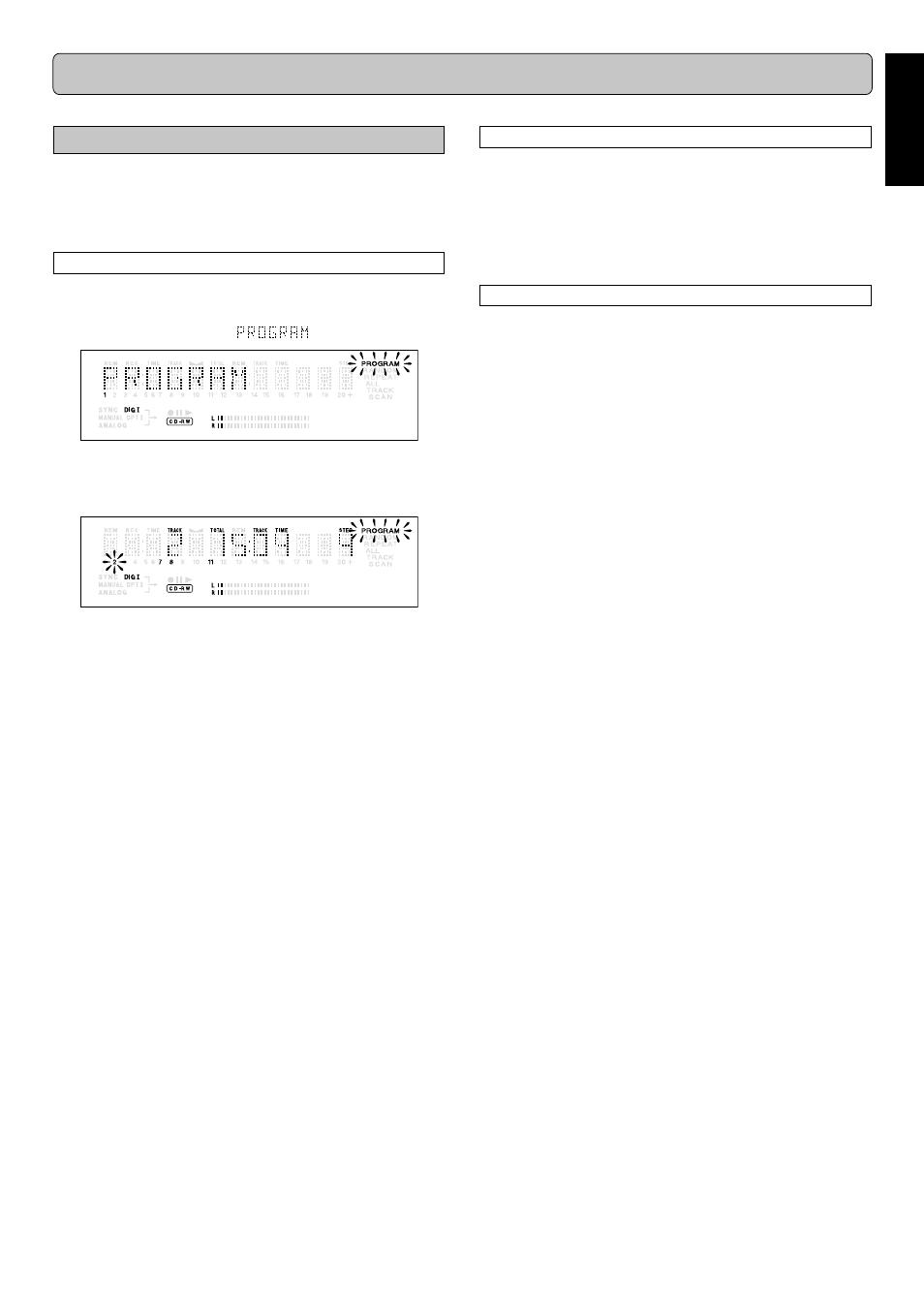
Press
PROG (72) on the remote control to enter Pro-
gram mode.
➔
PROGRAM flashes and
appears on the display.
2
22
2
2
Select the required track numbers by turning the
EASY
JOG (12) key left or right and store by pressing PUSH EN-
TER (12, 65).
or:
Key in a track number with the
NUMBER (57). For 2-digit
numbers, press the keys in rapid succession.
➔
The track will be stored in the program.
➔
The track number, total program time and the number of
programmed tracks (steps) are displayed.
3
33
3
3
Repeat step
2
22
2
2
for all tracks to be programmed.
4
44
4
4
Press
STOP (17, 68) or PROG (72) on the remote control
to end programming.
➔
PROGRAM lights continuously.
5
55
5
5
Press
2
2
2
2
2
/
;;;;;
PLAY/PAUSE (16, 60) to start programmed play.