MBM Corporation TRIUMPH 6655 User Manual
Page 18
Advertising
- 18 -
IDEAL 4855
•
IDEAL 5255
•
IDEAL 6655
A
+ =
+ =
+ =
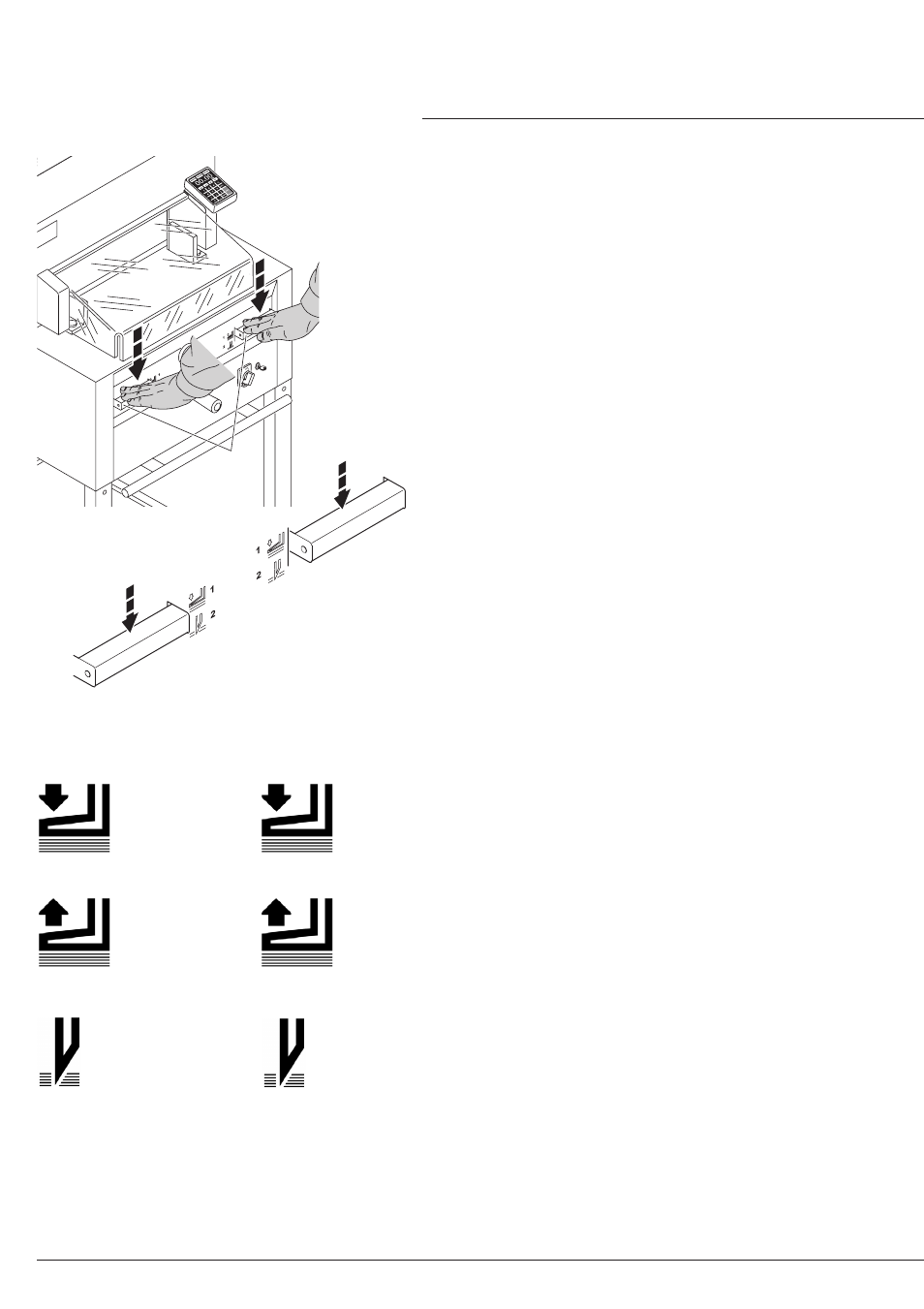
The clamp moves automatically when cutting
is activated.
The paper can also be pressed in advance.
Clamping and cutting is activated by the
actuators (A) on the front table.
•
Operation
•
Cutting sequence with automatic clamping
Press down both actuators to step 2
Clamp returns
Press down completely one of the actuators
Pre-clamping
Press down both actuators to step 1
The actuator has 2 switching steps:
1. pre-clamping
2. automatic clamping and cutting
Switch position 1
Switch position 2
Advertising
This manual is related to the following products: