Ac b – MBM Corporation TRIUMPH 6655 User Manual
Page 41
Advertising
- 41 -
A
C
B
•
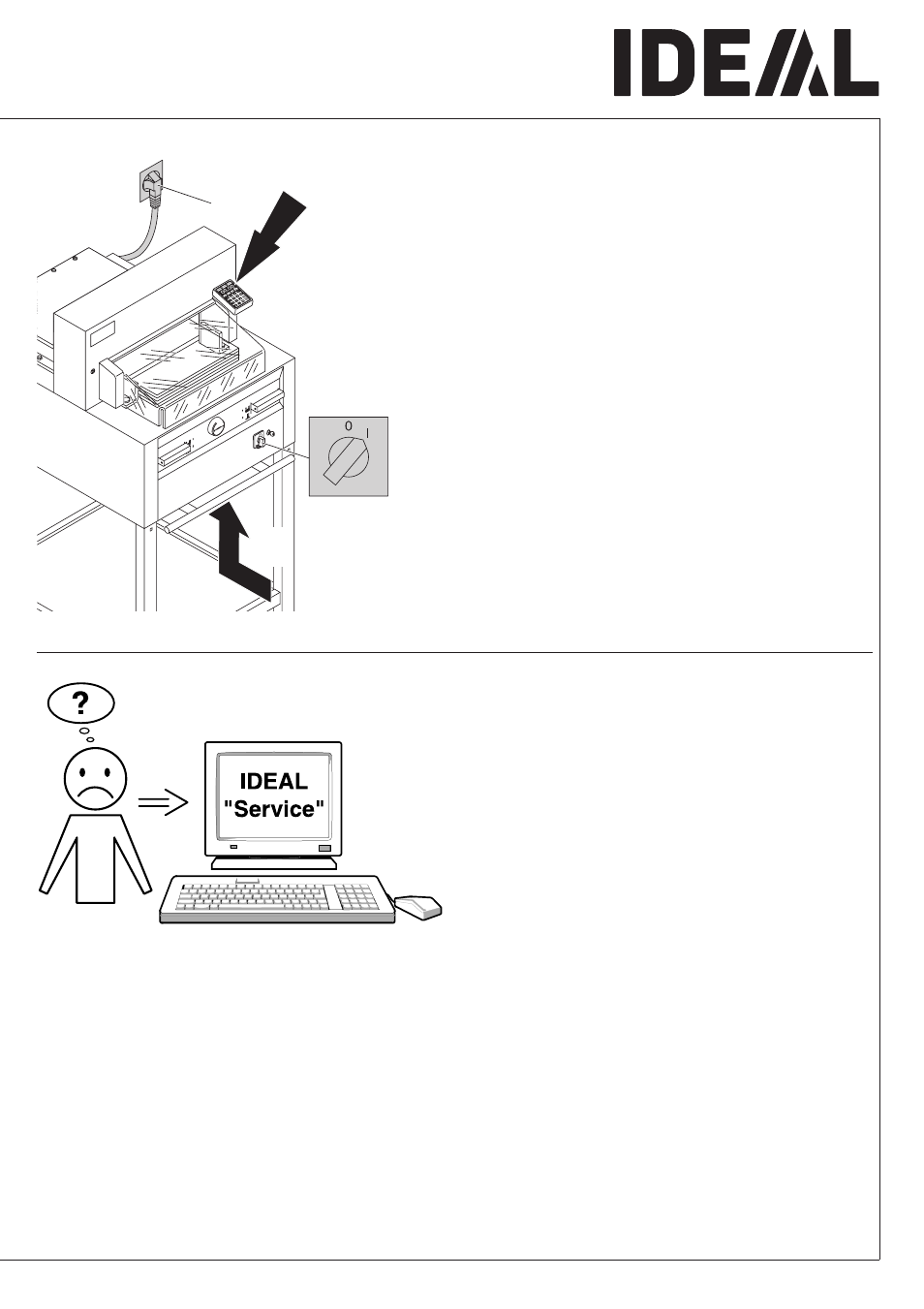
Possible malfuntions
•
Display illumination off
•
Machine is plugged in? (A)
•
Main switch on position "I"? (B)
•
Push in the safety button! (C)
•
Check the units fuse and the on-site circuit
breaker!
After 30 minutes the screen switches to
energy-saving mode
The screen is reactivated by touching the
keypad area
L
.
Motor runs but blade does not move
downwards.
•
Security brake has been activated!
Inform the Service Team!
None of the above mentioned methods
helped to solve the problem:
Contact Service Team under
•
www.ideal.de
"Service"
Advertising
This manual is related to the following products: