Save config, Hardware orientation – RGBLink VSP 729 User Manual
Page 38
Advertising
2.Hardware Orientation
VSP 729 Front Panel Keyboard Operation
VSP 729 User Manual 38
Pressing to make three image
;
Pressing to make three image
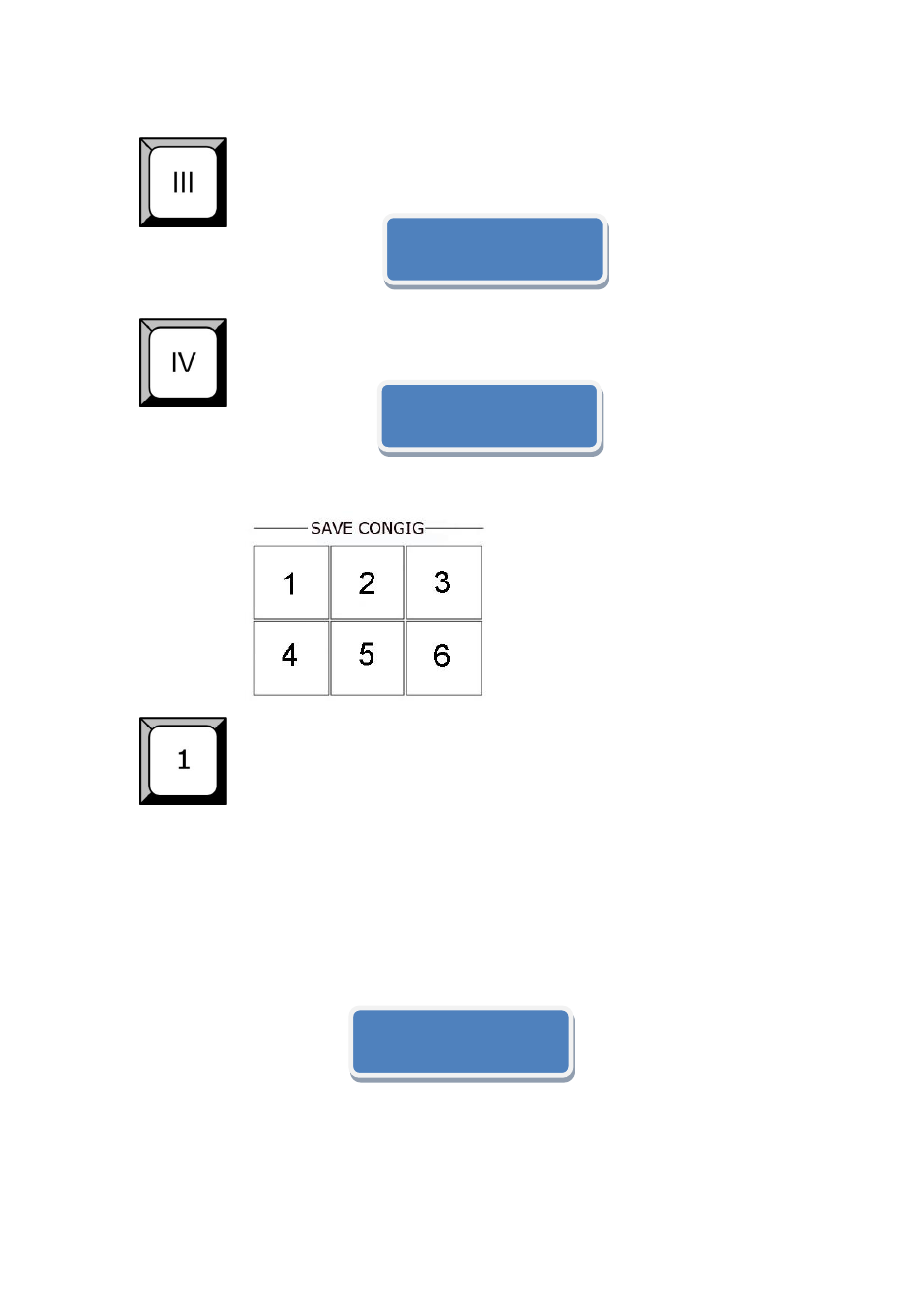
SAVE CONFIG
1: Save1
,Pressping the button to recall the saving parameters;
2: Save 2
,Pressping the button to recall the saving parameters;
3: Save 3
,Pressping the button to recall the saving parameters;
4: Save 4
,Pressping the button to recall the saving parameters ;
5: Save 5
,Pressping the button to recall the saving parameters;
6: Save 6
,Pressping the button to recall the saving parameters;
Setup 3PBP Mode:
Finished!
Setup 4PBP Mode:
Finished!
Load Setting From:
SVEV1 Finished!
Advertising
This manual is related to the following products: