RJS Verifier Computer Interface Report (VCIR) Removal Instructions User Manual
Page 2
Advertising
002-6511 A
VCIR 01/20/2012
Page 2
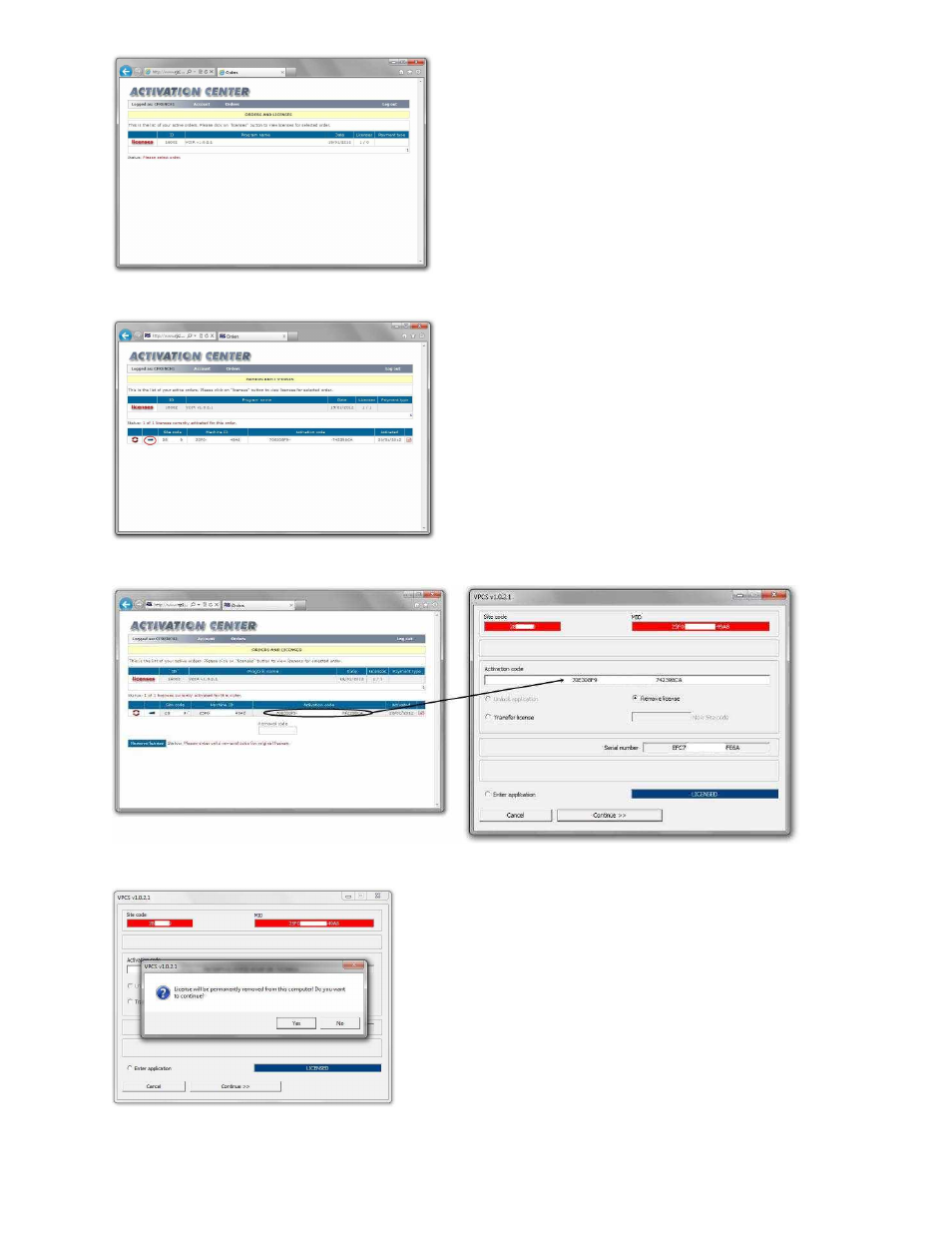
Step 4
–
Click on the Licenses link
Step 5
–
Click the Rectangle symbol (highlighted in the red circle below)
Step 6
–
Copy the Activation Code from the Activation Center to the VCIR program
Step 7
–
Click the Continue button on the VCIR program
Step 8
–
Click the Yes button to remove the license from the VCIR program
Advertising