Starting a new file while continuing to record, Manually starting a new file during recording, 4 – recording – Tascam DR-08 User Manual
Page 58
58
TASCAM DR-08
2 Press the
REC
key to start recording.
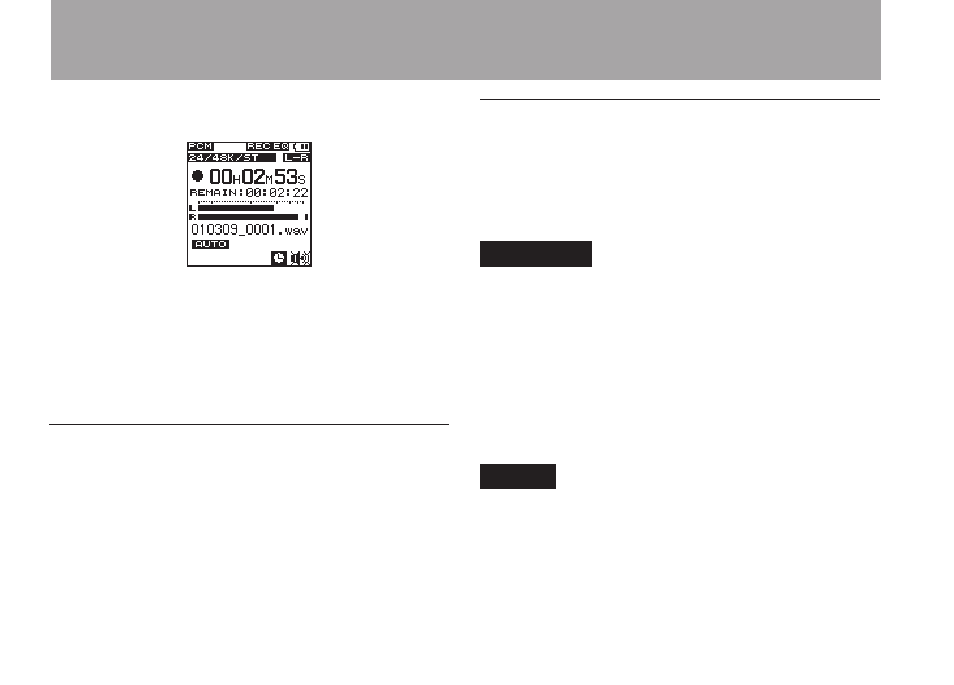
When recording starts, the
REC
indicator
lights, and the elapsed recording time and the
remaining recording time are shown on the
display.
3 Press the ª
STOP
key to end recording.
Starting a new file while continuing to
record
With this unit, the maximum recording file size
is 2 GB. If the file size reaches 2 GB while
recording, the unit automatically continues
recording in a new file and stops recording the
current file.
Manually starting a new file during
recording
You can manually create a new file during
recording at any time. Press the
REC
key during
recording create a new file and continue recording.
CAUTION
If the total number of folders and files would
•
exceed 999, a new file cannot be created.
A new file cannot be created if the recording time
•
is less than 2 seconds.
If the newly created file would have the same
•
name as an existing file, the numerical suffix is
increased by one as many times as necessary until
a unique name is created.
NOTE
When a new file is created, the number at the
•
end of the file name is increased by one.
Recording times are different for the same file
•
size depending on the file format. In addition, if
4 – Recording