Welltech SIPIVR 6800GS V.2.1 User Manual
Page 29
28
Menu Description:
• File Menu
Load Sub Flow: Load the flow that belonged to this flow.
Exit: Quit the system
• Edit Menu
Run: Start to execute the call flow for the debug channel.
Step: This function is used to step by step execute a component at once.
Pause: Pause the call flow
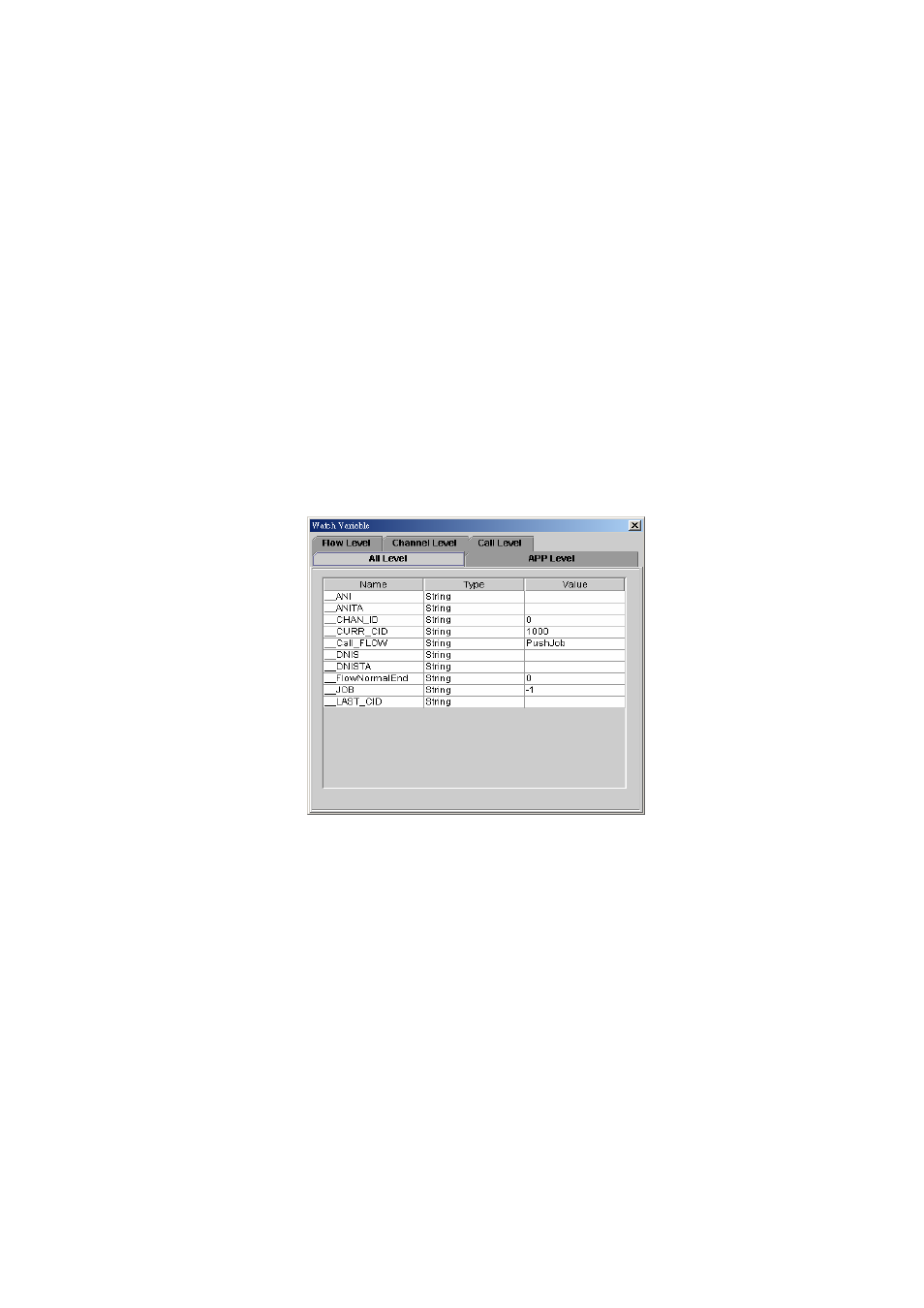
Edit/Watch Variable:
Select Edit/Watch Variable from the Edit menu and Watch Variable
screen will display as figure 2.1-39. This function is used to view or
modify the system variable.
All Level: All variable include system. Application call flow channel
and channel and call level variables.
APP Level: Application level variables.
Flow Level: Call flow level variables.
Channel Level: Channel level variables.
Call Level: Call level variables.
Figure 2.1-39
Snap to Grid: Automatically align the icon with grid line or not.
Clear Message: Clear message.
• Search Menu
The "Search" pull down menu includes these functions:
Find: Search component by component ID or component type.
• View
Zoom: Zoom in and zoom out to make your call flow diagram larger or
smaller.
View Grid: Toggle on/off the gridlines.
Debug Message: Display the debug information.
• Grid
Set the grid size.
• Window
Jump between opened call flows by selecting another call flow from the
menu.