Grounding the wireless switch – H3C Technologies H3C WX3000E Series Wireless Switches User Manual
Page 27
Advertising
18
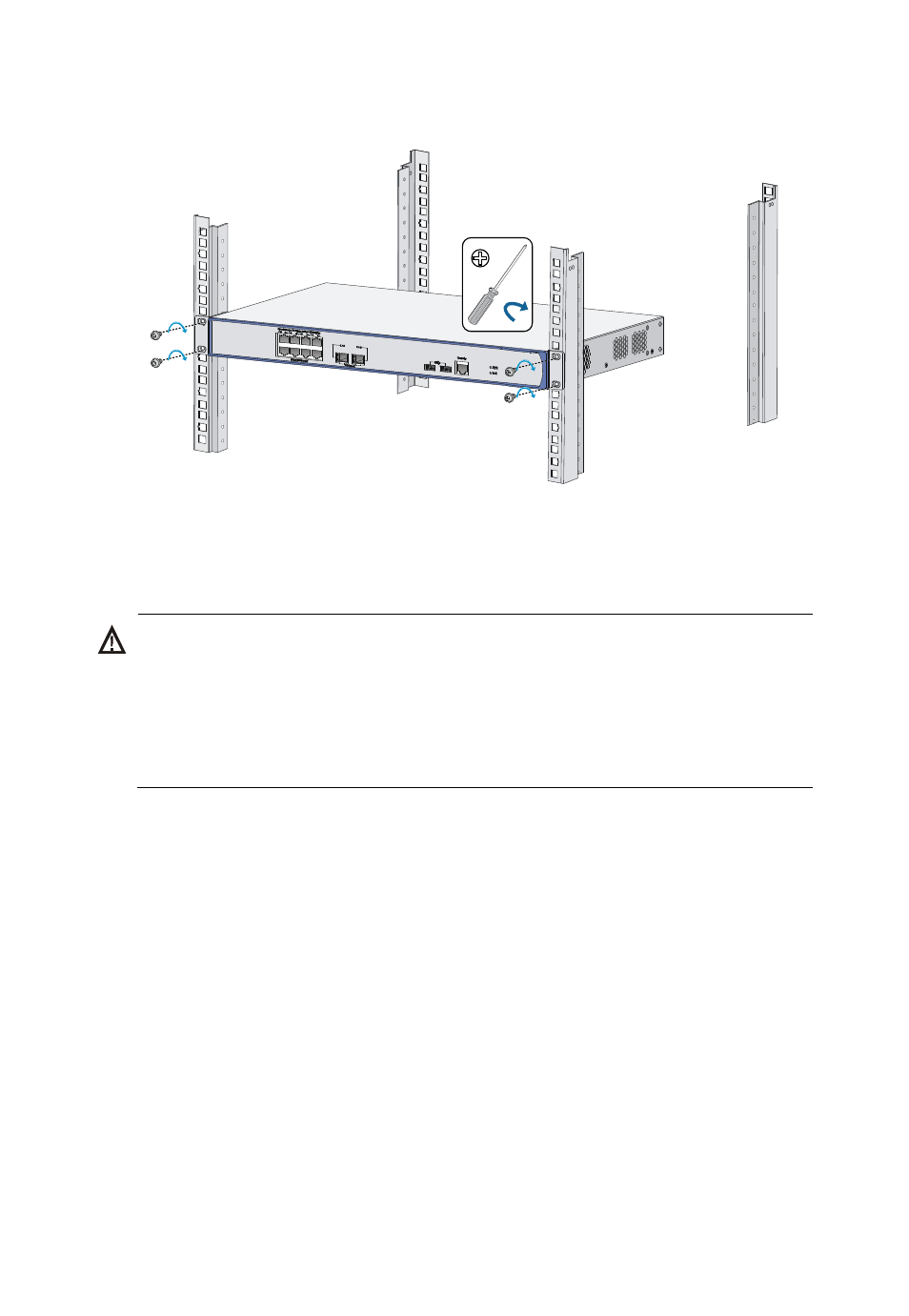
Figure 10 Attaching the wireless switch to the rack
Grounding the wireless switch
WARNING!
•
Correctly connecting the wireless switch grounding cable is crucial to
lightning protection and EMI protection.
•
Do not connect the wireless switch grounding cable to a fire main or
lightning rod.
You can ground the wireless switch in one of the following ways,
depending on the grounding conditions available at the installation site:
•
Grounding the wireless switch with the grounding terminal on the chassis
(recommended)
•
Grounding the wireless switch with a grounding conductor buried in the
earth ground
•
Advertising
This manual is related to the following products: