Configuration procedure, N in, Figure 103 – H3C Technologies H3C WX3000E Series Wireless Switches User Manual
Page 222
210
Configure the following optimization features on AP 1:
•
Reject wireless clients with low RSSI
•
Ignore weak signals
•
Enable traffic shaping based on link status
•
Enable fair scheduling
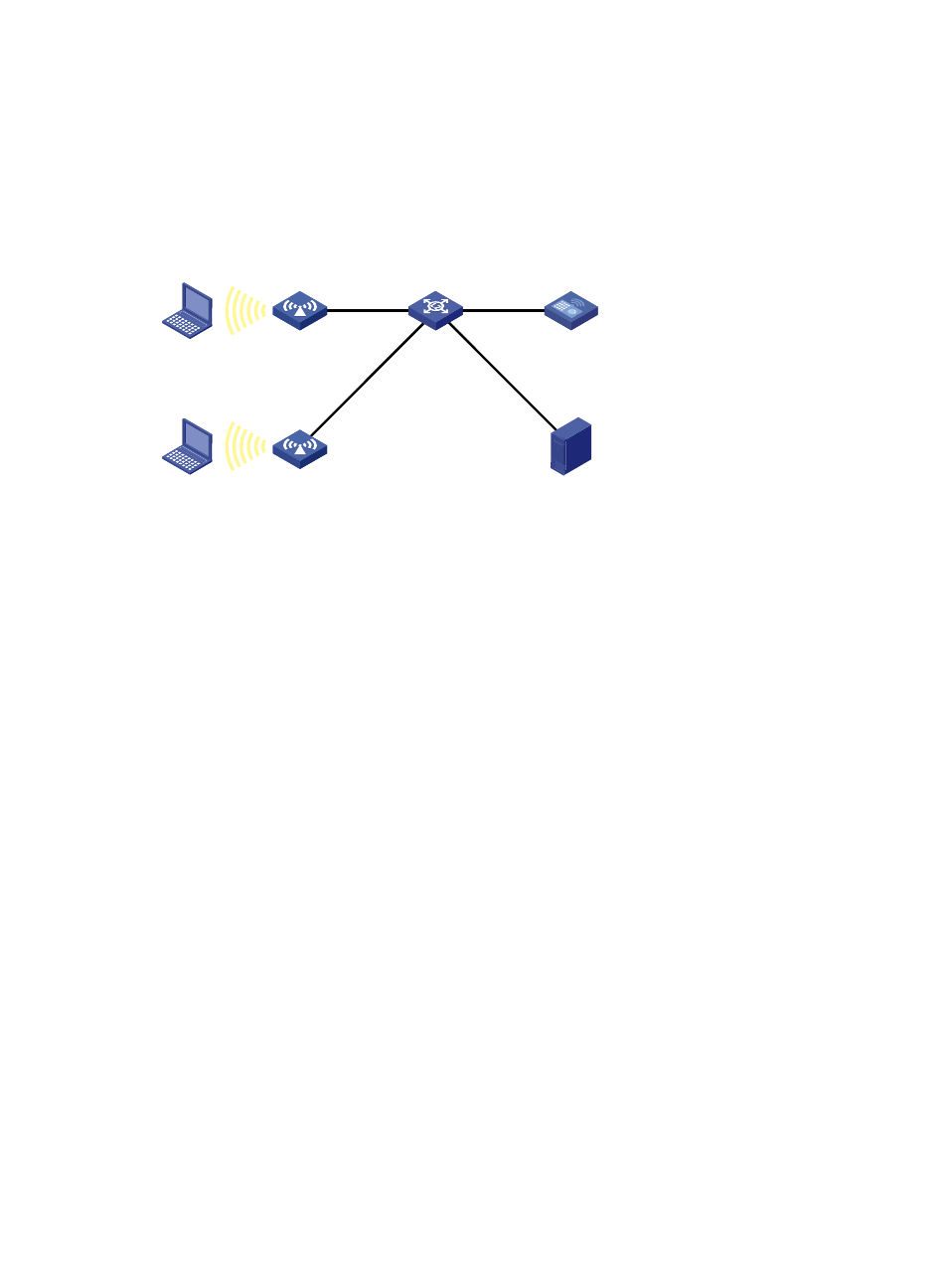
Figure 103 Network diagram
Configuration procedure
1.
Configure IP addresses and masks for devices as shown in
. (Details not shown.)
2.
Configure the AC:
Configure a WLAN service. For more information about WLAN service configuration, see
"Configuring WLAN services." The following configures a clear-type WLAN service.
# Add interface WLAN-ESS 1 to VLAN 100.
<AC> system-view
[AC] interface WLAN-ESS 1
[AC-WLAN-ESS1] port access vlan 100
[AC-WLAN-ESS1] quit
# Create clear-type service template 1, specify its SSID as Clear-Test, bind the template with
WLAN-ESS1, and enable the template.
[AC] wlan service-template 1 clear
[AC-wlan-st-1] ssid Clear-Test
[AC-wlan-st-1] bind WLAN-ESS 1
[AC-wlan-st-1] service-template enable
[AC-wlan-st-1] quit
3.
Create a configuration file named aplocalrule.txt for AP 1:
# The configuration file contains the following settings.
wlan option client-reject 15 //Reject clients with RSSI lower than 15
wlan option signal-ignore 15 //Ignore signals weaker than 15
wlan option traffic-shaping enable //Enable traffic shaping based on link status
wlan option fair-schedule enable //Enable fair scheduling
4.
Configure the APs:
# Create AP template ap1 with the model as WA2100, specify the serial ID as
210235A29G007C000020, and bind the configuration file aplocalrule.txt to AP 1.
[AC] wlan ap ap1 model wa2100
L2 Switch
AC
10.10.1.1/24
DHCP server
10.10.1.2/24
AP 1
AP 2
Client 2
Client 1
- H3C WX5500E Series Access Controllers H3C WX3500E Series Access Controllers H3C WX2500E Series Access Controllers H3C WX6000 Series Access Controllers H3C WX5000 Series Access Controllers H3C WX3000 Series Unified Switches H3C LSWM1WCM10 Access Controller Module H3C LSUM3WCMD0 Access Controller Module H3C LSUM1WCME0 Access Controller Module H3C LSWM1WCM20 Access Controller Module H3C LSQM1WCMB0 Access Controller Module H3C LSRM1WCM2A1 Access Controller Module H3C LSBM1WCM2A0 Access Controller Module H3C WA3600 Series Access Points H3C WA2600 Series WLAN Access Points