Configuration procedure – H3C Technologies H3C SecBlade FW Cards User Manual
Page 40
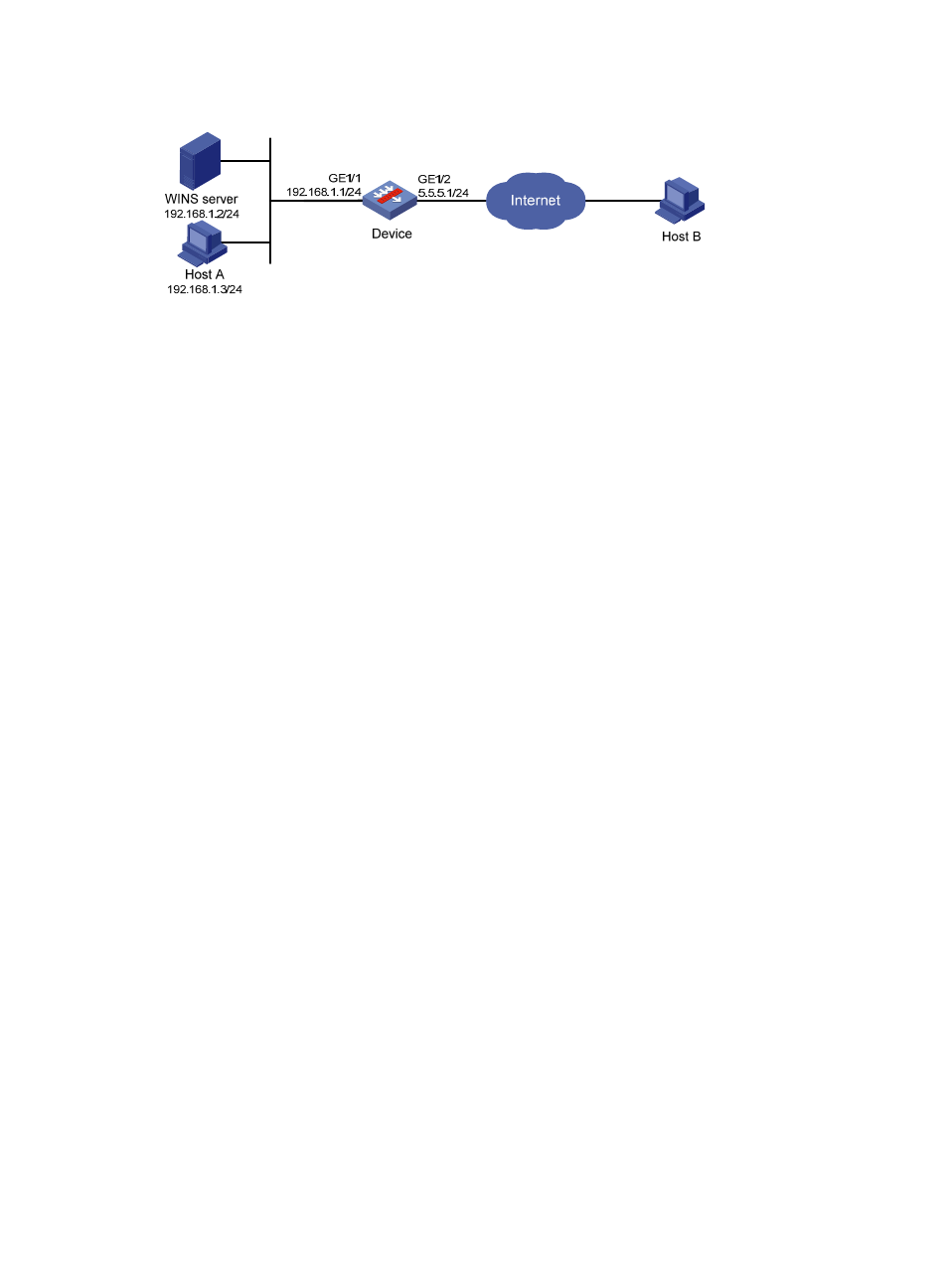
33
Figure 23 Network diagram for NBT ALG configuration
Configuration procedure
1.
Configure ALG.
# Configure NBT ALG. (By default, the NBT ALG function is enabled, and thus this step can be omitted.)
•
Select Firewall > ALG from the navigation tree.
•
Select nbt in the Optional Application Protocols list and click the << button.
•
Click OK.
2.
Configure static NAT and the internal server.
# Configure a static address mapping.
•
Select Firewall > NAT > Static NAT from the navigation tree. In the Static Address Mapping area,
click Add.
•
Type 192.168.1.3 as the internal IP address.
•
Type 5.5.5.9 as the global IP address.
•
Click Apply.
# Configure static NAT for interface Ethernet1/2.
•
In the Interface Static Translation area, click Add.
•
Select GigabitEthernet1/2.
•
Click Apply.
# Configure the internal WINS server.
•
Select Firewall > NAT > Internal Server from the navigation tree. Then in the Internal Server area,
click Add.
•
Select GigabitEthernet1/2.
•
Select 17(UDP) as the protocol type,
•
Type 5.5.5.10 as the external IP address.
•
Type 137 as the global port.
•
Type 192.168.1.2 as the internal IP address.
•
Type 137 as the internal port.
•
Click Apply.
•
In the Internal Server area, click Add.
•
Select Ethernet1/2.
•
Select 17(UDP) as the protocol type,
•
Type 5.5.5.10 as the external IP address.