Grass Valley Cobalt v.1.14 User Manual
Page 29
Advertising
Cobalt User Manual- document version: 3.0 – Page 29
9.4.8
Activating and deactivating Rules
Rules are added to the Rules list in Format Control. Use numbers to assign priority (the order
in which Rules are applied for a Channel), with 0 being the highest priority. If no number is
assigned (the priority field is empty) the Rule is not applied.
To set priority, right-click the priority field for the Rule and Channel. .
Use the arrows to set the rule you want to activate.
Example.
Set Rules you want to deactivate to - (empty priority field).
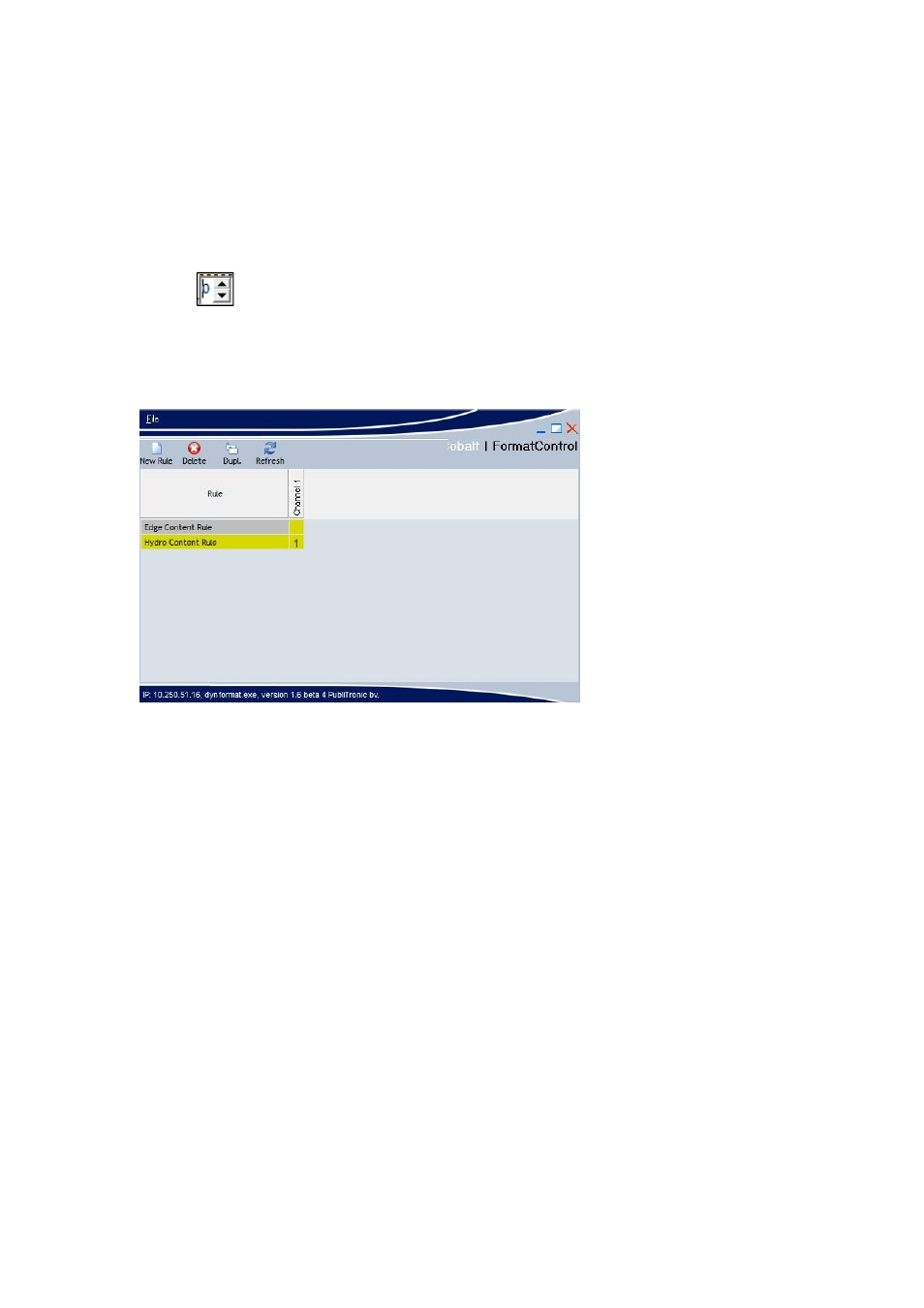
Example with the Edge Content Rule deactivated for Channel1 and the Hydro Content Rule
activated with priority 1.
Advertising